#shortcut for 60he
15 messages · Page 1 of 1 (latest)
 karmic linden
 sage mesaBOT
karmic linden
Hi whats the shortcut for taking a screenshot of your screen with the woothing 6...
sage mesaBOT
karmic linden
Hi whats the shortcut for taking a screenshot of your screen with the woothing 6...
Thanks for posting your support request!
Note: #community_support is only for answering general questions and for troubleshooting.
All order-specific and shipment-specific support must be handled via the Wooting Hub or via email to [email protected]
(You need to create an account on the Wooting Hub, using the same email address as your purchase. The account is not created for you automatically!)
Troubleshooting your Wooting Keyboard? Try these steps first!
Basic Troubleshooting
Questions about shipping, or what to do if your shipment has a problem?
Possible Problems During Shipping (with Solutions)
Looking for information about your specific order?
You can find that on the Wooting Hub! There you can also add upgrades, update your shipping address, and much more.
Is your order about to ship and you need to pause it for any reason?
Place it on hold via the Wooting Hub!
Do you need to...
- Cancel / refund an order?
- Get assistance with placing an order?
- Change the items in your order?
- Change your shipping address to a different country?
- Return a recent purchase?
- Get warranty support?
All of these types of requests need to be made via the Wooting Hub or by emailing [email protected] directly!
 fierce oasis
FN + Tab
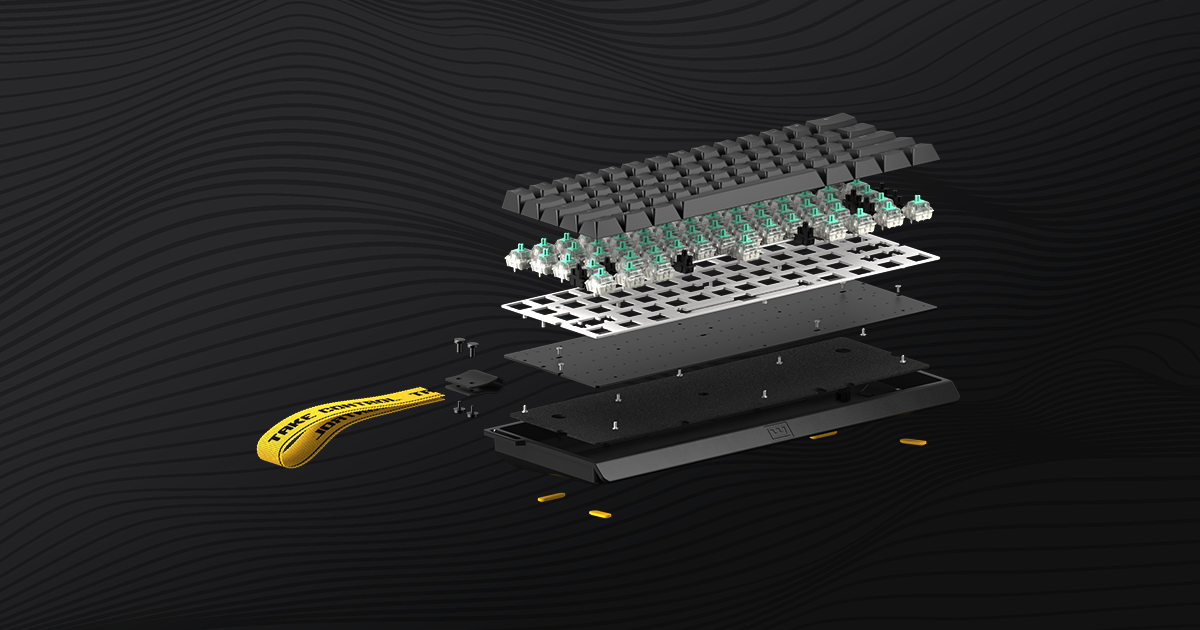
Get to know your new 60% keyboard. This guide will run you through the basics, and get you up to speed.
karmic linden
fierce oasis
FN + Tab
yea is there a way to do it without using sniping mode
fierce oasis
sniping mode?
you mean taking a screenshot without going into an FN layer?
Win, Shift, S
karmic linden
nah not that i mean to take a screenshot without getting the menu up every time
fierce oasis
well, in that case there's no other way unless you wanna remap the print key
karmic linden
to what
karmic linden
yea but it wouldent take a screen shot if i dont go into the menu or?
fierce oasis