#keyboard issue
6 messages · Page 1 of 1 (latest)
 indigo pond
 sour nightBOT
indigo pond
how long does it take for support to reach back out via email? my keyboard keeps...
sour nightBOT
indigo pond
how long does it take for support to reach back out via email? my keyboard keeps...
Thanks for posting your support request!
Note: #community_support is only for answering general questions and for troubleshooting.
All order-specific and shipment-specific support must be handled via the Wooting Hub or via email to [email protected]
(You need to create an account on the Wooting Hub, using the same email address as your purchase. The account is not created for you automatically!)
Troubleshooting your Wooting Keyboard? Try these steps first!
Basic Troubleshooting
Questions about shipping, or what to do if your shipment has a problem?
Possible Problems During Shipping (with Solutions)
Looking for information about your specific order?
You can find that on the Wooting Hub! There you can also add upgrades, update your shipping address, and much more.
Is your order about to ship and you need to pause it for any reason?
Place it on hold via the Wooting Hub!
Do you need to...
- Cancel / refund an order?
- Get assistance with placing an order?
- Change the items in your order?
- Change your shipping address to a different country?
- Return a recent purchase?
- Get warranty support?
All of these types of requests need to be made via the Wooting Hub or by emailing [email protected] directly!
 agile umbra
Cop/paste my response hopefully this resolve the problem
In most cases, phantom presses tends to occur when the keyboard is not receiving the necessary power to function correctly or from other factors i have provided a list of a few points to check below that may resolve the problem.
There is also have a YouTube video on the subject Link: Wooting Keyboard Pressing Random Keys? Try this
(Checking if it is Power-Related)
-
Lowering the keyboard's Global brightness to 0%
LEDs are the main power draw of our keyboards lowering the brightness to 0% can help determine if this is power-related -
Attempt to use a differing USB port in case the current one is not supplying a Stable Voltage
I would recommend trying a USB 3.X port as these can have a dedicated power rail and be color-coded blue to help identify them -
A different USB-C cable, the shorter the better
In some cases, the USB-C cable may have issues providing the necessary power to the keyboard
(Wootility Settings)
If "Tachyon mode" is currently enabled Attempt to disable the option and see if there is any change
- In some cases, Tachyon mode may introduce some stability issues
(External factors)
As the keyboards use Hall sensors to determine the position of the switches, these can be sensitive to external interference such as "EMI" or "Magnets"
-
"Magnets" that are Near or below to the keyboard or if the keyboard is resting on a surface that can be magnetized, such as a metal desk, have been known to interfere with the keyboard's sensors
-
"EMI" (Electromagnetic Interference) sources can originate from various electrical devices located close to or beneath the keyboard. Common sources include:
-
laptops, monitors, Phones, Wireless chargers, Signal sources such as WiFi
If either situation applies to you, simply raise and hold the keyboard away from the current location replug it, and see if the problem persists just to check if this is the cause
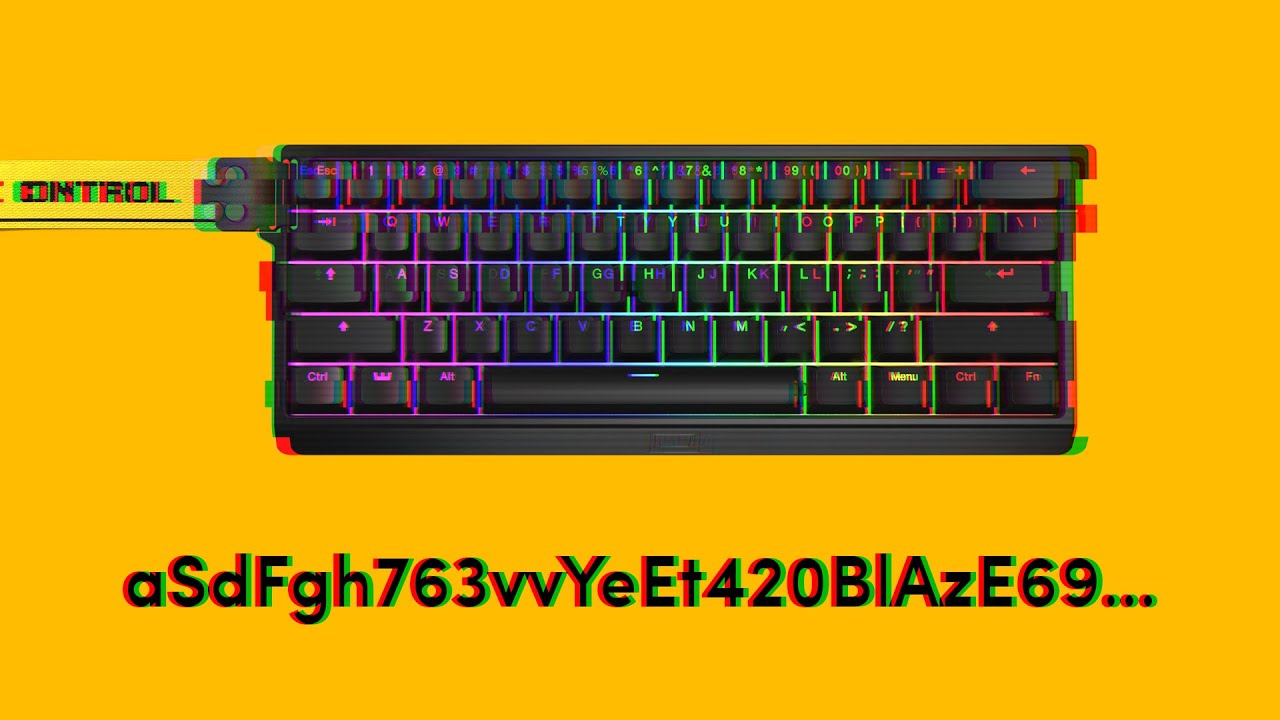
If you are experiencing your keyboard pressing random keys and opening programs, then you came to the right video. The issue is usually caused by an instable amount of voltage entering the board. Follow along to see what you can do about it.
➤ Follow our socials!
🧑🤝🧑 Discord https://wooting.io/discord
🐤 Twitter https://www.twitter.com/wooting...
Also, if the phantom presses are isolated to the right side of the keyboard, as shown in the image below, it could indicate a different problem and require a different solution.
If that is the case, reply back, and I will provide a related guide.
(a heads up may take awhile to respond as it is currently 6am here and i need sleep)
 indigo pond
i’m going to try low brightness (20%) with tachyon mode on, it only happens when that option is turned on and my brightness was as 100%
indigo pond
it works now, i connected it directly to my pc, lowered the brightness 20%. no issues atm, hopefully it stays that way 🙏🏼🙏🏼