#juice
67 messages · Page 1 of 1 (latest)
 sweet cloak
 broken owlBOT
Thanks for posting your support request!
Please note, the support center is only for community-based support with technical troubleshooting and general questions.
For official Wooting Customer Support, please use the Contact Us button on the Wooting Hub or email your request to [email protected]
note: use the email address associated with your order for fastest resolution
Looking for information about your specific order?
You can find that on the Wooting Hub! There you can also add upgrades, change/confirm your shipping address, and much more.
Is your order about to ship and you need to pause it for any reason?
Place it On Hold via the Wooting Hub!
https://hub.wooting.io
 surreal vector
You will have to clean PCB - once you disassemble the keyboard (2HE - https://www.youtube.com/watch?v=mj66YesiJJk, 60HE - https://www.youtube.com/watch?v=wRVnK958Tdk) I'd recommend using IPA (isopropyl alcohol, you should be able to get it at local pharmacy/tech store) with cotton swabs to clean the board well
And I'd recommend to do it as soon as you can, pretty much all juices are acidic, and that may/will cause corrosion on the PCB

This tutorial will guide you how to swap the PCB on the Wooting Two HE.
Did your PCB break, and you don't have a replacement? Contact us at [email protected]
➤ Follow our socials!
🧑🤝🧑 Discord https://wooting.io/discord
🐤 Twitter https://www.twitter.com/wootingkb
📸 Instagram https://www.instagram.com/wootingkb
🎥 Twitch https://www.twitch.tv/wo...

Following along in this tutorial to see how you can easily replace your Wooting 60HE PCB.
Did you break your 60HE PCB? Contact us over at [email protected]
➤ Follow our socials!
🧑🤝🧑 Discord https://wooting.io/discord
🐤 Twitter https://www.twitter.com/wootingkb
📸 Instagram https://www.instagram.com/wootingkb
🎥 Twitch https://www.twitch.tv/woot...
sweet cloak
surreal vector
You will have to clean PCB - once you disassemble the keyboard (2HE - https://ww...
i need to do everywhere?
on pcb 2?
surreal vector
Yeah, I would recommend to clean the whole PCB, just to be safe
sweet cloak
surreal vector
Yeah, I would recommend to clean the whole PCB, just to be safe

Juice spilled on the SteelSeries Apex 5 keyboard. In the video we show to how open the keyboard and clean the juice off the board and switches.
like this?
also when i press on some buttons the switch stays down and like i click 1 time A but i have AAAAAAAAA
surreal vector
Yeah, that's one way to do this
Just two buts - don't use hair dryer to dry the keyboard, alcohol dries pretty fast by itself, and there's less risk of damaging the components; and also if you want to use a toothbrush, make sure you're using a soft one
In case when your switches stay down physically when pressed it may also be necessary to disassemble, clean and lube the switches again
Otherwise only cleaning the keyboard might solve the problem
sweet cloak
so only alcohol to clean ?'
sweet cloak
surreal vector
Yeah, that's one way to do this
Just two buts - don't use hair dryer to dry the ...
but where put alcohol , like toothbrush or something else
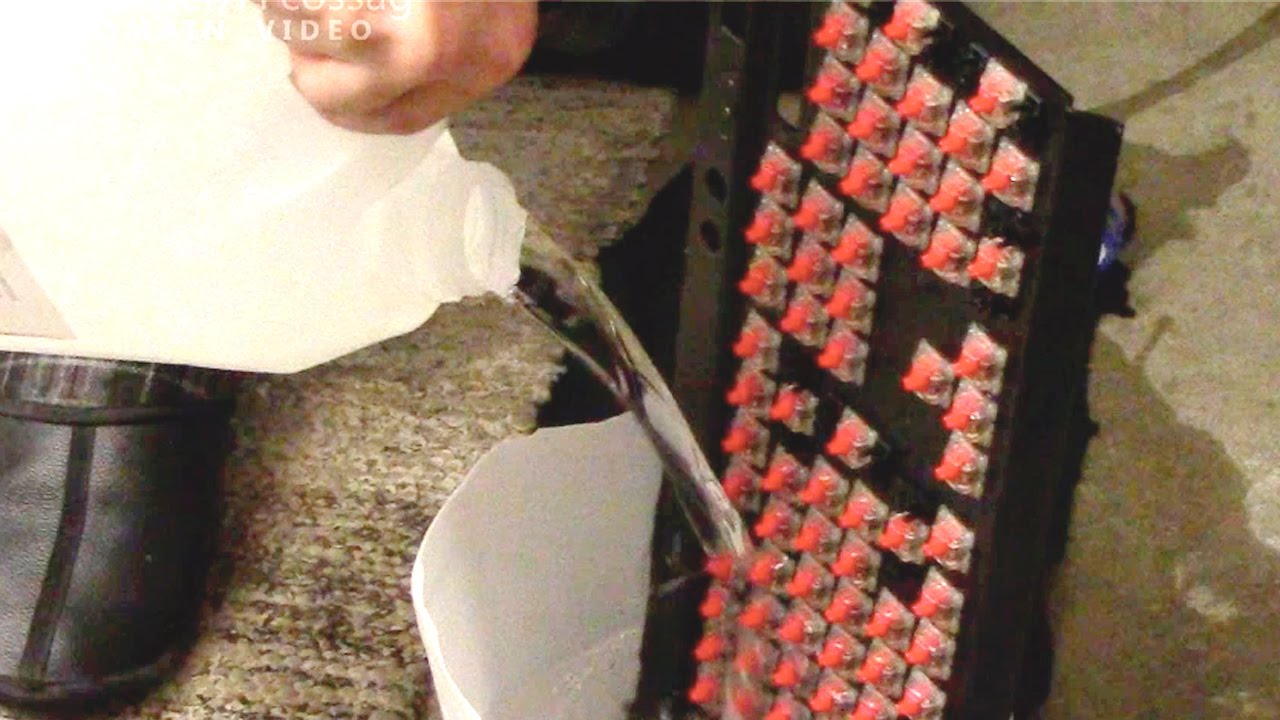
Cleansing out a sticky and nasty MX Red-equipped Corsair K70 gaming keyboard using a solution of a few litres of distilled water and about 2 dl of isopropyl alcohol.
A few of the switches had a bit of a tendency to stick (electrically, not mechanically) for a little while after putting it to use, but a little bit of contact cleaner sprayed into...
surreal vector
I'd advice against using water on anything else than keycaps, plate and case by themselves, after you fully disassemble the keyboard, you can also refer to this video https://www.youtube.com/watch?v=7-52JsgdvsA
As for where to put alcohol, then I usually dip swabs/toothbrush in alcohol and clean it like that
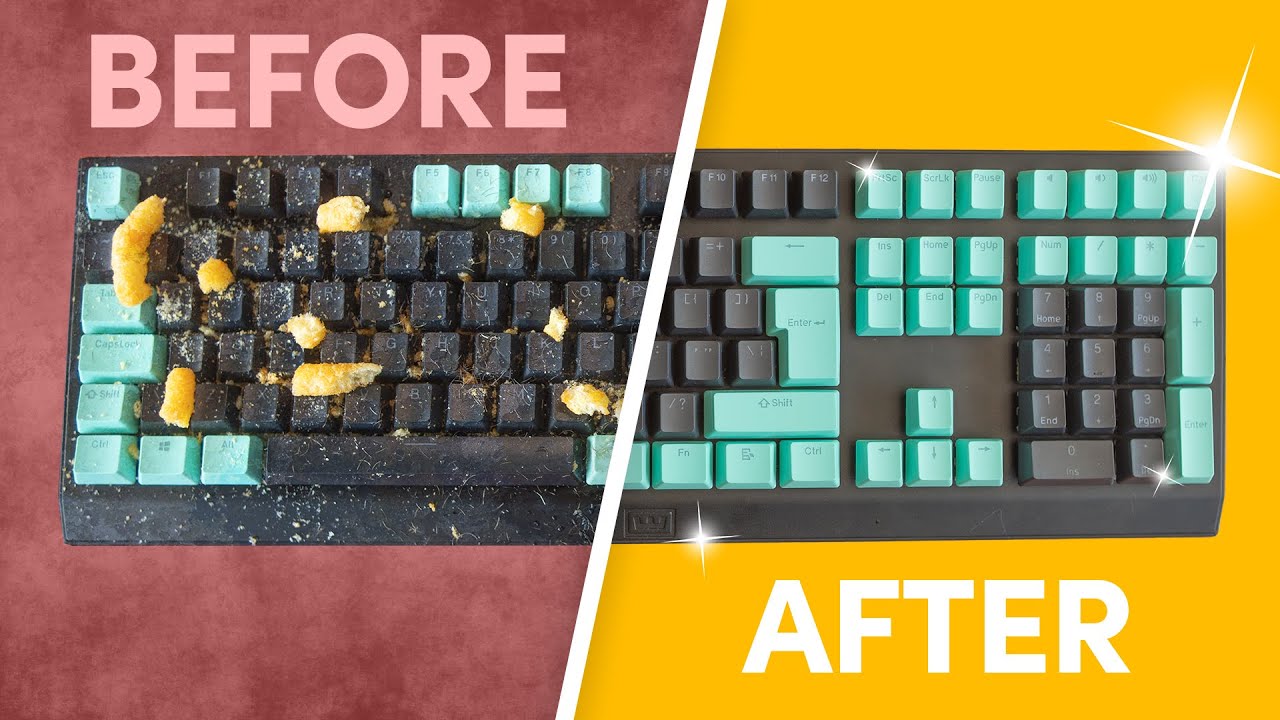
Time to get that mechanical keyboard cleaned up! In this tutorial, Sander explains all the steps and the best thing of it all is… only household items are required!
Keyboard used in video (Wooting Two HE): https://next.wooting.io/wooting-two-he
➤ Follow Wooting online: https://links.wooting.io/?id=VYzZf
➤ Wooting Socials
Twitter: https://twi...
 surreal vector
Yes, in a pinch you can also do that, and use keycaps and case from your current keyboard
sweet cloak
surreal vector
Yes, in a pinch you can also do that, and use keycaps and case from your current...
better l60 or l45 cause i have l60 now
and case i already have so its not a problem if the case is sticky?
surreal vector
Once you clean your case with soapy water it won't be anymore 
And as for choice between L45s and L60s, that's up to your preference, L45s are a bit lighter than L60s
sweet cloak
surreal vector
I'd advice against using water on anything else than keycaps, plate and case by ...
so
Keycaps - hot water
pcb - (dissambled) alcohol + toothbrush / dip swabs
surreal vector
Warm water, keycaps may deform under hot water, but essentailly yes
sweet cloak
surreal vector
Once you clean your case with soapy water it won't be anymore <a:duck_bopping:11...
so the only problem its the module?
surreal vector
I'm not sure, it depends if the spilled juice only got onto the PCB, or if it also got inside the switches
sweet cloak
surreal vector
I'm not sure, it depends if the spilled juice only got onto the PCB, or if it al...
switches its not hard
so the unique problem it can be pcb
and for the cable i had to change it by another 1 cause it wont turn on, but it not detect that is keyboard connected
surreal vector
Ah, if you're using different cable, it may cause issues with Tachyon mode enabled, which in turn may be the cause of computer receiving several keystrokes instead of just one
sweet cloak
surreal vector
Ah, if you're using different cable, it may cause issues with Tachyon mode enabl...
what can i do
surreal vector
Either try other cable, plug the cable to other USB port in your PC or disable Tachyon mode
sweet cloak
surreal vector
Either try other cable, plug the cable to other USB port in your PC or disable T...
how i can disable it
it doesnt detect it
but i can write with
so the unique problem it can be pcb or plate / case ?
surreal vector
You can disable Tachyon mode in wootility - https://wootility.io/
And yeah, in my opinion juice on the PCB is most likely the cause of the problem

Instantly edit your Wooting keyboard profiles and colors from the browser.
sweet cloak
surreal vector
You can disable Tachyon mode in wootility - https://wootility.io/
And yeah, in m...
ok thx

@surreal vector look
it says its not connected but it is
surreal vector
Does it also happen with different cable or when keyboard is plugged to different USB port?
sweet cloak
surreal vector
Does it also happen with different cable or when keyboard is plugged to differen...
yes
surreal vector
Ok, are you using web version of wootility? If so, the browser may be the culprit
surreal vector
No, third-party cables will work fine too, as long as they're good quality, for example I'm using Razer coiled one with my Two HE
surreal vector
sweet cloak
some buttons arent working
At this point I'd try cleaning the PCB, and the problem still occurs - try to reset the keyboard https://help.wooting.io/article/90-how-to-restore-reset-my-wooting-one-or-wooting-two-flaretech
The purpose of this article is to help you with the factory reset, restore and recover process to solve any issues with settings, actuation or connection issues
surreal vector
Yes, if the juice causes a short on the PCB, it may cause the keyboard to not turn on
And yes, the module comes with USB cable, standard 1.8m/6ft braided one
sweet cloak
surreal vector
And yes, the module comes with USB cable, standard 1.8m/6ft braided one
how you know it doesnt says
@surreal vector
surreal vector
Everything is on the website https://wooting.io/wooting-60he-module
As you can see, cable is included with module
 sweet cloak
surreal vector
Everything is on the website <a:duck_bopping:1116002209012928545> <https://wooti...
sweet cloak
surreal vector
Everything is on the website <a:duck_bopping:1116002209012928545> <https://wooti...
ohhhhhh
thx
 frail brook
sweet cloak
ohhhhhh
frail brook
sweet cloak
ohhhhhh
-
Unplug:
First thing regarding liquid spills is to make sure the keyboard is unplugged and unpowered to prevent possible damage. -
Disassembly:
Perform a complete disassembly and separate the layers.
A video guide on how to Disassemble the keyboard. -
Wiping Off:
Go over the Case ,Foam, PCBA, etc. with a paper towel and Dab or wipe off any excess liquid until it is as dry as possible. -
Inspect:
I'll note that while the PCBA is coated with a light water resistance coating, it does not fully coat the PCBA, and it is advised that you thoroughly inspect the non-coated areas (USB C port area & programmer pins under the spacebar) for any residue or liquid
(image of areas for references). -
Clean:
If you notice anything that looks off or requires cleaning, I would recommend you use 70% IPA Or above (IsoPropyl Alcohol) with a soft brush or Q-Tip to clean the area. This is highly recommended if liquid is not water but a sugary drink or other, as it may leave residue when it dry's that could help corrode and exhibit problems at a later time if not cleaned. -
Drying:
Leave the separate layers out to dry for half a day in a dry room. If it feels wet to the touch, leave it to dry for longer. -
Reassembly & Test:
Reassemble the keyboard and plug it back in to see if it is working. If it shows any issues such as turning off/on repeatedly, it's best to unplug the keyboard and perform the Inspection & cleaning steps again. -
Notes:
-
If you are unsure of anything or want a second pair of eyes, give me a ping. I'll help out when I can.
-
If "IPA" is not an option for you, then preferably you can use deionized water, or distilled water. While tap water can be used, I would not recommend the use of it.

Following along in this tutorial to see how you can easily replace your Wooting 60HE PCB.
Did you break your 60HE PCB? Contact us over at [email protected]
➤ Follow our socials!
🧑🤝🧑 Discord https://wooting.io/discord
🐤 Twitter https://www.twitter.com/wootingkb
📸 Instagram https://www.instagram.com/wootingkb
🎥 Twitch https://www.twitch.tv/woot...

I'll just leave my saved responses and hope it helps. I would check out the "Inspect" segment and pay close attention to the points listed in the image.
 empty barn
Sorry @frail brook just wanted to let you know the image link don’t seem to load

 empty barn
Yep working now👍
sweet cloak
frail brook
I'll just leave my saved responses and hope it helps. I would check out the "Ins...
yo thank you very much but another question cause my keyboard doesnt turn on the usb have a problem cause of juice i guess so can i put alchol in usb keyboard?
frail brook
sweet cloak
yo thank you very much but another question cause my keyboard doesnt turn on the...
If it is not turning on, it could indicate that there is a short near the uncoated areas. If possible, I would recommend taking a picture of the areas.
And just to check, when you mention alcohol, are you referring to IPA (isopropyl alcohol)?
sweet cloak
frail brook
If it is not turning on, it could indicate that there is a short near the uncoat...
yes
i dont have the necessary materials to disassembly the keyboard today