
#About Tachyon Mode
10 messages · Page 1 of 1 (latest)
 rustic hound
 devout coralBOT
Thanks for posting your support request!
Please note, the support center is only for community-based support with technical troubleshooting and general questions.
For official Wooting Customer Support, please use the Contact Us button on the Wooting Hub or email your request to [email protected]
note: use the email address associated with your order for fastest resolution
Looking for information about your specific order?
You can find that on the Wooting Hub! There you can also add upgrades, change/confirm your shipping address, and much more.
Is your order about to ship and you need to pause it for any reason?
Place it On Hold via the Wooting Hub!
https://hub.wooting.io
 daring bolt
does the keyboard also press random keys on its own?
daring bolt
ah hm, i will just leave this video here it may or may not be helpful, but beyond this i dont know sorry
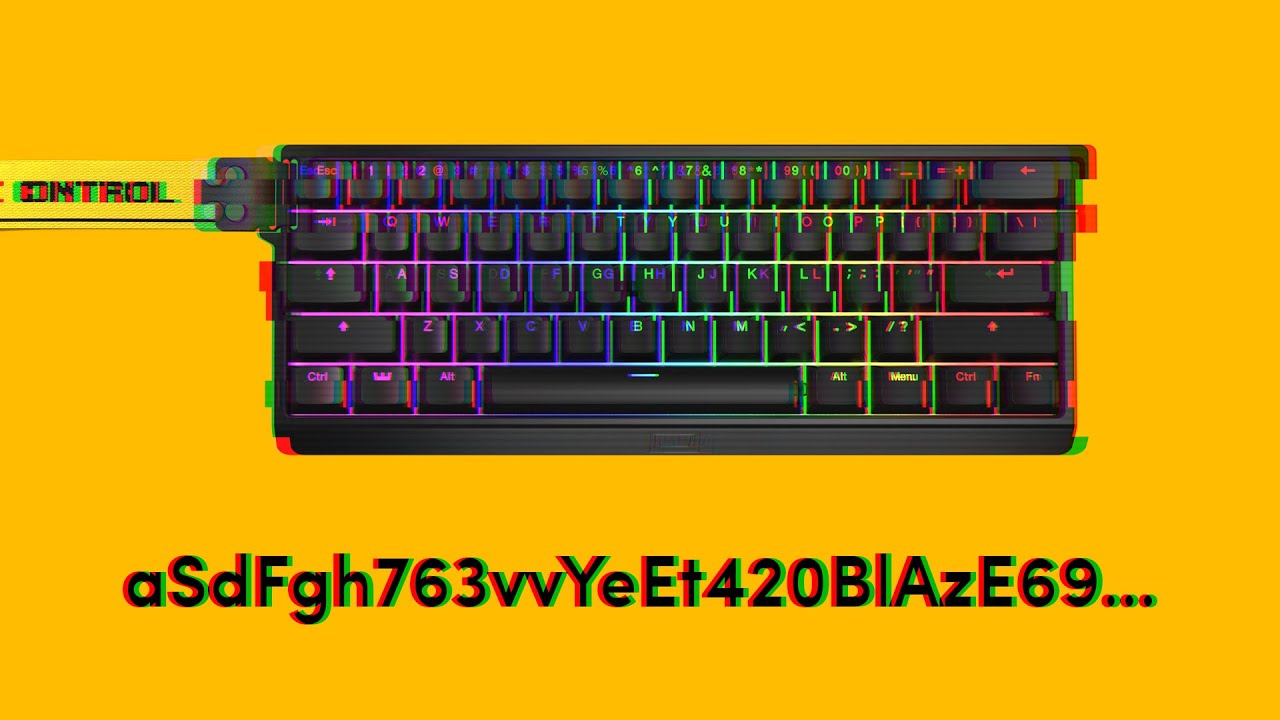
If you are experiencing your keyboard pressing random keys and opening programs, then you came to the right video. The issue is usually caused by an instable amount of voltage entering the board. Follow along to see what you can do about it.
➤ Follow our socials!
🧑🤝🧑 Discord https://wooting.io/discord
🐤 Twitter https://www.twitter.com/wooting...
rustic hound
daring bolt
ah hm, i will just leave this video here it may or may not be helpful, but beyon...
Okay Cheers anyway
daring bolt
hope you get it sorted out 👍
rustic hound
daring bolt
hope you get it sorted out 👍
I did a full reset and it fixed itself😂
Appreciate it