#Problem with holding shift for a longer periode of time and press 0 without spamming it
15 messages · Page 1 of 1 (latest)
 vapid wing
 tender raptorBOT
Thanks for posting your support request!
Please note, the support center is only for community-based support with technical troubleshooting and general questions.
For official Wooting Customer Support, please use the Contact Us button on the Wooting Hub or email your request to [email protected]
note: use the email address associated with your order for fastest resolution
Looking for information about your specific order?
You can find that on the Wooting Hub! There you can also add upgrades, change/confirm your shipping address, and much more.
Is your order about to ship and you need to pause it for any reason?
Place it On Hold via the Wooting Hub!
https://hub.wooting.io/login
 long mango
Phantom / multiple inputs often occur due to to low or unstable voltage from USB. This often happens when third party cables are used which aren't up to the standard (like a lot of coiled cables). It can also happen when another device is used in-between and so the overall power consumption would be too high on the USB port. So it's recommended to use the provided stock cable and either directly connect the Wooting to an I/O port on the back of the system or to an active USB hub (externally powered). In general USB 3.X ports should work better than USB 2.0 ports because 3.X ports typically can handle more power than 2.0 ports. A port on the case can also sometimes causes issues because the cable from the case to the mainboard header adds length and so resistance. If so the device should typically still work fine on a low power demand with 0% brightness and Tachyon off.
https://www.youtube.com/watch?v=U8ojU_8ASVEBesides that EMI can also cause issues. Like any magnet or electric device especially direct above or under the device. For example some fancy desks have magnets in it to clamp on accessories. Or the device don't work reliable when it's placed on top of a laptop. To test for that you can use the trail RGB effect while the actuation point is set to 0,1 mm and move the keyboard around and pushing it on the side without pressing any key. If keys get activated and especially when their spot compared to the ground / desk moved accordningly.
Another cause can be a bad or unideal mod. For example when a tape mode is done or too much foam was added to the case or switch tripods are used. If something is pressing against the legs of the switches or there is a soft layer between the switch and the PCB the flex can cause that the magnet slightly bounces and so causing multiple inputs.
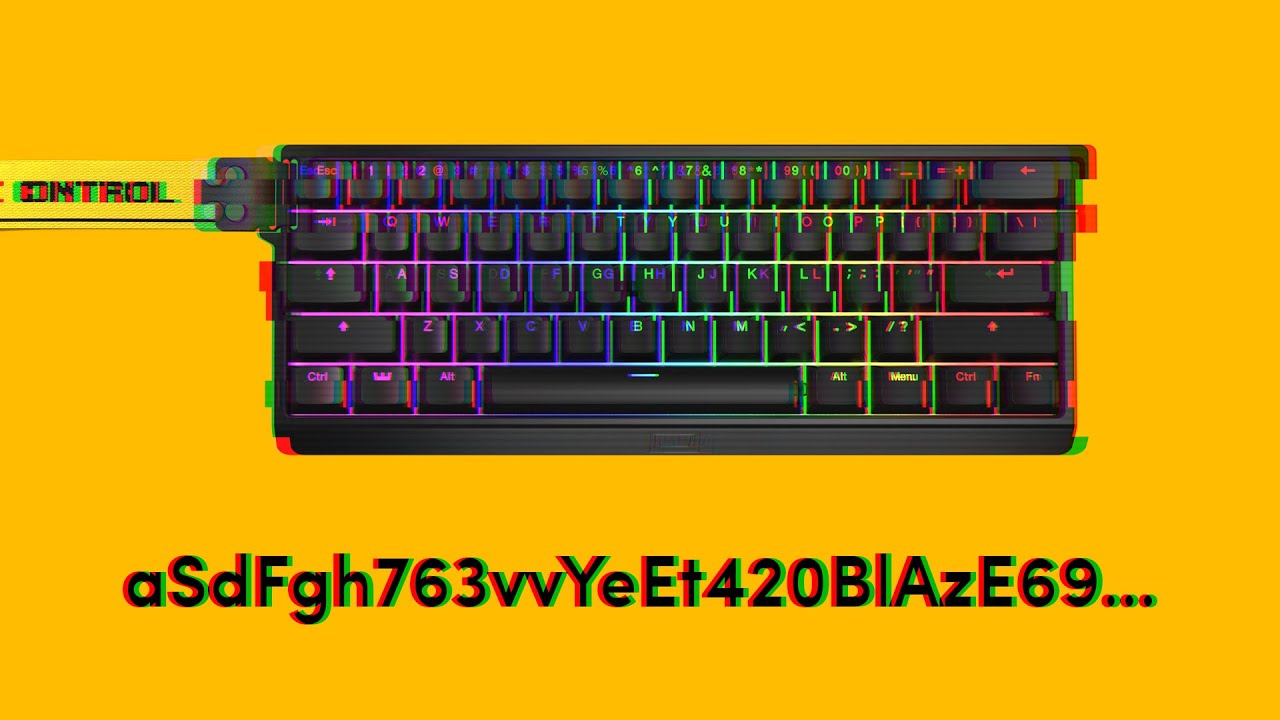
If you are experiencing your keyboard pressing random keys and opening programs, then you came to the right video. The issue is usually caused by an instable amount of voltage entering the board. Follow along to see what you can do about it.
➤ Follow our socials!
🧑🤝🧑 Discord https://wooting.io/discord
🐤 Twitter https://www.twitter.com/wooting...
It can be also a firmware issue. Some users have problems with the current stable firmware.
In the case you want to test the dev firmware please follow this link: https://beta--wootility.netlify.app/?test-builds=true
Then go to settings, then updates and click on "Get test firmware". Select "2.6.20-test.phantom-press.0 - Revised spacebar key repeat fix which should overall be more stable" to install it.

Instantly edit your Wooting keyboard profiles and colors from the browser.
vapid wing
im using usb 3.0 and the cable that came with the keyboard i also dont have my tachyon mode on unstable with 100% rgb but only 75% as said in the software. The 0 button problem have been a problem the past month or more dont really remember and my shift key has just startet doing it yesterday i have tried different usb port but with no luck
and i could't find a switch puller to try switching the switch
on both so dont know if its the switch itself that has a problem
i will try troubleshoot the device and contact u when im done
i think the 0 key mby got resolve by resetting the device
the 0 key only has the issue if both rapid keys and tachyon mode is on at the same time
long mango
The dev firmware "2.6.20-test.phantom-press.0" especially addresses a potential issue with phantom inputs on the AVR models if Tachyon is on and the idle brightness is disabled.
vapid wing
alright i might just wait to use tachyon mode too its fixed
because i haven't have a problem with the key since i toggled it off
long mango
It would be really nice if you can check out the dev firmware mentioned above and report back if that also addresses the issue or not. This would help to decide if that can be pushed to stable or not.
 hybrid beacon
long mango
*It would be really nice if you can check out the dev firmware mentioned above a...
hybrid beacon
long mango
*It would be really nice if you can check out the dev firmware mentioned above a...
i am also having the problem where every extra keys are exactly 6 times over (its affecting multiple keys but most noticable on the zero key)
i am going to try out the beta firmware