#kernel mode heap corruption
154 messages · Page 1 of 1 (latest)
 inner dawn
btw it goes like this:
_ for 15 secs
Tries to load
Freezes
bsods
Restarts
Boots up correctly
 coarse trench
might be faulty ram
did you run https://memtest.org ?
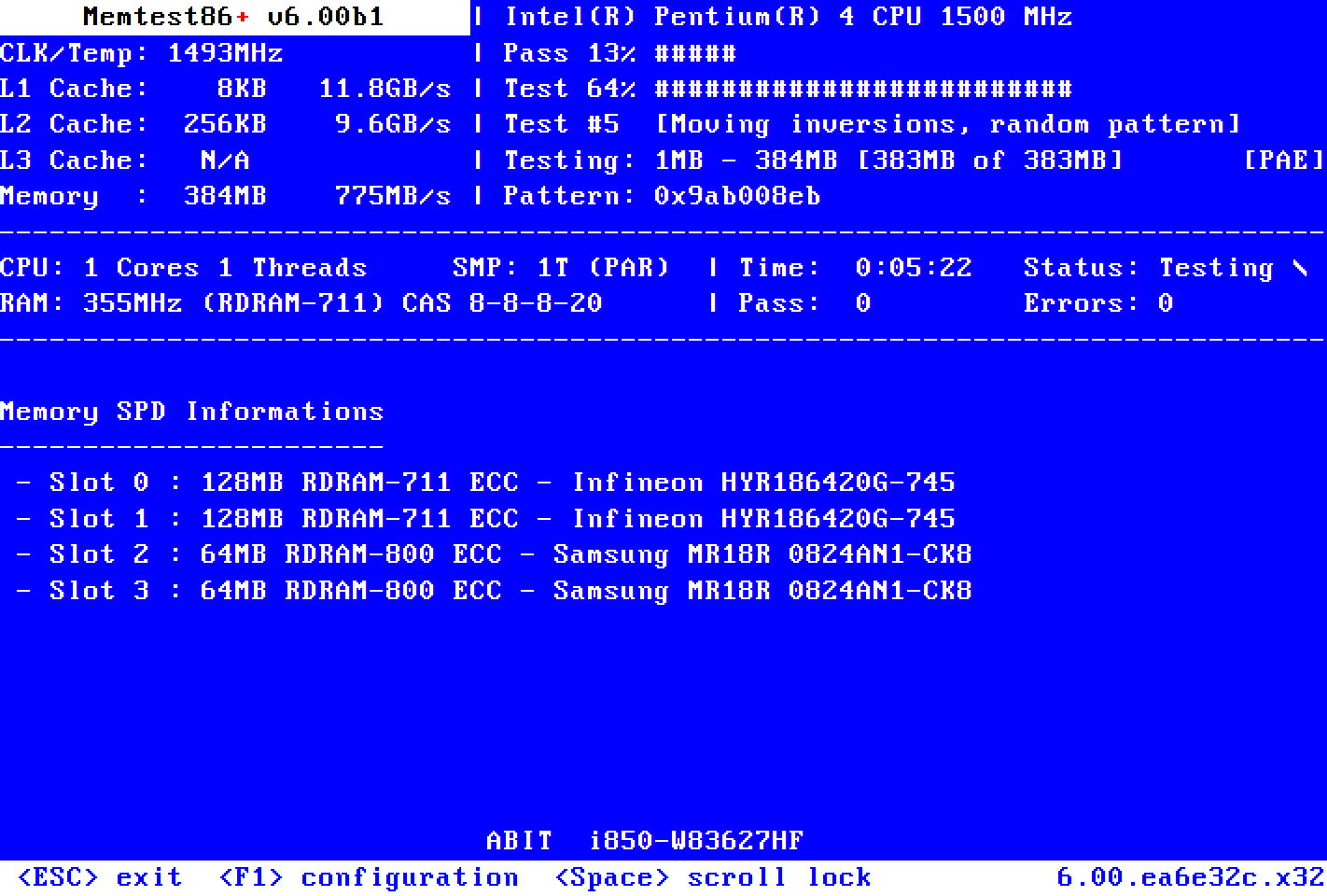
Memtest86+
Memtest86+ is an advanced, free, open-source, stand-alone memory tester for 32- and 64-bit computers (UEFI & BIOS supported)
inner dawn
coarse trench
might be faulty ram
ram is from last year
inner dawn
coarse trench
did you run https://memtest.org ?
Win ram test
coarse trench
that means nothing
inner dawn
0 issues
coarse trench
that isn't really accurate sadly
coarse trench

inner dawn
coarse trench
which os are you trying to run?
inner dawn
coarse trench
which os are you trying to run?
I only have w10
No vms
cuz its too slow
I disabled virtualization tech too
coarse trench
I would try running memtest for a while
inner dawn
Well ill do it after update
inner dawn
coarse trench
I would try running memtest for a while
ok i need help
coarse trench
inner dawn
ok i need help
help with running memtest?
 thick solar
inner dawn
btw it goes like this:
_ for 15 secs
Tries to load
Freezes
bsods
Restarts
Boots ...
thick solar
inner dawn
btw it goes like this:
_ for 15 secs
Tries to load
Freezes
bsods
Restarts
Boots ...
- Go here and download it https://github.com/Spec-ify/specify/releases/download/v1.4.0/Specify.exe
- Run it as admin
- Click Start, then wait
- On the browser and website it opens copy and paste the link to this channel
coarse trench
inner dawn
yea
Which part of it?
inner dawn
coarse trench
Which part of it?
booting
coarse trench
inner dawn
booting
You might need to disable secure boot
inner dawn
coarse trench
You might need to disable secure boot
It is desabled
coarse trench
okay, and the USB is not listed in the boot menu?
inner dawn
coarse trench
okay, and the USB is not listed in the boot menu?
It is but I cant boot from it
coarse trench
did you run the exe to write the USB?
 coarse trench
hmm do you have another usb stick?
coarse trench
could still be bad
inner dawn
coarse trench
could still be bad <:AkkoThinking:655519157403648047>
I dont think so
i mean Windows says its okay
coarse trench
well
coarse trench
coarse trench
could be, yeah
inner dawn
 coarse trench
inner dawn
coarse trench
inner dawn
did you run as admin?
coarse trench
as in same error, or not run as admin?
inner dawn
same error
coarse trench
can you check the C:\Windows\minidump folder and upload the files here if there are any?
inner dawn
k
coarse trench
you'll need to copy them to the desktop or some other place to upload them here
inner dawn
all of them even if its another date?
coarse trench
yup
inner dawn
alr
coarse trench
you can zip them to make it easier
inner dawn
here
coarse trench
from a short look it looks like a RAM issue
coarse trench
are you overclocking or anything like that?
coarse trench
yeah unlikely on a laptop, true
it might also be a bad CPU
if you say the RAM is new
inner dawn
coarse trench
it might also be a bad CPU
cpu i had -1 issues (aka none)
thick solar
inner dawn
here
interesting, heap corruption and when you look at stack u see hyper-v and vboxnet
inner dawn
thick solar
interesting, heap corruption and when you look at stack u see hyper-v and vboxne...
its strange
thick solar
most of this 0x13a are double free
ye all of these dumps are double free, your heap is fked
it keeps corrupting lol
inner dawn
thick solar
ye all of these dumps are double free, your heap is fked
so my ram is fucked
thick solar
cud just be an os issue
inner dawn
or i need to reinstall
thick solar
as the os handles the heap
inner dawn
ah
inner dawn
thick solar
as the os handles the heap
if i use windows recovery, will it fix?
thick solar
use a usb
thick solar
reinstall windows using a usb
inner dawn
@thick solar i also installed some drivers
inner dawn
@thick solar (sorry for ping) but it just boot looped
with guess which error, kernel mode heap corruption
 floral trellis
inner dawn
<@576894343122649098> i also installed some drivers
floral trellis
inner dawn
<@576894343122649098> i also installed some drivers
Did you reinstall Windows
inner dawn
floral trellis
Did you reinstall Windows
when
floral trellis
I'm going to put my bets on the drive, but let's see
inner dawn
cuz i reinstalled last year due to hardware upgrade
after that, i didnt
i did get 2 bsods with driver verifier detected violation
floral trellis
inner dawn
when
Can you reinstall now? (No, "resets" doesn't count)
Use this guide: https://rtech.support/installations/install-11  This will delete the content on the drive, so move irreplaceable files away from your drive at minimum before starting this process. Games and applications are expendable and can be replaced.
rTS Wiki
inner dawn
floral trellis
Can you reinstall now? (No, "resets" doesn't count)
Use this guide: https://rte...
I cant install 11
only 10
bsod 2
floral trellis
rTS Wiki
floral trellis
inner dawn
bsod 2
Question, how do you update your drivers / where do you get them
inner dawn
floral trellis
Question, how do you update your drivers / where do you get them
google - hp/microsoft page
floral trellis
inner dawn
google - hp/microsoft page
HP? can you elaborate on that
inner dawn
floral trellis
HP? can you elaborate on that
my laptop is hp so i installed from there
inner dawn
floral trellis
how do you search
i go to the hp website, install the driver verification software and install the recommended
floral trellis
a what software?
inner dawn
floral trellis
a what software?
lemme look for it, one sec
https://support.hp.com/es-es/drivers/laptops and I click the auto detection
or wtv its called
 gusty heraldBOT
floral trellis
I'd go back to https://discord.com/channels/150662382874525696/14157237035427472...
gusty heraldBOT
floral trellis
I'd go back to https://discord.com/channels/150662382874525696/14157237035427472...
 codepanda#0 - #kernel mode heap corruption
Quoted by codepanda#0 • [133160081142448129]
React X to delete
·
inner dawn
welp its not gonna stop bsoding with dvdv
inner dawn
floral trellis
I'd go back to https://discord.com/channels/150662382874525696/14157237035427472...
hmm
inner dawn
floral trellis
and yes, you'll likely need a functional PC first to begin
i can use this one
just that its gonna be reseting and reparing
before tyat, lemme check event viewer
floral trellis
inner dawn
i can use this one
if it's going to be unstable while preparing a USB, I don't know man - but feel free to upload the Systems log of your event viewer here btw
inner dawn
floral trellis
if it's going to be unstable while preparing a USB, I don't know man - but feel ...
sure, ill do that later
thick solar
inner dawn
with guess which error, kernel mode heap corruption
any name given in the below stop code?
pls take a pic of the bsod screen
inner dawn
thick solar
any name given in the below stop code?
wdym
inner dawn
thick solar
just take a apic of the bsod screen
one sec
k it didnt bsod rn
i do have a photo from a few days ago
oh i js got bsod
@thick solar

 thick solar
Right. No what failed sadly. And you csnt boot right ? @inner dawn
inner dawn
thick solar
Right. No what failed sadly. And you csnt boot right ? <@955077912841830451>
i can boot but it takes a bit
and what do you mean by what failed
thick solar
inner dawn
i can boot but it takes a bit
If you can boot, any .dmp files in C:\Windows\minidump?
inner dawn
thick solar
If you can boot, any .dmp files in C:\Windows\minidump?
Ywah