#Unable to install windows, missing drivers and cannot for drive.
175 messages · Page 1 of 1 (latest)
 warped sigil
 solar jewel
warped sigil
Could you describe your issue a little more in detail
solar jewel
warped sigil
Could you describe your issue a little more in detail
I am installing windows, and it can't find my drive, I looked on list disk, it does not show, only the flash drive
"install drivers, drivers not found"
warped sigil
solar jewel
I am installing windows, and it can't find my drive, I looked on list disk, it d...
Hmmmmm
warped sigil
solar jewel
"install drivers, drivers not found"
Check if the drive is properly inserted
solar jewel
it is, it's a laptop, rog flow z13, I have installed debian in between trying to install windows
I'm using it now
warped sigil
Hmmm
warped sigil
solar jewel
I'm using it now
Shrink your drive by say 20mb and try again
solar jewel
but it does not show, only the flash drive
warped sigil
Huh
warped sigil
solar jewel
but it does not show, only the flash drive
Well didn't you say you were on Debian
Are you on livecd
If so
Damn
solar jewel
yes im on debian
warped sigil
solar jewel
yes im on debian
Is it in the drive
solar jewel
is what in the drive>
warped sigil
I had this issue once in a vm when I tried to port windows xp to efi
Get a new drive and try again
Otherwise it is a dead port
warped sigil
Yeah idk
 analog bluff
solar jewel
but why does it work on linux
analog bluff
solar jewel
but why does it work on linux
because windows needs extra drivers, linux is actualy normal and includes almsot all them
you will need to look up the drive drivers
solar jewel
analog bluff
you will need to look up the drive drivers
I only have one usb 2.0 port, and one 3.2 usb port. Should I put drivers on the other one? laptop is a rog flow z13
analog bluff
umm ye smth like that, first find the driver files
solar jewel
what drivers
solar jewel
these are the windows drivers
https://rog.asus.com/au/laptops/rog-flow/rog-flow-z13-2022-series/helpdesk_download/
@ROG
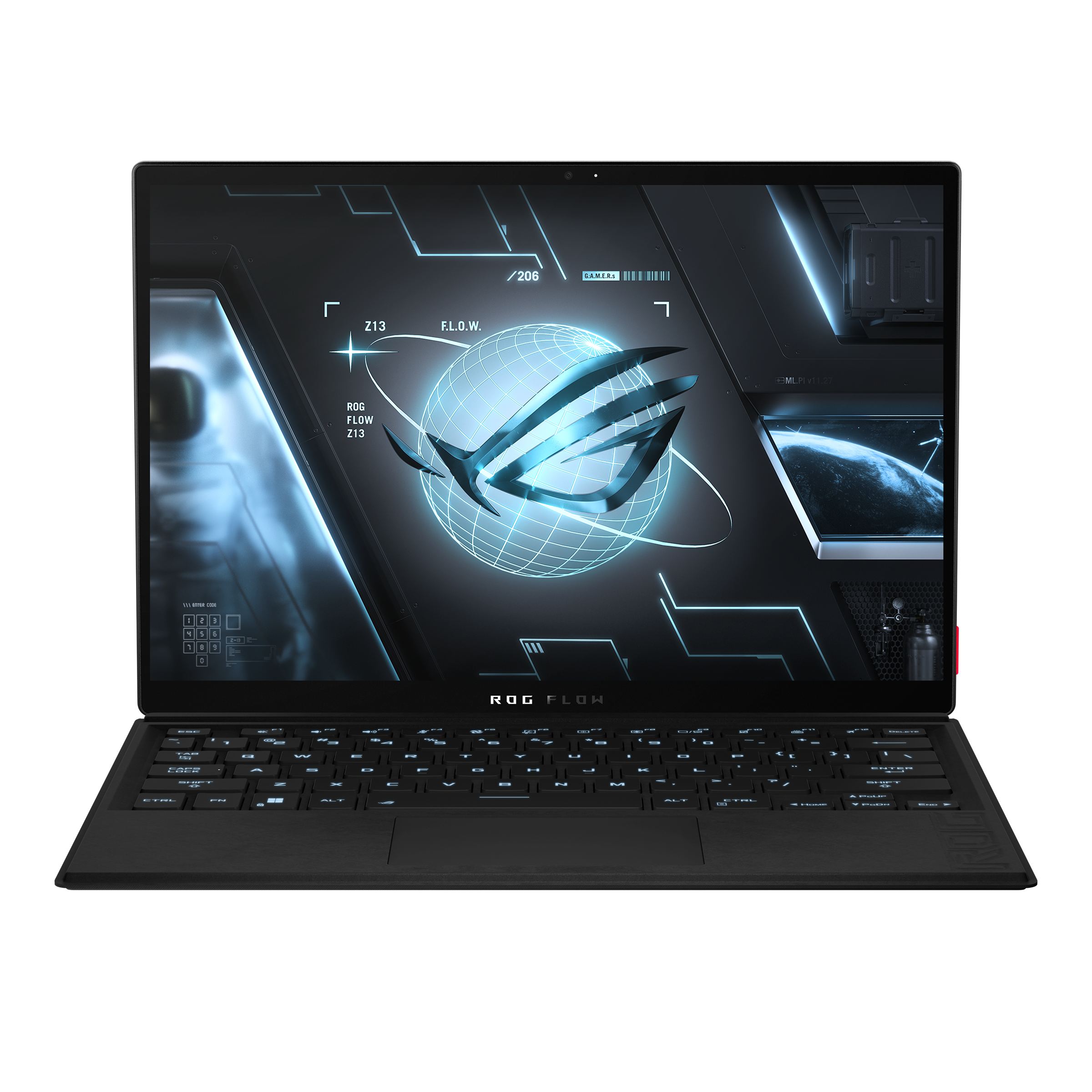
Dive into the best tablet gaming on Windows 11. The 2022 ROG Flow Z13 packs up to an Intel® Core™ i9-12900H and NVIDIA® GeForce RTX™ 3050 Ti GPU into the most powerful gaming tablet.
but then how would I extract them on linux?
analog bluff
solar jewel
but then how would I extract them on linux?
Download the latest SATA or AHCI drivers from the Manufacturer's site and copy to another USB

Download and create your Windows bootable USB using Media Creation Tool
https://www.microsoft.com/en-us/software-downlo...

Insert the installation media

then when this error " No device drivers were found" shows again

insert the USB with drivers

Then click load driver or Browse

Then install drivers.
or just copy them into a folder on the usb drive
solar jewel
Yeah but do I need to extract them
solar jewel
I can't find the sata drivers
solar jewel
I'm not sure they are the correct drivers, I unzipped them and loaded them on the drive, but it said not compatible. Device is 'Asus ROG Flow z13'
solar jewel
https://rog.asus.com/au/laptops/rog-flow/rog-flow-z13-2022-series/helpdesk_download/
one of these drivers, any idea? I managed to extract the exe onto the thumb drive, but the one iirst driver was not compatible
@ROG
Dive into the best tablet gaming on Windows 11. The 2022 ROG Flow Z13 packs up to an Intel® Core™ i9-12900H and NVIDIA® GeForce RTX™ 3050 Ti GPU into the most powerful gaming tablet.
solar jewel
So I managed to get these loaded but it still says no driver found


Might it be a bios setting I need to enable/disable?
 chilly tangle
i will check on this with the tpm
it should have a tpm have you enabled secure boot?
it should be under security
solar jewel
So enable secure boot i will try again
chilly tangle
wait a sec
you have a usb stick right ?
can you take another usb stick or format your current usb stick?
solar jewel
i can
chilly tangle
ok I'll wait
chilly tangle
solar jewel
what do you want me to do?
you must format your current usb stick where you have your drivers installed (if it is a usb stick). And reinstall the drivers.
and the tpm is a chip on your motherboard that secure your hardware with integrated cryptographic keys and so on.
solar jewel
i am using ventoy, I just drag the iso on the thumb drive
i only have one usb port atm
also im in debian atm
chilly tangle
solar jewel
also im in debian atm
and you want windows 11 as dual boot?
solar jewel
no, just windows
if I could even factory reset it some how
it came with windows 11
it says press f9 for recovery mode on the net, but doesnt work
chilly tangle
can you proceed with the installation without the drivers?
analog bluff
he cant see the device without them
chilly tangle
you mean hard drive ?
solar jewel
chilly tangle
can you proceed with the installation without the drivers?
No
Surely there must be a way to hard factory reset it?
chilly tangle
solar jewel
Surely there must be a way to hard factory reset it?
you can wipe your hard drive or what do you mean by hard factory reset it?
solar jewel
chilly tangle
you can wipe your hard drive or what do you mean by hard factory reset it?
restore it back as first shippied. I tried wiping,it just goes into bios
As it came with windows 11
Or I can try install this


Those repair options dont work
chilly tangle
do you have another pc?
chilly tangle
can you install the win11 iso again? Maybe installation fault
chilly tangle
ventoy is also a great option linuxwise
solar jewel
Yep seems so
chilly tangle
the win11 english iso
solar jewel
Ill show u what I have on there
chilly tangle
ok
 solar jewel
how?

 chilly tangle
thank you
solar jewel
thank you for helping 🙂
chilly tangle
your welcome
you can copy this file to your usb stick and then in your installation go to load driver and select this file

I hope this will fix it
chilly tangle
can you make a screenshot of the error?
chilly tangle
nope
solar jewel
ok
chilly tangle
you can select the file but it says that it cant find it?
solar jewel
do I point the drivers to where i was pointing before or the sys file?
sys file does not show
cause i cant see the sys file
chilly tangle
you are on the load driver tab and on your usb stick but it wont show up?
solar jewel
yep sys file will not show
solar jewel
that might be a good idea
I will go and get another usb, maybe a usb 3.2 for the other slot, brb
solar jewel
ok which one do I load
https://rog.asus.com/au/laptops/rog-flow/rog-flow-z13-2022-series/helpdesk_bios/
@ROG
Dive into the best tablet gaming on Windows 11. The 2022 ROG Flow Z13 packs up to an Intel® Core™ i9-12900H and NVIDIA® GeForce RTX™ 3050 Ti GPU into the most powerful gaming tablet.
BIOS for ASUS EZ Flash Utility
Version 317
?
analog bluff
chilly tangle
can you install the win11 iso again? Maybe installation fault
NO, HE NEEDS DRIVERS
analog bluff
chilly tangle
what intel cpu u have?
its hdd not cpu
analog bluff
chilly tangle
you can copy this file to your usb stick and then in your installation go to loa...
dont send people random programs on discord
 analog bluff
ok, so it should be a driver for your nvme ssd (I assume)
do you see a driver that is like a .sys file like before?
you will need to find from manufacturer
solar jewel
from asus?
I can't find it
@ROG
Dive into the best tablet gaming on Windows 11. The 2022 ROG Flow Z13 packs up to an Intel® Core™ i9-12900H and NVIDIA® GeForce RTX™ 3050 Ti GPU into the most powerful gaming tablet.
analog bluff
solar jewel
https://rog.asus.com/au/laptops/rog-flow/rog-flow-z13-2022-series/helpdesk_downl...
is this the A, C, or E model
solar jewel
E
analog bluff
this was generated form https://rog.asus.com/us/laptops/rog-flow/rog-flow-z13-2022-series/helpdesk_download/ when selecting the E model with windows 11 as the os, then finding Intel(R) Serial IO, but also try the Intel Rapid Storage Technology (IRST) Driver below
@ROG
Dive into the best tablet gaming on Windows 11. The 2022 ROG Flow Z13 packs up to an Intel® Core™ i9-12900H and NVIDIA® GeForce RTX™ 3050 Ti GPU into the most powerful gaming tablet.
analog bluff
analog bluff
https://dlcdnets.asus.com/pub/ASUS/GamingNB/Image/Driver/Chipset/25678/VMD_ROG_I...
oops old verson, newer one is
this is prob the driver you need ^^^^^ Intel Rapid Storage Technology (IRST) Driver
solar jewel
I tried that, it doesn't work
analog bluff
you loaded it when your computer booted?
solar jewel
it sees the driver, but doesn't see it
analog bluff
(the installer)
solar jewel
I'm on debian
analog bluff
it may be because you have a unknown fs type on it
debian is ext4 if I rember correctly
analog bluff
but it should still have it.....
analog bluff
solar jewel
it sees the driver
it let you load it and still nothing?
solar jewel
yup
analog bluff
mby try the one I just sent you instead of extracted......
solar jewel
i did, will try again
I had them all on the usb
it does not see the exe
or sys file
solar jewel
I tried, not working
 supple wadi
solar jewel
I tried, not working
supple wadi
solar jewel
I tried, not working
So the driver loads and lists you the disks? but when you select them and click next it fails?
analog bluff
supple wadi
So the driver loads and lists you the disks? but when you select them and click ...
He said it dose not list the disks
supple wadi
solar jewel
it sees the driver
?
solar jewel
supple wadi
So the driver loads and lists you the disks? but when you select them and click ...
yeah
solar jewel
I called asus, they escalated the ticket
solar jewel
So I created a virtual machine, windows loads on that