#disk partition wont extend
38 messages · Page 1 of 1 (latest)
 tidal palm
tidal palm
tidal palm
I have a 1TB M.2 SSD that had only 235GB allocated, personnally i used AOMEI Partition Assistant Standard to fix it
i used this link (thanks youtube tutorial i watched a few months ago) https://www.aomei.fr/partition-manager/
AOMEI Partition Assistant est le meilleur logiciel de partitionnement qui peut vous aider à gérer vos partitions de disque dur facilement et en toute sécurité. Ici, vous pouvez choisir toutes les éditions d'AOMEI Partition Assistant.
oh. right. it's a french link....
just as the theme looks 95-ish is it Windows 10 ?
i realized the way i formulated my sentence sucked, so my question is : Are you running Windows 10 ?
there are a few tutorials on YT
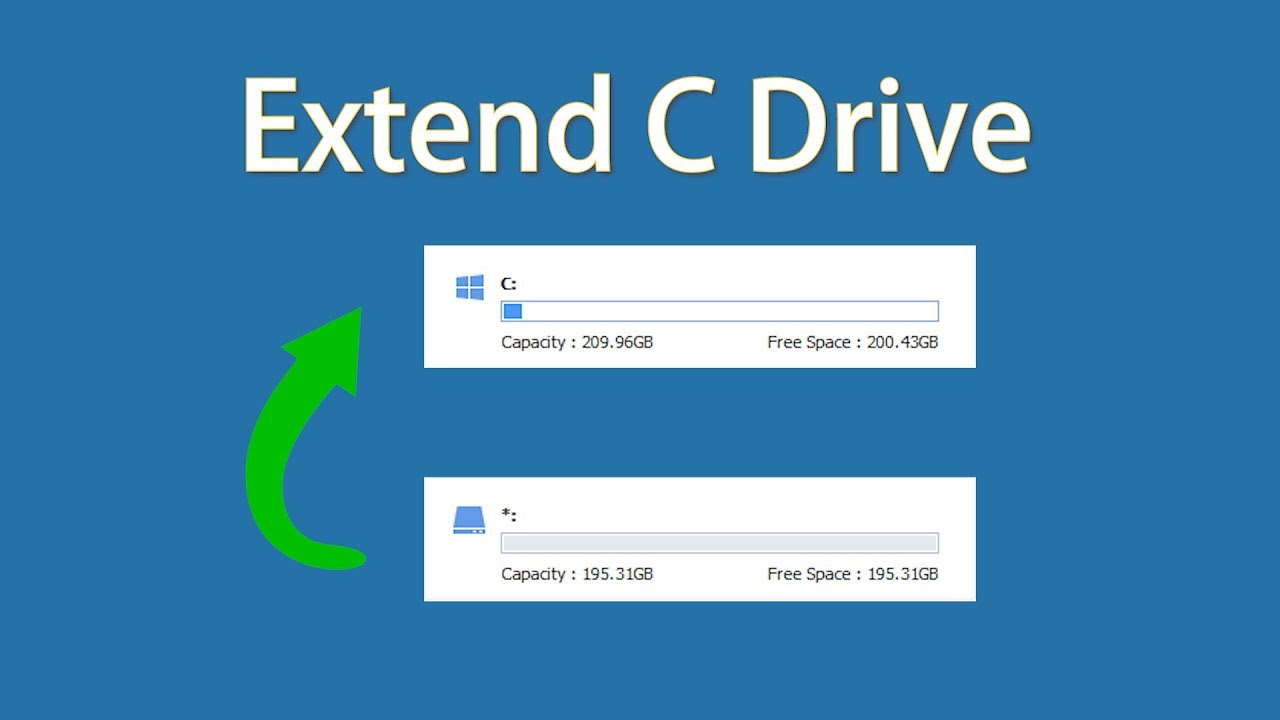
🔔 Download Free AOMEI Partition Assistant Now 👉 https://www.aomeitech.com/llyy/youtube/aomei-partition-assistant.html?__ut=llyy_Dominik_youtube!72OV8wbZV70
🔔 Related Reference How-To Article 👉 https://www.diskpart.com/resource/extend-system-partition-windows-7.html?__ut=llyy_Dominik_youtube!72OV8wbZV70
------------------------------------------...
tidal palm
i haven't personally
so no if you use it 20 mins like i did
i clicked on do a free trial, unless they removed this option ?
tidal palm
@granite saddle did it work?
 fallow elm
You cannot extend C drive because you have the recovery partition on the right hand side!... you can delete the recovery partition using a third party tool but it is not recommended to do so..
fallow elm
You will lose recovery options ..in the event windows gets corrupted and doesnt boot!
Its your call..
Then proceed with deleting the recovery partition...then you can extend!..
fallow elm
fallow elm
You cannot extend C drive because you have the recovery partition on the right h...
@granite saddle read this again..
Really?...you cant delete that partition at all?..from the program?
right click the recovery partition..and click delete...then screenshot the message

screenshot this...

I dont see any paid marks on the side of the delete partition option..
anyways..there is another tool that does this...download miniwizard free partition tool...
yep!
?
Did that app say it deleted it?..
asking for payment like aomei?..
Then?..
?
Open the miniwizard and delete the recovery partition?..
Wasnt that you wanted to do in the first place?..
wdym no?..
Yes ..to do that you need to delete the recovery partition..
which you already know about that..
anyways.. download and install the miniwizard partition tool....open it and click delete the recovery partition
Hm.... you didnt delete the partition..what did you click?..move partition?
well you should have told me that... moving partition is not recommended ..but since you dont care about it..then its okay!... but never try to move the efi partition (the leftmost one)... it will cause boot issue sometimes..(rare)..if it is moved....
Haha!... just ignore it...its a habit of mine