

4 messages · Page 1 of 1 (latest)
 proven wing
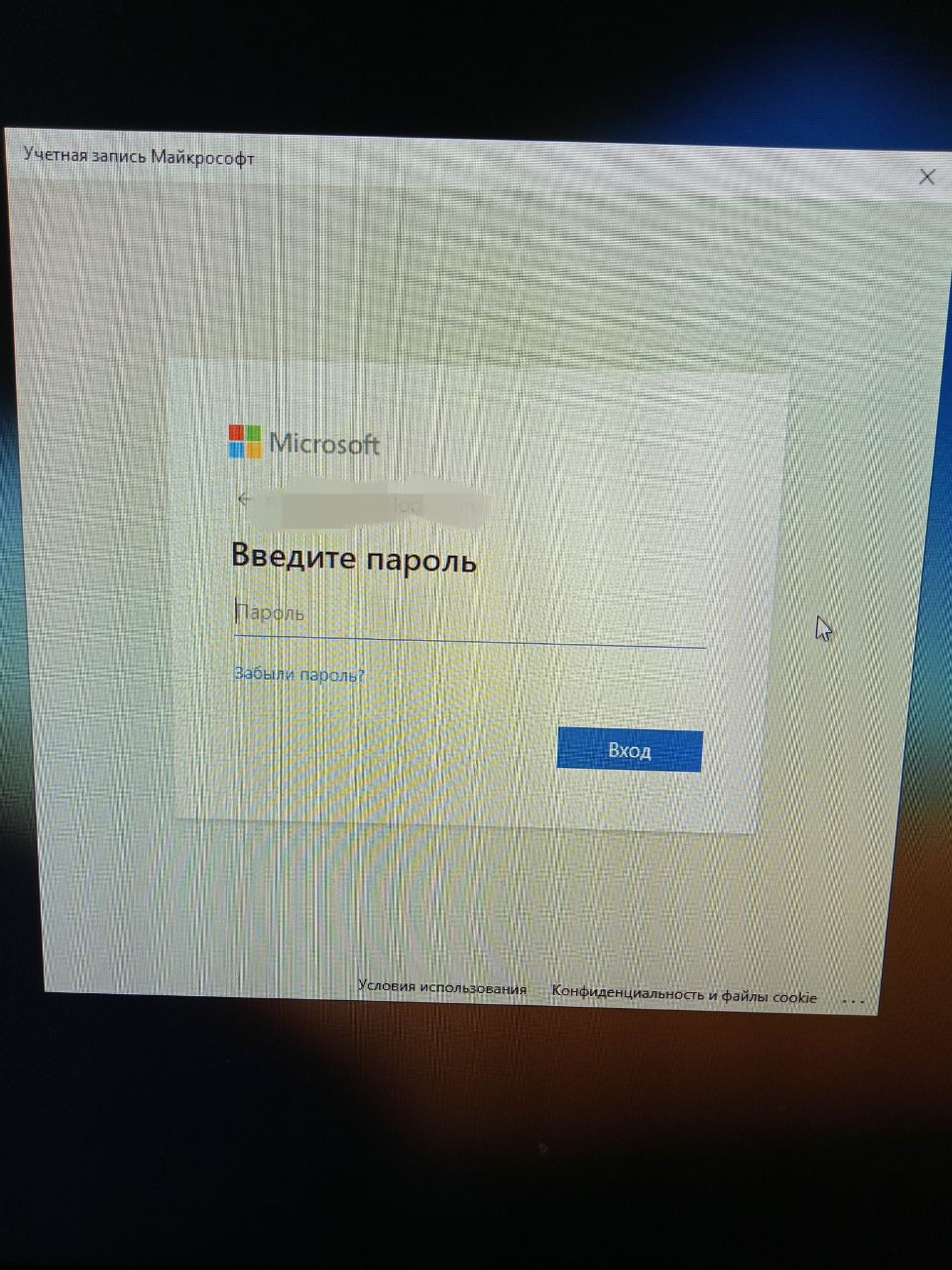
Hey! I was using a local account, and decided to link my MS account. I need to login right away: just click and get in, neither have to enter a password nor a pin. When i was linking the account, it asked to create a PIN, but i just closed the window. After a reboot, it showed this window when i clicked "Login": https://i.stack.imgur.com/506NJ.jpg . After i enter my MS password, it asks me to create a pin. I close the window, it bugs, throws me into a "Welcome" loading screen (like the "Restarting" one), and i get to the desktop. Here's a video demonstrating it: https://vimeo.com/720903648 . [Note: images and videos are from my previous attempt a while ago when i had Windows 10, but current results are the same.] My question: How to login to my account without any passwords or PINs? I've tried the netplwiz thing, and i don't need the autologin thing. Don't tell me that no password is insecure and everything like that, i know. I just have to have no password. My friend also uses a Microsoft account passwordless, and he doesn't have any prompts, while i get the prompt.
This is "video_2022-06-16_08-45-48.mp4" by MrArsikk on Vimeo, the home for high quality videos and the people who love them.
 opaque seal
Take a look into here https://www.stellarinfo.com/article/windows-11-auto-login.php#:~:text=Alternatively%2C press Windows %2B R%2C,Set Password… from the menu. Its the Windows Hello Option with MS Account you need to turn that off. All Explained in the article. Hope this solves your problems.
Learn how to set up a Windows 11 PC for auto-login. It will help you to get rid of the repeated password requirements for accessing the Windows system.
proven wing
opaque seal
Take a look into here https://www.stellarinfo.com/article/windows-11-auto-login....
I have already turned it off. I have already tried auto login. And note that it's a window, not a normal logonui password box
 hushed chasmBOT
@proven wing hugs @proven wing