#SOLVED: Windows 10 / 11 - Unable to connect to Internet/Wifi after installing Windows

13 messages · Page 1 of 1 (latest)

rocky topaz
#

Okay, so as the title mentioned, Ive downgraded my LAPTOP from windows 11 to windows 10 due to trying to troubleshoot for some microcontroller connectivity (can ignore it, just take it that im downgrading my laptop to windows 10 os).

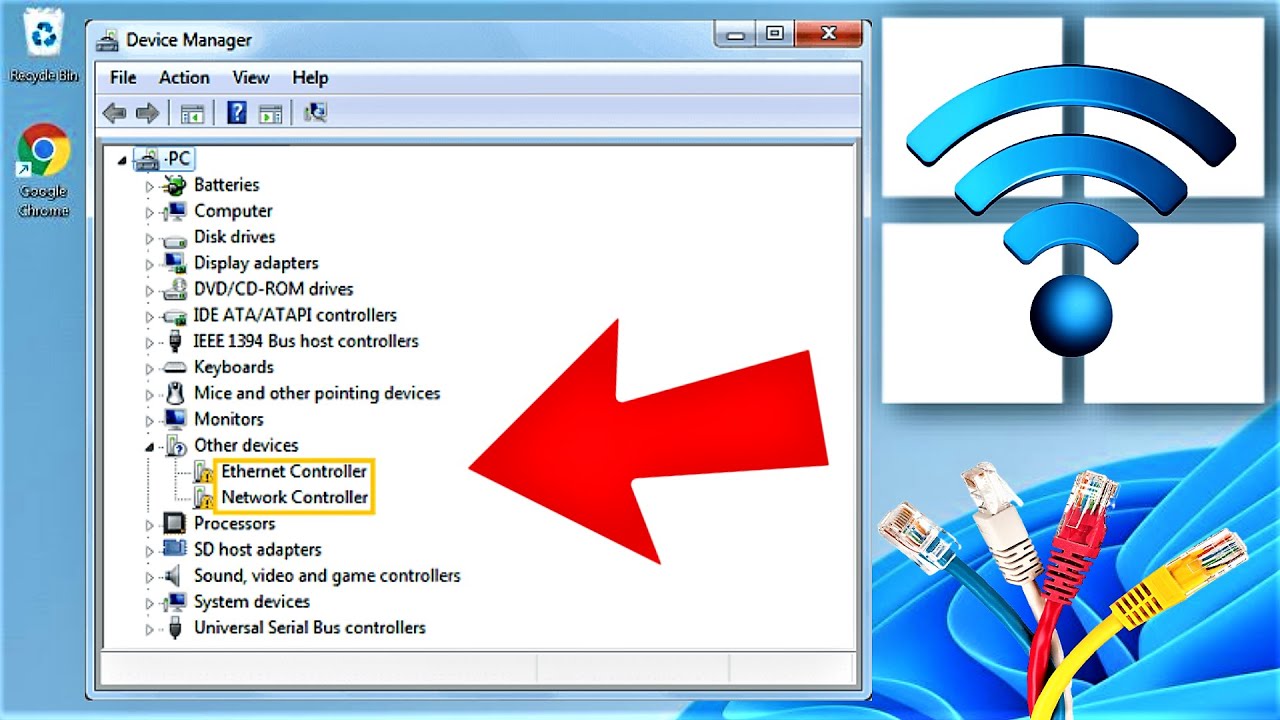
When i get the Windows 10 installed, I dont seem to be able to connect to the internet at all, the bottom right only shows airplane mode but couldnt be clicked, troubleshooter just mentions that there is no network adapters and could not repair as its not connected to the internet.

#

The model of the laptop im using is: Asus M1403QA

Below ill attach some photos so things may be clearer
(apologies in advance because i cant take screenshots)

#

W10 downgrade caused network adapter to not work(?)

#

Ive also like tried installing the WIFI Adapters from the manufacturer's website but it doesn't work at all.

When copying the driver installation files from my pc to the thumbdrive, it mentions (IMAGE attached below), and im not sure if it might have caused a problem when i tried to install on my laptop

placid tartan
#

It’s definitely a driver issue

#

I had the same issue when I downloaded

#

When I get to my pc I can send the files in here so you can just copy and paste them into your thumb drive

rocky topaz
#

Solved: The below are the ways i followed that fixed the problem

The whole thing is pretty much this YT video.
https://www.youtube.com/watch?v=3cRfk82reow&ab_channel=ApkHeaven

Download website:
https://sdi-tool.org/download/ (SDI Full, NOT ONLINE VERSION)

Torrent to download file from above link:
https://www.utorrent.com/desktop/compare/

New to Torrent? Files still "Seeding" but shows infinite duration? [Guide to turn off Seeding]
https://hasanka-amarasinghe.medium.com/how-to-stop-auto-seeding-after-downloads-complete-in-major-torrent-software-28734137330e
Seeding Definition: Suppose you have a file that you want to share with everybody. Now you are the owner of the file and you upload the file to share it. 'The uploading of the file is called seeding'. When you make a torrent of your file which you want to share the torrent client breaks it into pieces of same size. Then these pieces are uploaded or seeded. A user having the whole file is called a "Seeder" and a user downloading it is called "Leecher". Ultimately a leecher becomes a seeder when the leecher has downloaded the whole file.

If it doesn't stop the Seeding and you're desperate to stop it, make sure the download is 100% before right clicking the torrent and "Stop"

How to install any internet drivers on your windows 10 or 11 operating system offline and without internet connection in 2021 and 2022.
In this quick video guide I will show you how to install any driver network wifi or lan adapter software or driver or drivers manually in this video with few easy steps.
You will need to download an application ...

▶ Play video
uTorrent

Compare the Basic (Free) version of µTorrent Classic with Pro and Pro+VPN. Choose the best version and download.

Medium

How to disable auto-seed in Torrent Software.

#

Thanks @placid tartan for offering to help!
I'll change the title in-case anybody experiences the same problem

#

Windows 10 / Windows 11 - Unable to connect to Internet after installing Windows

placid tartan