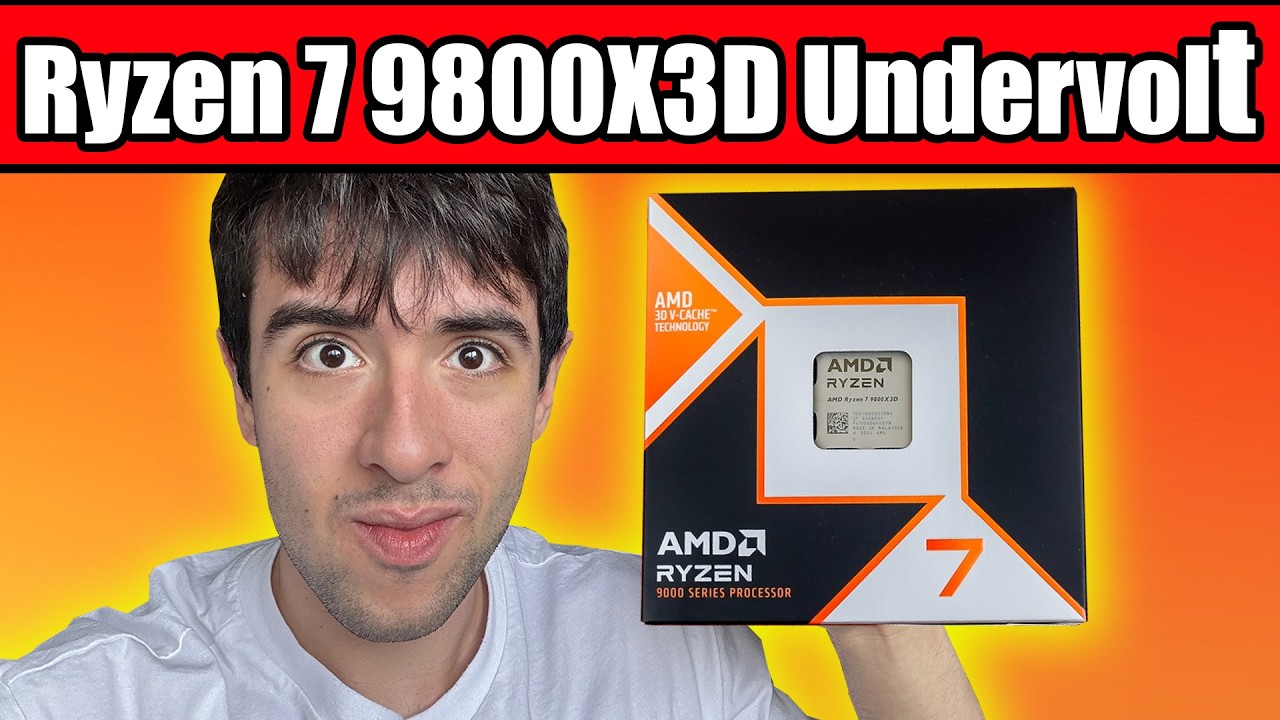
#9800x3D freezes instantly under load with PBO enabled, performance below expectation

1 messages · Page 1 of 1 (latest)

dusky spindle
#

I have a 9800x3D
RTX 5080
CL30 2x16GB 6,000MHz RAM
MSI MAG Tomahawk x670E Wifi MB
Windows 11 24H2 on an NVME SSD
I updated the chipset drivers today and made sure the iGPU was disabled.

From what I can see online I should be getting around 23,500 roughly, but instead I just got 22,000. It's not just run-to-run negligible performance difference, that's fairly large and it NEVER comes close to just 23,000. I would just enable PBO Enhanced 3 which is available in my BIOS, but any form of basic PBO causes Windows to instantly freeze under any kind of load.

It's not anything else running on my PC because I checked Task Manager and closed anything that seems like it shouldn't be running including Steam, Discord, Firefox, anything.
Not only that but last time I had to reinstall Windows fresh, I ran Cinebench R23 before installing anything else and the score was nearly identical.

Another wrinkle, I built my cousin an almost IDENTICAL PC and his cinebench score is actually much better. Same CPU, exact same RAM kit, exact same MB and even 360mm AIO. His runs PBO Enhanced 3 without any issues. Even without that enabled, we informally tested Minecraft running on the same server and settings and he was getting several hundred extra fps.

arctic cargo
#

did you do a fresh install of windows when you built/installed your 9800X3D system?

dusky spindle
#

I've had to reinstall Windows several times in 2025 alone due to one problem or another. Each time with a fresh ISO via a thumb drive. Not just the quick Windows reset setting. After a few of them I ran Cinebench for the same results.

arctic cargo
dusky spindle
#

I updated it just recently, the newest version from August

#

I last tried enabling PBO like 6 months ago. I tried it again today and no change, Windows instantly freezes under load. I usually just start Cinebench R23 and it freezes within 5 seconds

arctic cargo
#

Have you tried leaving PBO limits on auto and just using Curve Optimizer and +200mhz boost override?

dusky spindle
#

I've never touched Curve Optimizer or any other kind of CPU or RAM OC.

arctic cargo
#

that is where you'll see real performance gains, not simply increasing PBO limits.

dusky spindle
dusky spindle
# arctic cargo that is where you'll see real performance gains, not simply increasing PBO limit...

I tried this one. I followed everything he set up to 8:50 https://youtu.be/2oD4ISZYjbA

CPU Ratio 52
FCLK Frequency 2,000mhz
Override CPU Core Voltage 1.1500V
PBO Advanced
Curve Optimizer All Cores
Negative 30
It crashes 44 seconds into running Cinebench

Those Ryzen 9000 X3D CPUs can actually be quite a bit power hungry if you let them behave like they want to, which is why today we're setting this R7 9800X3D to be more performing in multithread AND more power efficient, with lower temps and stopping it from overheating. I'm presenting a couple different methods, both using PBO and the Curve Opt...

▶ Play video
#

Last time I checked the crash isn't overheating. The AIO pretty effectively keeps it below 75C under load.

#

Negative 20 froze in 3m 45s

#

"The 9800x3D is insanely well binned."
"If you aren't lucky you might want to put 15 or 10 but I don't believe you."
Maybe I just got a terrible 9800x3D

dusky spindle
#

FCLK Frequency Auto
Override CPU Core Voltage 1.2000V
Negative 15

waxen dagger
#

why is bro undervolting in core optimizer and then setting a voltage override

#

bruh

dusky spindle
#

I don't know. That's why I asked for a good guide. I've never tried it before and I don't know how to do it right. Take it easy.

waxen dagger
#

this is what i use

#

works fine

#

just a lil long

arctic cargo
# dusky spindle FCLK Frequency Auto Override CPU Core Voltage 1.2000V Negative 15

you should leave CPU voltage on auto when using curve optimizer and start at something light like -10 or -15 if you're unwilling to tune per core. You may have 1 or 2 cores that can't go lower than -10 or -15 so a per core tune will always get you better results than an all core unless you're just lucky enough to get a CPU that can do -30 or greater all core offset. Sounds like you may have lost the silicon lottery at least on one of your cores, but impossible to know without some all core tuning. use OCCT core cycler to test and it will throw errors for whichever core is having issues with your settings. If a core throws errors, back off on the offset by 5 (if -20 is throwing errors on core 3, knock core 3 back to -15, leave the rest at -20 and test again with OCCT). Do this until you find where each core offset can reach without errors.

waxen dagger
#

iirc it wont actually apply anything higher than -30 even if ur motherboard allows u to type in a higher number

arctic cargo
waxen dagger
#

thought it was an amd mandated limit

arctic cargo
#

i'm not sure if boards that allow for higher than -30 offset handle the offset increments differently or if they actually allow a higher offset, but going past -30 on those boards does actually adjust the vf curve.

waxen dagger
#

huh good to know

#

time to try going above -30

arctic cargo
#

On the initial BIOS for my MSI board, it allowed up to +/- 250, but that was obviously some error or oversight.