#Trying to remove Overclocking on my CPU using Adrenalin locked my PC, which now refuses to post

1 messages · Page 1 of 1 (latest)

keen star
#

Last Night I went and decided to no longer overclock my CPU, to see how it differs in terms of performance.

The software prompted a system restart, which I went ahead and hit Accept.

I let it restart for the entire night (over 12 hours). As I came back to it there was no lights on my keyboard/mouse and it was constanly fanning up and down.

Proceeded to force shut down the machine, turning it back on the PC now refuses to post altogether, it's stuck fanning up and down over and over again.

This PC was expensive asf to build, what can I do to fix this???

#

Forwarding messages of someone helping me out

#

Found some debug LEDs on the MB

#

Debugging LEDs that are turned on is the DRAM one

#

Yellow color

keen star
#

@stiff flint I've never removed a CMOS battery before, got any tips? Should I remove the GPU for ease of access?

#

PC should be able to boot without GPU, right

stiff flint
#

what motherboard you have again

keen star
stiff flint
#

I can just look it up and see where the clear cmos is

keen star
#

My 9070XT is kinda covering most of the space

stiff flint
#

yeah might have to remove it cause I dont see a cmos reset button on that motherboard

#

and that looks like a tight fit

keen star
#

Yeah

stiff flint
#

for a hand

#

taking it out is easy

#

just gotta press the little metal tab in

#

but putting it back is gunna be fun

#

ah wait

#

take off the brackets

#

the bottom two

#

you can reach in then

keen star
#

Lemme take out the GPU fist

#

First*

stiff flint
#

you wont have too if you remove those brackets i bet

#

instead of the gpu

#

the side brackets

#

if you take those bottom brackets out you can get to that battery

#

to put it back in

#

after you pop it out

#

instead of taking the whole gpu out

keen star
#

Ohh

#

Good idea

stiff flint
#

You can use nail, tooth pick or screw driver I guess to get it out I use a screw driver

keen star
#

Aight

#

I couldn't get rid of the back panel things

#

Not that I can't unscrew them

#

But rather they're separated by metal rods welded to the chasis

stiff flint
#

They look just like my they should just unscrew and pull out

#

you have a gpu bracket outside that covers them

#

I have to remove this cover outside before I can remove any

#

lemme look at this pic once more

keen star
#

Dw, managed to get the battery out

stiff flint
#

nice

keen star
#

How do I reset the bios this way? Do I now plug the PC back on, turn it on then turn it off?

stiff flint
#

Leave it out for a few mins once you plug it back it its already reset all settings to factory

#

It holds a charge to the mobo to keep settings taking it out removes the settings

keen star
#

Aight

#

I really hope this works

#

Gonna wait 5 mins lol

stiff flint
#

lmfao hope so too

#

I know all too well how annoying it is to deal with

#

I've had pcs where I did all this stuff nothing worked I took the power cable out left it for hours come back and it turns on randomly lol

#

if its boots up sweet were done if not might have to repair windows next if it makes it there

#

I hope it just boots though cause pc problems suck

keen star
#

Yeah

#

Good thing this happened on the weekend I guess

#

If it happened during a workday I would've shat myself already

stiff flint
#

lmfao

#

true

#

I forgot what I did when this happened recently to me

#

I think I changed the port my ssd was on the sata cable

#

You might have m2 though

#

I cant remember I had a no post though like a few weeks ago randomly

keen star
#

DRAM light is still on

#

;-;

stiff flint
#

gross

#

not good not good

#

I'm thinking

#

I can't imagine that a stick died

#

You know the motherboards orientation for ram slots

#

its probably a2 b2

#

for the main ones

keen star
#

Not rn, I need to check the manual

stiff flint
#

take out two stick and leave 2 in the main slots

#

see what happens

#

yeah look it up and see

#

you might have to play around for a bit see which one is bad

#

if it is

#

might just start working after you get it to boot normally once might be able to add it back afterwards

#

shows me a2 b2

#

second slot and fourth slot

#

main ones

keen star
#

Aight

#

I need to help with some groceries stuff

#

Once in back I'm going to plug in the mouse and keyboard

#

See if their lights come up

stiff flint
#

ight

keen star
#

Left all the ram sticks out alongside the CMOS battery

#

Doubt that'll change something but I wanna believe

stiff flint
#

We must believe

#

Did it prompt you that settings were reset

#

Should say info about the system or ask you to run f1 for default settings ect it will be different load up for sure

#

might look like this

keen star
#

Oh

#

Might try putting a monitor in too then

#

Maybe that's something that was showing up and didn't know

#

Since I only had power to the system, no peripherals

stiff flint
#

K

#

I found your cmos header on the board too

#

I was taking a look

keen star
#

So

#

Oh

#

Wait

#

New light

#

CPU LIGHT is ON

#

Red tho

#

That's helpful I guess

#

Did using Adrenalin nuke my CPU????

#

Im going to try to slot in the CPU cooler fans I guess

#

Maybe it's overheating

#

Well one thing is certain I'm never trusting adrenalin directly again lmao

#

We may be back chat

#

@stiff flint got the thing to post finally

#

Ygot any idea what I should do considering I removed the CMOS

stiff flint
#

my bad I was getting stuff in the house

#

Yeah I forgot to tell you something important as well my bad

#

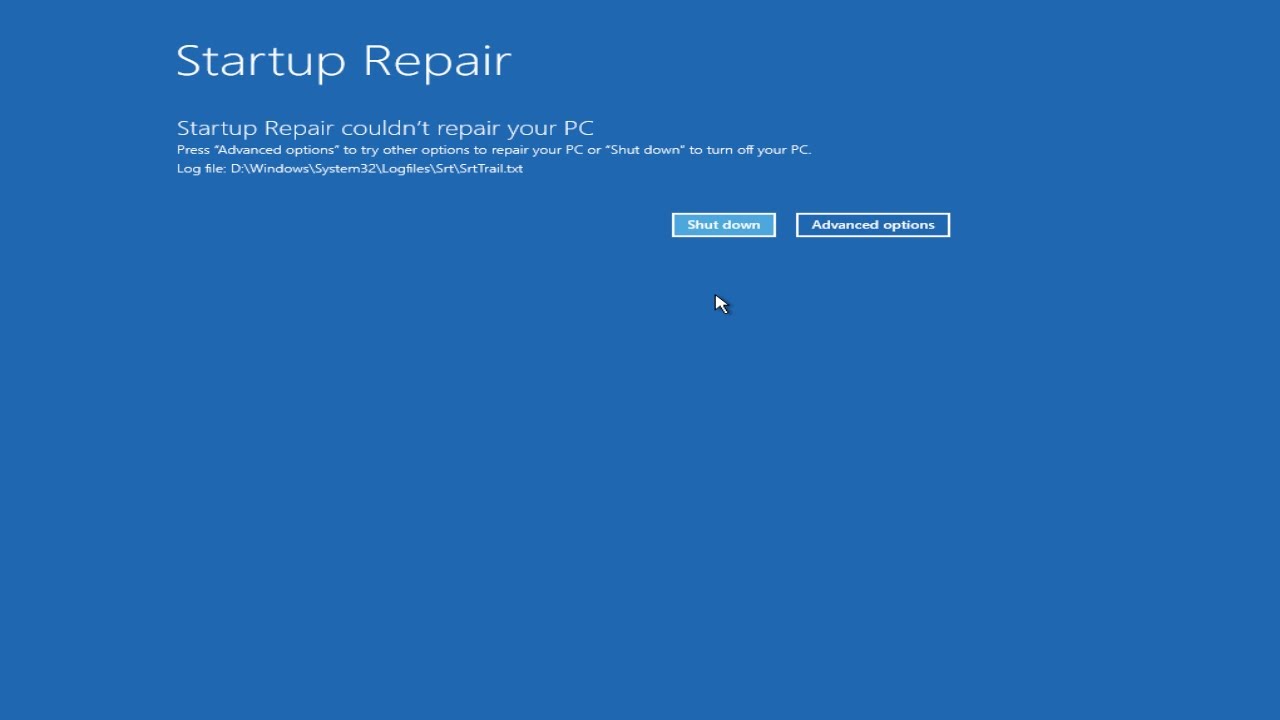
when we cleared the cmos the memory needs to retrain itself so it takes a while

#

I should of told you to let the pc sit there for like 5 mins

#

is it all good now?

#

I think that is what happened it was trying to retrain the ram cause we reset it so many times lol

#

Its okay though either way if it boots were good to go

#

the part I forgot was sometimes certain motherboards take a bit to retrain the memory so when the dram light is on just leave it like 5 mins or so before restarting it

#

@keen star Let me know if its makes it to windows

#

@keen star Oh the battery is out just put it back in when you shut down the pc

keen star
#

Yes

#

It's all good finally

stiff flint
#

Nice

keen star
#

At one point I removed the CPU fans and the BIOS complained of it being missing

#

So I got into it, exited it, and then complained again

stiff flint
#

yeah I think it just needed time to retrain that memory and we kept resetting it haha my bad I forgot to tell you that

#

Yeah it will do that for sure

keen star
#

So I turned it off, plugged the fan back in, tried it.

TUF logo showed up, booted to windows

#

Looked with Adrenalin, both my GPU and CPU tuning settings got lost

#

But that does mean my CPU is no longer overclocked

stiff flint
#

Thats like a little trick cause it fooled the pc

keen star
#

So

stiff flint
#

its almost like a reset without touching the cpu

#

sneaky

keen star
#

Yeah

#

Still, I'm glad this is over

#

I was NOT looking forward to wake up at 7am so I could drive it to a tech support store

#

Lmao

stiff flint
#

yeah its a headache pc issues lmao

keen star
#

I still have no clue why all of this happened

#

The why adrenalin tried to disable Overclocking and instead just soft locked my pc

#

Weird stuff

stiff flint
#

Yeah software can do that sometimes cause it changes settings that align with bios settings too

#

at least its working now I thought it was something buggy and not hardware damage

#

cause it didnt make sense if something broke esp turning off an overclock

#

it just locked up thats all good to know its all good though

keen star
#

Yeah

stiff flint
#

That pc is pretty good

#

You dont really need any overclocks

#

and I never trust auto overclocks

#

those things reek havoc sometimes

keen star
stiff flint
#

I tried it on my old build and had a headache with it haha

keen star
#

But alas, everything's back to mormal

stiff flint
#

Thank god

#

yeah I know its not fun paying for new stuff

keen star
#

I'm going to lay down on my bed to calm down before I try putting it back on my desk

stiff flint
#

haha ight

keen star
#

Since all of these pieces are brand new

#

Bought them all to play Dark Ages when it came out

stiff flint
#

Ah nice

keen star
#

Lol

#

But yeah, cheers for your help

#

I really appreciate it