#No Resource Packs Working
1 messages · Page 1 of 1 (latest)
 gilded elbow
gilded elbow
gilded elbow
 sweet flume
https://discord.com/channels/1390032299277684756/1393644141036048395
sweet flume
https://discord.com/channels/1390032299277684756/1393644141036048395
I have already tried this, doesn't work
I am using fabric on minecraft launcher
sweet flume
if you are using the vanilla launcher try using the modrinth app insted
gilded elbow
I would like to continue using the minecraft launcher
sweet flume
Why? It worse in every way.
gilded elbow
I don't use clients for games, I would only like to fix my resource packs not working with the modpack
sweet flume
so when you installed the modpack, you included all the mods and files?
gilded elbow
I went onto the modpack website and clicked the exact links on the website and manually put them into the mods folder
all the mods work perfectly fine only problem is the resourcepacks
sweet flume
Could you shear logs
gilded elbow
?
sweet flume
open the logs folder and find and send the log called latest.log
gilded elbow
sweet flume
open the logs folder and find and send the log called latest.log
dm'd you
sweet flume
gilded elbow
dm'd you
Okay, did you try apply the resource pack before sending it? I can’t see anything in the logs at the bottom.
gilded elbow
I tried 4 packs
I can screenshare if you want, it literally removes it's self from the active packs side and moves over to the left after closing and reopening the menu
sweet flume
Okay, I see it now. Discord was hiding the end of the file. I had to download it.
if you add only fufsky does it work?
sweet flume
have you added any mods that is not included in the base pack?
gilded elbow
no
sweet flume
also I see some mods are outdated, you should update them.
gilded elbow
I used the links on https://modrinth.com/modpack/skyblock-enhanced-modern-edition

Modrinth
The only Hypixel SkyBlock modpack you'll ever need. Modern, pre-configured, and feature-packed with 60+ optimized mods. Install once, configure nothing, play forever.
in the mod list
how do I see which ones are outdated
sweet flume
manually check since you are using the vanilla launcher
gilded elbow
will the links on that website be up to date or is it those that are outdated
sweet flume
I would highly recommend using the Modrinth app; it’s significantly faster and makes managing mods ten times easier. There’s no good reason to use the vanilla launcher.
sweet flume
gilded elbow
will the links on that website be up to date or is it those that are outdated
they will show the newst version
you can just downlad the newes pack from modrinth and use a website like this https://mrpacktozip.com/ to get it as a zip file with all the new updated mods.
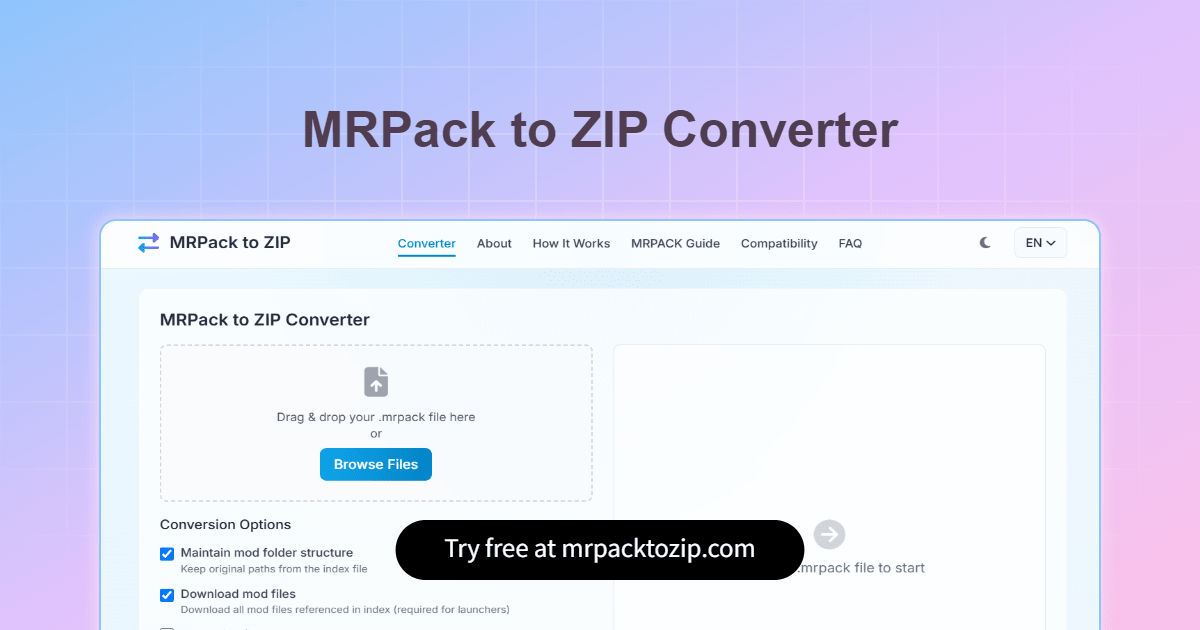
Free online tool to convert Modrinth (.mrpack) files to standard ZIP format for Minecraft mods. No installation required.
gilded elbow
do any of the mods settings get messed up by getting deleted and reinstalled
sweet flume
If you keep the folder called "configs," they will not be removed.
sweet flume
Send logs again. Before quitting, try to enable Furfsky only.
Also, do you get a toast in the top corner with an error?
sweet flume
It say
"Failed to open pack C:\Users\user\AppData\Roaming.minecraft\resourcepacks\v14.1_16x_Hypixel_Skybloc_Pack.zip"
do you have something called v14.1_16x_Hypixel_Skybloc_Pack.zip in your resourcepacks folder?
sweet flume
remove it and see if it works
gilded elbow
now works but I think it was because the pack was out of date