
#So why does inventory tetris not work anymore
43 messages · Page 1 of 1 (latest)
 rancid tide
 torpid patio
you may have enabled incompatible mod the first lua script to crash is not related to Tetris Inventory
rancid tide
do the error messages in the image indicate which mod it could be?
torpid patio
the logs does, your first error is flagged as 1 out of 11
rancid tide
what does it mean tho, i can't make heads of tails on which mod the error is for
 peak islandBOT
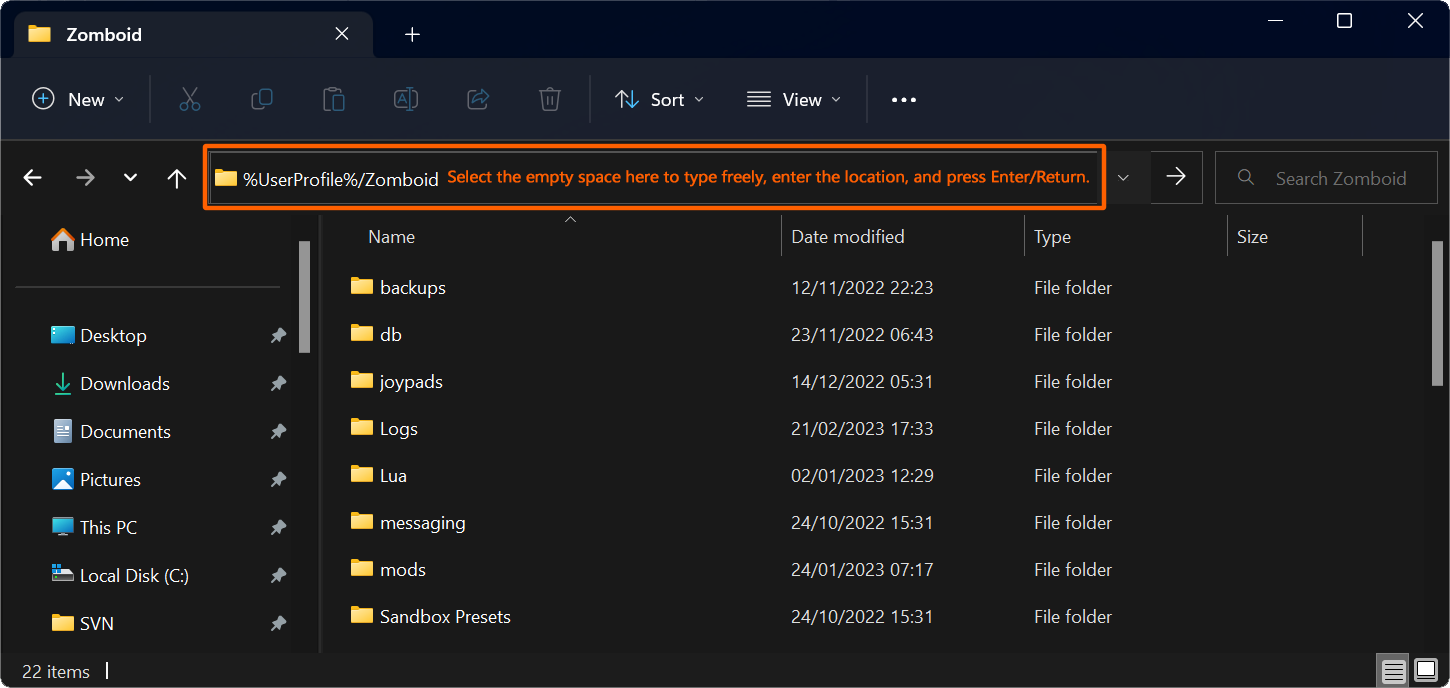
Help the people helping you by posting your console.txt from %UserProfile%\Zomboid.
For hosted servers, please also post the coop-console.txt from the same folder.
 rancid tide
uuh?
torpid patio
you want to find the mod giving you this error
The logs contains this information
And usually log file is console.txt
rancid tide
idk how to do that and i don't really like messing around with any internal files either :(
torpid patio
rancid tide
idk how to do that and i don't really like messing around with any internal file...
you installed Error Magnifier, this mod give you hint about error and lead you to

so it's the only solution or you may have to read the log by yourself
Can't help without the logs, except ask you to turn off the mod that doesn't work
rancid tide
right, although, i have no clue where to find the file😅
torpid patio
C:/Users/iinankone/Zomboid/
 rancid tide
where do i find that on my laptop tho, or do i just click the error message to open the file?
torpid patio
please read the image posted, it's basic Computer Skills
If you're able to install tons of mods your able to open a folder on your laptop
 rancid tide
where in my laptop is the folder tho😭 also installing mods on project zomboid is way easier than trying to find a single file in my laptop while i have no idea where the files are even stored :(
torpid patio
 rancid tide
Still no clue, like is it in settings, finder, I have no clue where a file like that is :(
torpid patio
in this screen
Read whats inside the orange rectangle
And type whats on the left of the orange sentence
 rancid tide
Type into where? Finder? Settings? GOOGLE? I need more directions please please pretty please
torpid patio
Your on MacOS or Windows ?
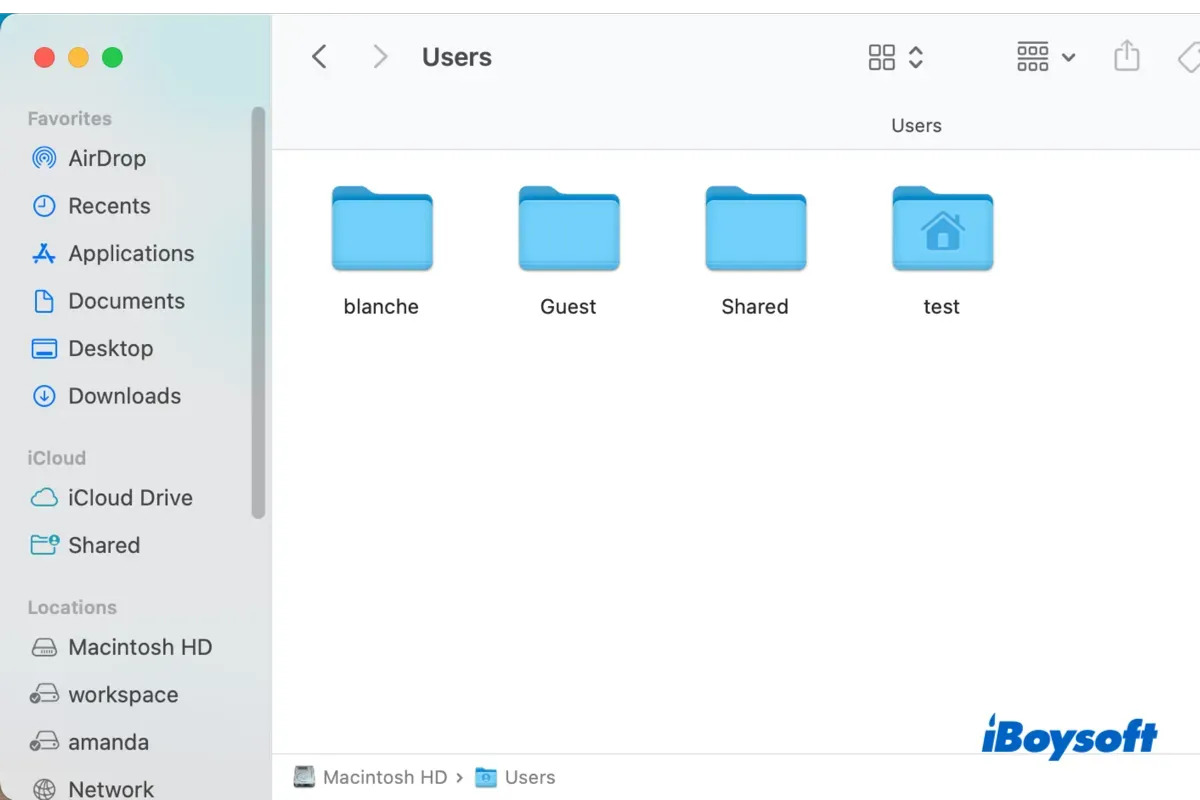
https://iboysoft.com/wiki/users-folder-mac.html
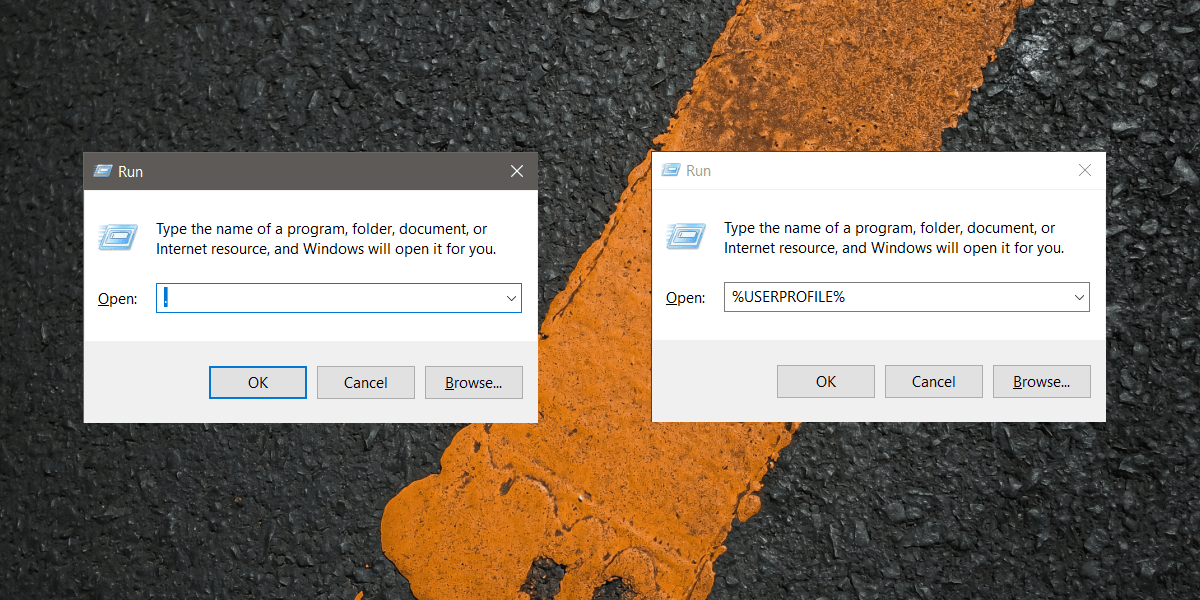
https://www.addictivetips.com/windows-tips/access-the-user-folder-on-windows-10/
iBoysoft
This post is going to explain the Users folder on Mac, a folder that comes with your Mac. After reading, you will know what the Users folder is, what it contains, how to find it, etc.
AddictiveTips
The User folder on Windows 10 is a folder created specifically for each user account that is configured on a Windows 10 system. The folder houses
rancid tide
torpid patio
Your on MacOS or Windows ?
macos, also i'm stupid so i can't figure out stuff like this easily
torpid patio
so in the first link
 rancid tide
not helping, also i don't have a macintosh thingy
the only thing in the locations spot is macbook pro data
and theres nothing in there
torpid patio
So I can't help on my side, sorry
Don't have a mac on my side
Everything should be pretty obvious even for a Mac user
A simple path or access to /users/ folder if the most common things in all OS and it's one of the first things to know on a computer
rancid tide
its harder cuz everything is in finnish (my native language) so i can't figure out what does what and where :(
 torpid patio
On a Finnish-language macOS, the /Users/ folder is typically labeled as /Käyttäjät/. However, the actual path in the filesystem remains /Users/, and "Käyttäjät" is just the localized display name for the folder in the Finder interface.
rancid tide
right but idk where to search for that since none of the buttons make sense and i have no clue what option is what :(
torpid patio
Ohjeet /Users/iinankone/Zomboid/-kansion avaamiseen macOS
ä
*Avaa Finder:
Finder on ohjelma, joka näyttää sinulle kaikki tiedostot ja kansiot Macilla. Löydät sen klikkaamalla "hymyilevän kasvokuvakkeen" kuvaketta ruudun alareunassa (Dockissa).
*Valitse "Siirry" (Go):
Kun Finder-ikkuna on avoinna, katso yläosassa olevaa valikkoa. Näet siellä kohdan nimeltä "Siirry" ("Go" englanniksi). Klikkaa sitä.
*Valitse "Siirry kansioon...":
Kun olet valinnut "Siirry"-valikon, valitse listalta vaihtoehto "Siirry kansioon..." ("Go to Folder...").
*Kirjoita kansion polku:
Avautuvaan pieneen ikkunaan kirjoita tämä polku tarkalleen:
    bash

/Users/iinankone/Zomboid/

Varmista, että kirjoitat sen täsmälleen oikein.*Paina "Avaa" tai Enter-näppäintä:

Kun olet kirjoittanut polun, klikkaa "Avaa"-painiketta (tai paina Enter-näppäintä näppäimistöllä).
*Zomboid-kansio avautuu:
Finder avaa nyt kyseisen kansion /Users/iinankone/Zomboid/, jossa löydät kaikki kyseisen kansion sisällöt.
right, so what next, what do i need to mess with to fix the mod?
torpid patio
take the console.txt file and drag & drop it on this convo
rancid tide
this one?
torpid patio
yep
So your main error came from
Dawning Revival Science
https://steamcommunity.com/sharedfiles/filedetails/?id=3038694961
the other one probable messing up with Tetris Inventory is
https://steamcommunity.com/sharedfiles/filedetails/?id=1478038149
 rancid tide
so i just have to disable waist bags and dawning revival science and the issue should be fixed, correct?
torpid patio
I hope so, you have a lot of mods and a lot of errors
rancid tide
right, lemme try that in a sec
torpid patio
Check without thoses mods, but you also have errors with
https://steamcommunity.com/sharedfiles/filedetails/?id=2845952197
All this mods interact with inventories and may impact Tetris Inventory in a way or another
 rancid tide
HOLY F##K IT WORKED, IT WORKED, THANK YOUUUUUU