

71 messages · Page 1 of 1 (latest)
 subtle vessel
I don’t know how to fix this. I haven’t changed any settings or mods, and every time you pick up items, they disappear. It could be one item or more, and my players can’t join. How do I fix this?
P.S.: I also have a backup of the server.
Should I delete the files in User and replace them with the backup files?
 fickle quartz
Do ALL picked up items disappear or only specific ones or in a specific area?
The issue would likely be mod related, I am not sure whether reloading a backup would fix that
subtle vessel
fickle quartz
Do ALL picked up items disappear or only specific ones or in a specific area?
Sometimes is all, but sometimes is just one or 2
fickle quartz
I might suggest testing a secondary server without mods to check if the issue happens there
Or test with the same mods as well
subtle vessel
we found something interesting, if you drop the items on the ground and pick them up, they don't disappear
subtle vessel
even without mods, i still have the same problem
With all mods: https://medal.tv/games/project-zomboid/clips/iO6anHaPENxmtgE7_?invite=cr-MSxEQncsMTgxNDU0NjkyLA
without mods: https://medal.tv/games/project-zomboid/clips/iO73zPaN4gC8_mryj?invite=cr-MSxFa2EsMTgxNDU0NjkyLA
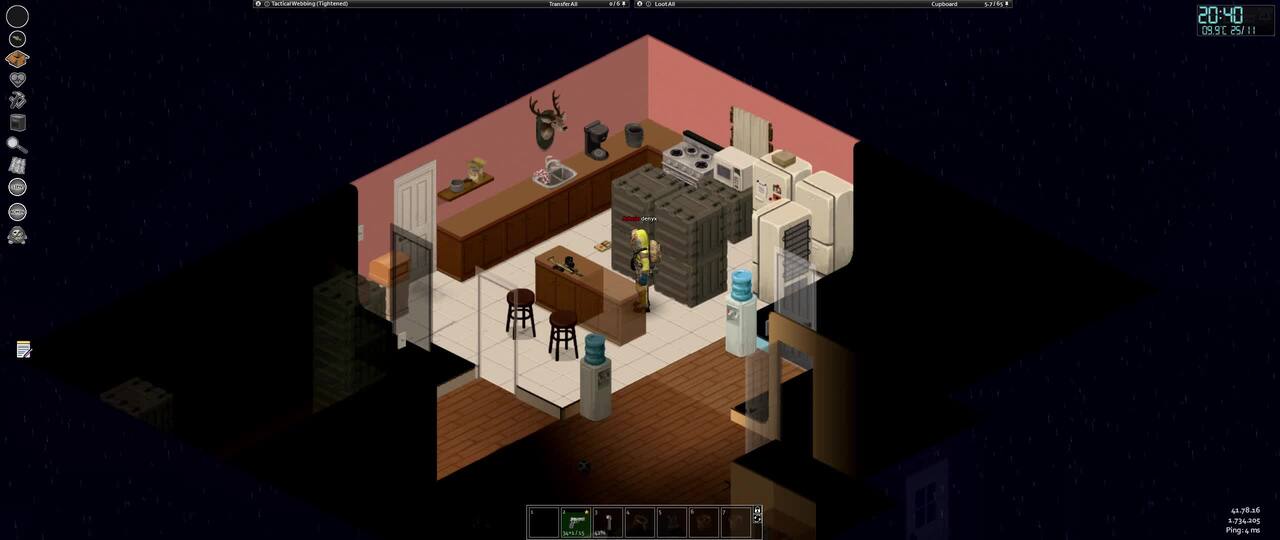
Watch Zomboid Server Bug and millions of other Project Zomboid videos on Medal, the largest Game Clip Platform.
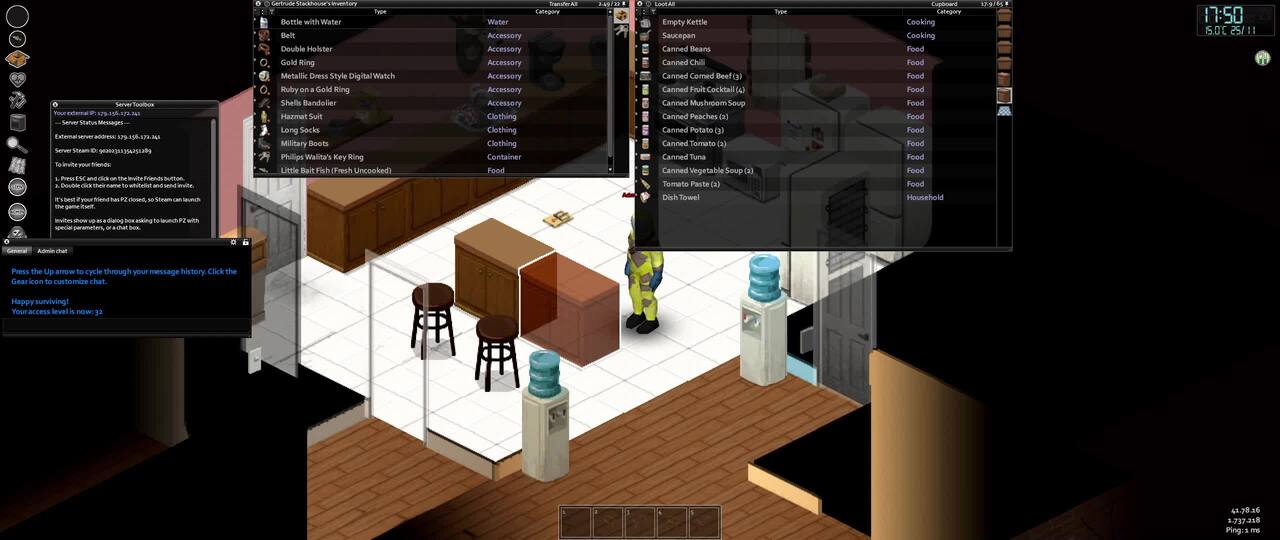
Watch Error and millions of other Project Zomboid videos on Medal, the largest Game Clip Platform.
fickle quartz
Can you share your logs.zip file found in C:\Users\YourUserName\Zomboid after the attempt without mods?
subtle vessel
fickle quartz
Can you share your logs.zip file found in C:\Users\YourUserName\Zomboid after th...
Yes, i can! But how can i do this? The file is over 10mb, i cant send by discord
Access Google Drive with a Google account (for personal use) or Google Workspace account (for business use).
if u know other way to send a file, i'm glad to know about it
fickle quartz
subtle vessel
Yes, i can! But how can i do this? The file is over 10mb, i cant send by discord
That is unusual, that file should never reach above 10mb unless it has a ton of errors
You need to share the file so "anyone with the link" can access it
In the google drive
subtle vessel
fickle quartz
You need to share the file so "anyone with the link" can access it
oh sorry
Access Google Drive with a Google account (for personal use) or Google Workspace account (for business use).
subtle vessel
fickle quartz
That is unusual, that file should never reach above 10mb unless it has a ton of ...
holy moly
it has 4.9gb
fickle quartz
subtle vessel
it has 4.9gb
I think you shared the incorrect file
Because the file you sent is called "Logs.rar"
I asked for "logs.zip"
I assume you compressed the Logs folder?
fickle quartz
The logs.zip file is in the Zomboid folder itself, no need to compress anything
fickle quartz
subtle vessel
It looks like all of the logs still have a ton of mods enabled
I would suggest deleting the "mods" folder in the Zomboid folder
Then start the game, go to the Host menu, create new settings, call them something like "itemtest", leave the default settings and start the server
Then test if the issue happens there
subtle vessel
okay
still bugged https://medal.tv/games/project-zomboid/clips/iOqx9Y4F6mgXwsNCK?invite=cr-MSxZR1YsMTgxNDU0NjkyLA

Watch Help! I need somebody, Help! and millions of other Project Zomboid videos on Medal, the largest Game Clip Platform.
subtle vessel
fickle quartz
Then test if the issue happens there
same problem
but it happen a lot less
fickle quartz
subtle vessel
same problem
Could you share the logs again to confirm that there are no mods loading?
fickle quartz
subtle vessel
Yeah everything seems to be in order, that issue is very unusual, I will have to ask the testers to see if this would be a known problem
Could I ask how much RAM you assigned to the server?
fickle quartz
subtle vessel
16
Could you also try verifying your game files through Steam?
And does this happen in Singleplayer as well or only in MP
subtle vessel
fickle quartz
Could you also try verifying your game files through Steam?
yes sir!
subtle vessel
fickle quartz
Could you also try verifying your game files through Steam?
found 1 error
subtle vessel
fickle quartz
And does this happen in Singleplayer as well or only in MP
only tested in MP, will test in SP on a few minutes
in MP:https://medal.tv/games/project-zomboid/clips/iOrgpzl5qgcMXnxHu?invite=cr-MSxUenUsMTgxNDU0NjkyLA

Watch Still bugged and millions of other Project Zomboid videos on Medal, the largest Game Clip Platform.
fickle quartz
Could you also check if you are opted into any Beta versions of the game in the game Properties > Betas in Steam?
subtle vessel

Watch No problems in SP and millions of other Project Zomboid videos on Medal, the largest Game Clip Platform.
subtle vessel
fickle quartz
Could you also check if you are opted into any Beta versions of the game in the ...
i didn't

should i uninstall the game and install again?
fickle quartz
You can certainly try, I am not really sure about this issue as there are no leads for it at this moment
Does it only happen on your own server or other public servers as well?
subtle vessel
fickle quartz
You can certainly try, I am not really sure about this issue as there are no lea...
okay!
subtle vessel
fickle quartz
Does it only happen on your own server or other public servers as well?
i never tested in a public server, only on my own server
 slow iron
i didnt read the thread so i dont know if this is resplved
but this could be due to the fact that they picked up duplicated item
sometimes items gets duplicated after server restart
so if you pickup an item that has the same id as the one on your inventory it will just think its the same and nothing happens when you add the item
but if youre refering to the items on the ground
the server naturally despawn items
so you need to tweak your settings
subtle vessel
its not duplicate items, its new items that disappear, its worst
already had this problem of duplicated item, but i already fixed it
fickle quartz
subtle vessel
i never tested in a public server, only on my own server
I would suggest testing on a public server in that case to pinpoint the issue
Additionally, I would suggest testing your own dedicated server to check if it happens only on the server using the Host function
 open minnow
Does it only happen if you use admin to refill containers?
From my testing in vanilla coop hosted game, I could only make this happen when using admin powers to refill a container. It seems to be some sort of desync from pressing the refill container button. Only happening if it appears to roll high and put lots of items into the container in a single refill, or you click refill several times and get lots and lots of items.
For some reason, dropping the multiple refilled items on the ground directly from the container then picking them up will cause them to not disappear. Going far away and coming back seems to let you see the true contents of the container.
Seems to be multiplayer behavior, I used Lootzed in debug mode solo and the highest encumbrance amount of books I could get to appear at that bookshelf was around 11. Went to hosting and i could get 30+ to "appear"
slow iron
open minnow
Does it only happen if you use admin to refill containers?
From my testing in v...

thats really weird
probably cuz you spawned it using loot zed
it might not have properly register as a container refill event