187 messages · Page 1 of 1 (latest)
 tranquil light
A week ago I played on my server. We decided to do a wipe, added 10 mods, deleted a couple. And now there is such an error, you can go in, but if you call the Windows error, but when you go in, some machines are not displayed. And people can't log in. Tried logging in via IP and Steam. All the same. I'll insert screenshots to make the problem clearer. We have 490+ mods. And in the last screen in Russian, I will translate (The server should allow you to enter)
It only comes through a Windows error. If you do nothing, a red error pops up.
 sour egret
Does the issue happen without mods as well? The mods you added are most likely the cause of your issues.
tranquil light
sour egret
Does the issue happen without mods as well? The mods you added are most likely t...
We tried to log in later without mods, no one was able to log in, but I was able to log in to the game
sour egret
tranquil light
We tried to log in later without mods, no one was able to log in, but I was able...
What sort of errors did others get?
tranquil light
sour egret
What sort of errors did others get?
 sour egret
tranquil light
sour egret
tranquil light
That just means that there is a whitelist / invite required on the server
Is this a dedicated server? Did you change any of the whitelist settings?
tranquil light
Yes, I didn't change it, I pressed it earlier but then removed it
sour egret
tranquil light
Yes, I didn't change it, I pressed it earlier but then removed it
Removed what exactly? Can you share your server config file privately?
tranquil light
sour egret
Removed what exactly? Can you share your server config file privately?
I'm at work now. Can I send it to you by 15:00 Moscow time. In 2-3 hours?
tranquil light
sour egret
Removed what exactly? Can you share your server config file privately?
I'm home, I'll reset all the settings in 30 minutes. Do you need only the standard ones? Or the ones from the mods?
sour egret
Whichever ones you want the server to use and have a problem with players connecting to
The model and mod errors can only really be fixed by removing the problematic mod
But the connection issues could be related to the config, so thats what I am trying to help with mainly
tranquil light
sour egret
But the connection issues could be related to the config, so thats what I am try...
Thanks for waiting. I'll send it now.


If you need screenshots of mod settings, tell me
I'll send you a photo of those mod tabs if needed.
sour egret
tranquil light
I think there was a misunderstanding, is this a dedicated server or a coop server?
Since these screenshots are from a coop server
Coop servers require you to invite people to be able to join
tranquil light
sour egret
I think there was a misunderstanding, is this a dedicated server or a coop serve...
I didn't quite understand.
But I created this server myself for the players.
I could play solo
tranquil light
sour egret
Coop servers require you to invite people to be able to join
I don't understand what's wrong at all
sour egret
tranquil light
I don't understand what's wrong at all
Did you invite the players through Steam?
tranquil light
sour egret
Did you invite the players through Steam?
Yes, but for some reason the invitation didn't come to people
I clicked invite - the person didn't receive anything
sour egret
Yeah that is weird.. are you inviting through the ESC - Invite menu?
Have you tried restarting the server and inviting again?
tranquil light
sour egret
Yeah that is weird.. are you inviting through the ESC - Invite menu?
I tried about 10 times
I can't get in, it only works if I get a Windows error. Then it lets me in.
sour egret
tranquil light
I tried about 10 times
That doesnt make much sense.. are you able to start an unmodded server?
tranquil light
sour egret
That doesnt make much sense.. are you able to start an unmodded server?
No
tranquil light
sour egret
That doesnt make much sense.. are you able to start an unmodded server?
The server didn't work, not even the most ordinary one.
sour egret
tranquil light
The server didn't work, not even the most ordinary one.
Can you share your logs.zip file found in C:\Users\YourUserName\Zomboid?
tranquil light
sour egret
Can you share your logs.zip file found in C:\Users\YourUserName\Zomboid?
I can share a screenshot
tranquil light
sour egret
I cannot really make use of a screenshot of a file
I don't know how to send a file
How to send?
tranquil light
sour egret
I need the file itself
I can send you screenshots, but I don't know how to send you a file.
Какую папку?

Oh, what folder))
Forgot that it was another chat
sour egret
tranquil light
I don't know how to send a file
You can drag and drop it into discord to upload it
Or use the Plus symbol and then navigate to the file
sour egret
The logs.zip file, you can see it right at the bottom
tranquil light
sour egret
The logs.zip file, you can see it right at the bottom
I sent you
sour egret
tranquil light
The server didn't work, not even the most ordinary one.
The last log shows your server launching just fine, I cannot find the server failing to launch as you said, so I am confused about this statement
You do have a lot of mods loading before the server
I would suggest deleting the "mods" folder in the User/Zomboid folder
Then host again
tranquil light
sour egret
The last log shows your server launching just fine, I cannot find the server fai...
Damn... The last time I launched a server without mods was
Tomorrow I'll launch the second one, but it doesn't launch people even on a regular server without changes
tranquil light
sour egret
I would suggest deleting the "mods" folder in the User/Zomboid folder
Why delete it? What will it give?
sour egret
tranquil light
Why delete it? What will it give?
It will remove mods, that is all
Since it is important to test for issues without mods
tranquil light
sour egret
It will remove mods, that is all
Should I delete it from Steam?
I deleted the game yesterday. And all the mods.
Nothing has changed
At all .
sour egret
All your last logs still show several mods
So I cannot confirm if what you say is true
Deleting the folder would be enough for our testing purposes
tranquil light
sour egret
Deleting the folder would be enough for our testing purposes
The last time I started a server without mods, I was told to try without first, if it doesn't let people in in any way there is a problem with the game
I'll start the server tomorrow and it should show up there.
And maybe we will find the cause of the error.
It's probably daytime for you now, so have a nice day. And I'm going to bed. It's nighttime for me. I'll write tomorrow, I hope we can solve this!
tranquil light
sour egret
Deleting the folder would be enough for our testing purposes
In 20 minutes I'll launch the server so you can understand what's wrong with it.
tranquil light
I will write you in private messages
tranquil light
I I sent it, take a look.
sour egret
tranquil light
I I sent it, take a look.
You sent the logs with mods though
As mentioned in my message here:
#1278246548949569567 message
You need to test if the issue persists without mods
sour egret
Yes, please replicate the issue without mods
tranquil light
People can't get in
I tried through Steam, and through an invitation, and through an IP address.
sour egret
You have not sent any logs where the issue happens without mods
I first need to confirm that the issue happens without them to progress
tranquil light
sour egret
I first need to confirm that the issue happens without them to progress
I sent you the last time I logged in from a regular server without mods and without server settings
I tried to invite there, but I didn't invite in the mod.
sour egret
tranquil light
I sent you the last time I logged in from a regular server without mods and with...
Which log is that? Since all the logs I have seen had mods
Can you point to it?
tranquil light
sour egret
Can you point to it?
Who should I point to?
sour egret
tranquil light
Who should I point to?
The modless logs
Since you said you sent them, I have not seen any logs you sent be without mods
tranquil light
sour egret
Since you said you sent them, I have not seen any logs you sent be without mods
I think this is the very first time I sent it to you.
sour egret
tranquil light
I think this is the very first time I sent it to you.

These are clearly mod errors though
= Not without mods
Meaning you sent logs with mods
tranquil light
I played without mods and there were no errors at all.
But people couldn't get in again.
sour egret
tranquil light
But people couldn't get in again.
I need logs from that attempt in that case
tranquil light
Look at the ones I sent you in private messages.
sour egret
tranquil light
Look at the ones I sent you in private messages.
I did, all of them contain a ton of mods
The game keeps the last 5 logs in the logs.zip file, and not a single one of them is modless
tranquil light
There are about 600 mods there
sour egret
Indeed, so as said before, I would need a modless log to confirm its not a mod issue
I cannot proceed without doing this first step
tranquil light
I need to start the server now and send you the ZIP logs?
sour egret
Yep, preferably without any mods loaded at any point
Are you able to test out if the invite connection fails as well?
tranquil light
sour egret
Are you able to test out if the invite connection fails as well?
I'll check now
Friend online, let's check
tranquil light
sour egret
Are you able to test out if the invite connection fails as well?
I accidentally started a server with mods. But it didn't start, same error
I'm going to launch a server without mods now. I'll try to invite a friend.
tranquil light

@sour egret The man tried to enter, it didn't work. This is a standard PZ without mods, etc.
He says that the port is also closed by plus for me
sour egret
tranquil light
Still a ton of mods
Are you sure you deleted the mods folder as asked before testing?
tranquil light
I didn't delete it, I turned off the mods. Was it necessary to delete that folder?
sour egret
Yes
tranquil light
I'll do it well!
tranquil light
My power went out. A little later.
tranquil light
sour egret
Yes
I'll start it now, I'm free

This is OK???
I didn't delete the mods, I just opened the folder and that's all there is


They tried to get in to see me, but it didn't work.
I'll give you the logs now

This is a photo of a friend who tried to create his own server without mods.
sour egret
tranquil light
I didn't delete the mods, I just opened the folder and that's all there is
Delete the mods folder as asked
Your logs all show several mods
Even the error in the screenshot is a mod error
I cannot help you with mod issues
tranquil light
sour egret
Delete the mods folder as asked
I deleted the mods folder
Who should I turn to for help?
sour egret
tranquil light
I deleted the mods folder
Start the servers without mods after doing that, then retest the issue
Since all your previous logs and screenshots are all mod related
tranquil light
sour egret
Start the servers without mods after doing that, then retest the issue
I ran it without mods
And most likely the error is in the Nevburs machines, I'm not sure, but for some reason the error comes from his mod...
sour egret
tranquil light
And most likely the error is in the Nevburs machines, I'm not sure, but for some...
An error cannot come from a mod if you do not have the mod enabled
Your logs show that mod enabled
tranquil light
sour egret
An error cannot come from a mod if you do not have the mod enabled
1I am 100% sure and checked that the mods were not turned on
sour egret
tranquil light
1I am 100% sure and checked that the mods were not turned on
Looking through all the previous logs, it seems like one is without mods

Is this the error they get when they try to get in?
Because this screen shows that the connection was successful
Is this the error they get after that screen?

If that is the case, do you have anyone else you can invite?
tranquil light
sour egret
If that is the case, do you have anyone else you can invite?
Yes, first the first screen and then the 2nd
Tomorrow I'll try to invite someone else. But why is this happening?
sour egret
tranquil light
Tomorrow I'll try to invite someone else. But why is this happening?
It looks like one of your friends mods is conflicting with the server
The one listed in the error
tranquil light
Why is port 16262 closed? What to do with it?
sour egret
The "port 16262 closed" error is specifically caused by the 16262 UDP port not being correctly opened either on the server owner’s router or in their firewall. It can be ignored if you are getting it on small coop servers.
If you do want to remove the error message, I can only recommend making sure that you correctly port forward the UDP protocol 16261 and 16262 ports to your Local IP. Alternatively, it will show up if you use the "Use Steam Relay" option when connecting to a dedicated server, in which case the players would have to disable that to remove the error message.
Here are some good guides on how to open the ports:
https://www.noip.com/support/knowledgebase/general-port-forwarding-guide
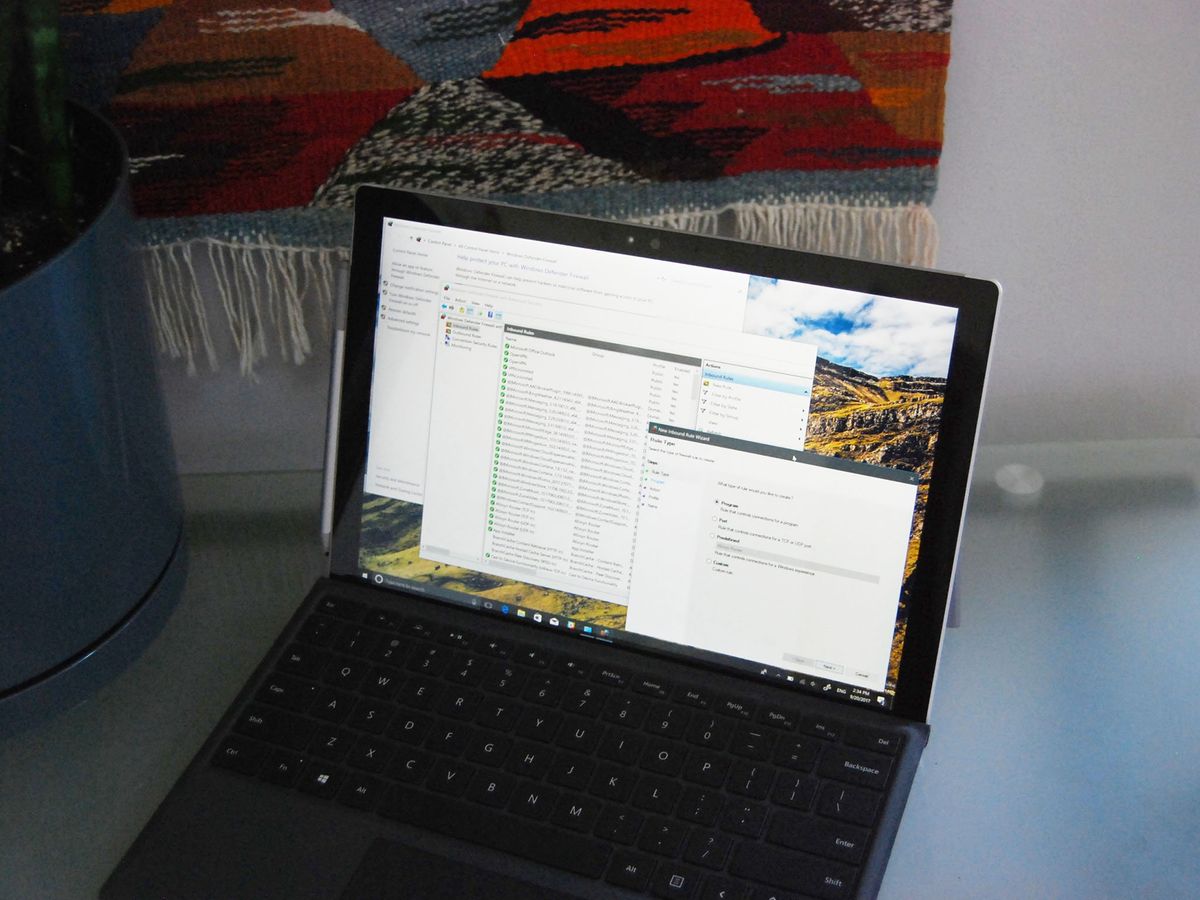
https://www.windowscentral.com/how-open-port-windows-firewall
If doing that still does not work, I can only recommend contacting your Internet Service provider to make sure that they allow hosting a server on your IP and that they do not block the 16262 port themselves.

This guide is a port forwarding how to for the very beginner. Follow the steps outlined to find your default gateway for general port forwarding.