#my game is stuck in half speed HELP
89 messages · Page 1 of 1 (latest)
 hushed hatch
 drifting smelt
Have you tried disabling Vsync as mentioned? Or does it happen in Windowed mode?
hushed hatch
ow man
tryed it all ):
it
does
not work
beard your very good at this. but i think my problem is a new bug and cant be solved ):
hushed hatch
drifting smelt
Have you tried disabling Vsync as mentioned? Or does it happen in Windowed mode?
never in windowed mode
drifting smelt
It does not happen in Windowed mode?
drifting smelt
Could you play in Windowed mode and then check your Task Manager and see the utilization of your CPU + Disk + Graphics card?
You can see all of those in the "Performance Tab"
 drifting smelt
 drifting smelt
You can alternatively right click your Start button in the bottom left corner
And select Task Manager
hushed hatch
where do i see utilazasion?
drifting smelt
When you expand the Task Manager in the bottom right corner, then go to the Performance tab
drifting smelt
Can you screenshot the task manager?
hushed hatch
 drifting smelt
That is the Device Manager, not the Task Manager
hushed hatch
oh
im stupid
sorry

here it is

project zomboid is the one using 17.3 percent cpu
drifting smelt
Check the Performance tab, since that shows the graphics usage as well
hushed hatch
kk
drifting smelt
Make sure to load into a game as well, not just be in the main menu
 hushed hatch
hello?
drifting smelt
hushed hatch
im in it
All seems fine, can you also screenshot the Memory screen?
Just to check for issues there
hushed hatch
memory screen?
kk

wrong one!

at this point im starting to assume its ur guys fault not my pc
drifting smelt
That is unlikely
The memory usage seems mostly fine as well
Do you have any applications running in the background? Can you turn off all of them?
drifting smelt
Did you turn off the ones in the Icon Tray as well?

You can see it in your screenshot
drifting smelt
Could you share a screenshot of that to confirm? The issue can be caused by background programs or settings in your graphics drivers
 drifting smelt
I am not sure what you mean by that, it seem like there is some sort of issue on your PC with rendering
Scamming would imply deception
I would recommend resetting your AMD Drivers to see if that helps, in case there are some settings there misconfigured:
https://www.youtube.com/watch?v=v13S_x1Ia7o
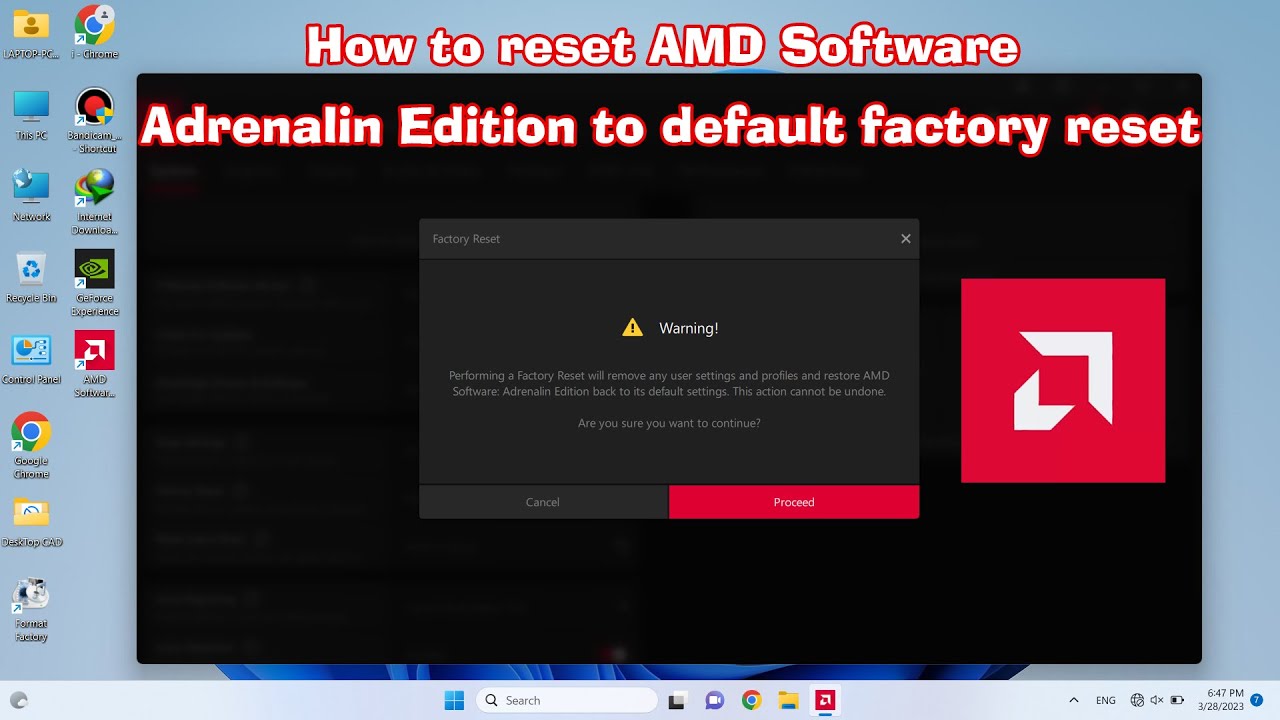
How to reset AMD Software꞉ Adrenalin Edition to default factory reset 2020
Reset AMD Driver to default
hushed hatch
k
drifting smelt
I think at this point I can only recommend a Windows reinstall, since it seems like something is wrong with the configuration on it, and it would be very difficult to pinpoint the issue
Unless you are willing to try many more things
hushed hatch
drifting smelt
Unless you are willing to try many more things
That one.
drifting smelt
In that case, try making sure you switch off Vsync in the game options, set the Display to Borderless mode