
#TİPE-22
147 messages · Page 1 of 1 (latest)
 thin yoke
 candid pecan
Hello, I am getting a type-22 error on my server and everyone except the admin i...
candid pecan
Hello, I am getting a type-22 error on my server and everyone except the admin i...
There is an issue with the server
Reach out to the admin
candid pecan
thin yoke
There is an issue with the server
Reach out to the admin
I am the server owner
thin yoke
candid pecan
I am the server owner
How are you running the server
candid pecan
with windows server 2019
VDS
Project Zomboid Dedicated Server
I downloaded it from Steam
thin yoke
candid pecan
with windows server 2019
VDS
Go into your .ini for server configs and disable "luachecksum"
candid pecan
thank you very much
thin yoke
candid pecan
thank you very much
Ping me back if its not fixed
candid pecan
understood
 autumn orchid
Please do not disable the Lua Checksum under any circumstances
It is mainly used for testing purposes or local servers, turning it off would allow anyone to tweak anything on the server
Instead, since you are likely using mods, disable the Type 22 anticheat in the server settings

 golden mantle
Could you translate that please @candid pecan
candid pecan
debug connection not allowed for non-administrators
autumn orchid
Disable debug mode in that case
You cannot join servers which you are not an admin of with debug mode
candid pecan
I increased the server ram and determined the ram level before opening the program. The ram is 32 GB, I gave it 30, but the server still crashes suddenly because of this.

 autumn orchid
You should never give the server that much RAM out of your system maximum
Give is 26 or so instead, you need to leave some for the system
autumn orchid
Is the server the only thing that is going to be running on the system?
golden mantle
@autumn orchid he is also setting Xms to 30g. That might be the issue?
On top of setting it too high
autumn orchid
Using both Xms and Xmx is fine, it basically just preallocates the RAM
Not recommended on lower RAM systems since Java would not free it up then, but on servers its fine
candid pecan
autumn orchid
Is the server the only thing that is going to be running on the system?
yes
It gives 30gb ram and the server crashes due to this problem...
If it is 2 GB, I give it to the computer.
I'm currently running the server with 26GB of RAM and haven't seen any problems.
But 26 GB RAM is not enough, I need to give more.
autumn orchid
What kind of issues do you have with 26?
candid pecan

I just opened the server, it immediately shuts down with the same error. How to shut down a server that has no one on it?
candid pecan
The server used to have 16 GB RAM, now we increased it to 32 and these problems started.
autumn orchid
It says right there you are using 30gb
Lower is to 26 - 28 as said
You assigned too much RAM
candid pecan
I installed 26 and 28 ram but still the same problem.
A friend of mine sent me this video
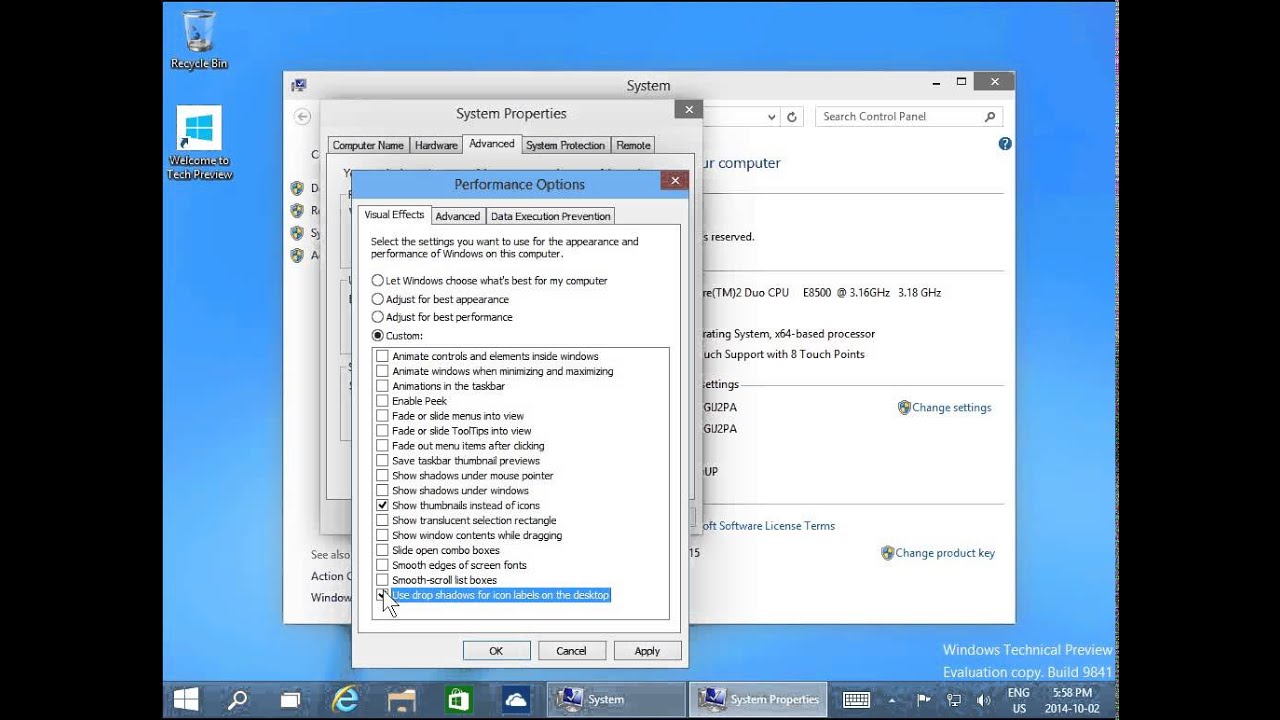
Windows 10 - Optimize Performance - Virtual Memory - Advanced System Settings - Speed Up Windows 10
Happy? Please DONATE via PayPal: http://thankyou.injusta.click
These errors did not occur when my server was using 16 GB RAM, these problems started after the upgrade.
autumn orchid
candid pecan
https://www.youtube.com/watch?v=NkHjRKFUnNc
I would not recommend following this video
It is outdated by like 10 years as the video age suggests
Keep it Windows controlled, both the paging memory and the UI
Since you do not know how much paging memory the system needs
candid pecan
OK
candid pecan
Hello
The system properties of my server are as follows:
Xeon E5 2699 v4 - E5 2680 v4 - E5 2689 v4
32 GB
DDR4 RAM
120 GB
NVMe SSD
But I still get the insufficient ram error and the server shuts down on its own. Is this a problem with the game or is the system insufficient?

Is this server insufficient or is there something wrong with my server?
autumn orchid
candid pecan
Is this server insufficient or is there something wrong with my server?
Can you share the latest hs err pid file from your server install folder?
candid pecan
autumn orchid
candid pecan
Question, what is your paging memory set to right now?
And can you screenshot the memory page in the task manager?


 candid pecan
 autumn orchid
Can you share a screenshot of the paging memory as mentioned?

 candid pecan
autumn orchid
Can you share a screenshot of the paging memory as mentioned?
candid pecan
autumn orchid
Can you share a screenshot of the paging memory as mentioned?
I couldn't understand
 autumn orchid

Tom's Hardware
Follow these simple steps to manually manage the Virtual Memory (Pagefile) size in Windows 10.
autumn orchid
I did not send any video, I sent a guide on how to navigate to the page file setting
Can you share a screenshot of the page file as shown in the guide


 candid pecan
candid pecan
candid pecan
Is it normal to use this much RAM?
There are only 12 players on the server
autumn orchid
candid pecan
This is incorrect, I recommend having it assigned by the system. The checkmark at the top
autumn orchid
candid pecan
Is it normal to use this much RAM?
There are only 12 players on the server
You have 24gb assigned, it is normal for the game to use up to the assigned number
Can I ask how you exactly installed the server? There seems to be a problem with it.
candid pecan
I bought it from this website

Keyubu
Keyubu Hosting Hizmetleri • Yurt dışı ve yurt içi ddos koruması • VDS • cPanel, Plesk, ve Reseller Hosting • Oyun Sunucuları • Profesyonel Destek
Windows Server 2022
This is the system I use
autumn orchid
I meant the PZ Server, not the machine itself
candid pecan
I downloaded it from steam
autumn orchid
That does not sound right
If you have a dedicated server as you say, you should not use the Steam version as your host
Because it is tied to your account

I recommend using SteamCMD instead to install it
candid pecan
I deleted Steam after uploading the files.
What is the difference between steam cmd?
autumn orchid
SteamCMD is an anonymous install not tied to any specific account, works better for dedicated servers
Also fixes the issue you kept screenshotting with the server failing to launch, since thats an issue stemming from that
candid pecan
There is insufficient memory for the Java Runtime Environment to continue.
Native memory allocation (malloc) failed to allocate 1050640 bytesChunk::newC:\server\pzserver\hs_err_pid5944.logC:\server\pzserver\replay_pid5944.logsrc\steamnetworkingsockets\clientlib\steamnetworkingsockets_lowlevel.cpp (3480) : Trying to close low level socket support, but we still have sockets open!
src\steamnetworkingsockets\clientlib\steamnetworkingsockets_lowlevel.cpp (3480) : Trying to close low level socket support, but we still have sockets open!
src\tier0\threadtools.cpp (3690) : Assertion Failed: Illegal termination of worker thread 'CFileWriterThread'
src\tier0\threadtools.cpp (3690) : Assertion Failed: Illegal termination of worker thread 'CFileWriterThread'
src\tier0\threadtools.cpp (3690) : Assertion Failed: Illegal termination of worker thread 'Thread(0x00007FFA6A627DA0/0x000'
src\tier0\threadtools.cpp (3690) : Assertion Failed: Illegal termination of worker thread 'Thread(0x00007FFA6A627DA0/0x000'
C:\server\pzserver>PAUSE
Press any key to continue . . .
I did what you said but I keep getting the same error.
Could there be a problem with the server I bought?
candid pecan
golden mantle
Do you still have the Xms value set?
It uses 26 GB RAM
candid pecan
candid pecan
The system properties of my server are as follows:
!
This doesn't seem normal at all, it crashes when there are no players on the server.
golden mantle
@candid pecan just entertain me and try removing the Xms setting, and leaving only the Xmx
autumn orchid
candid pecan
Can you watch this screen and see if it gets to the limit?
If the Used memory gets maxed out
Also, do you have any mods?
candid pecan
yes there is a mod
golden mantle
🤔
candid pecan
Sever can work with 22 GB RAM, but I noticed that it crashes with 26 GB RAM.
golden mantle
Yea its because of your Xms setting and setting both too high
Thats why it crashes immediately. Everything else on your PC is probably using more than 4gb, so it when it tries to allocate all 26gb it can't. If your Xms wasn't also set to 26g it wouldn't immediately crash, but eventually it might, or system slow down once it tries to increase the allocation to that size
You just shouldn't have that high a % of your total system ram dedicated to java
golden mantle
@candid pecan change your Xms down to a reasonable value of what you expect your server to use shortly after startup. If your server doesn't need 22gb of ram ever, then why steal all of that from the OS/other programs. Set Xms to like 4g and Xmx to 22g
golden mantle
Right. You shouldn't try to use 28gb of ram for 1 process when the system has 32gb total
And Java will use slightly more than your Xmx
I feel like I'm talking to a brick wall here
🤦♂️
candid pecan
I'm not available right now, I didn't have time, I couldn't answer