
#2016 windows server computer issues
67 messages · Page 1 of 1 (latest)
 drifting cosmos
 twilit escarp
Could you share what output you get with the sfc scan / dism?
Or is there no output if CMD doesnt work?
drifting cosmos
Yessir I am waiting for boot up to finish I will post that very soon!

What is the command for DISM?
Here’s what I can do :


 drifting cosmos
drifting cosmos
drifting cosmos
This is /SFC scannow
DISM /ScanHealth is an unknown option. What would the DISM command be that I run?
twilit escarp
DISM /Online /Cleanup-Image /RestoreHealth
drifting cosmos
DISM /Cleanup-Image is unknown

DISM /restorehealth same thing

/DISM Online works tho!
twilit escarp
You should not pick only one of those
drifting cosmos
Lemme do that
My b
I think I found my issue….

The guy I bought this server from set up up fast for me. So idk
How do I even go about fixing this wow?
Here it’s right way up now
 twilit escarp
Huh, I have never seen that happen. Its as if Windows itself was installed incorrectly
Check if you have the 64 bit version of Windows installed?
32 bit would not be able to run the server, by the way
drifting cosmos
this is a wild issue lemme c


Hua….?
I am on administrative account and did everything in an elevated CMD environment so I don’t think permissions would be the issue anymore. It’s gonna be a while faulty instal and I’d have to prolly reinstall windows 2016 server again to it?
twilit escarp
I think that would be preferable, but before jumping to conclusions, have you tried running the server .bat files manually?
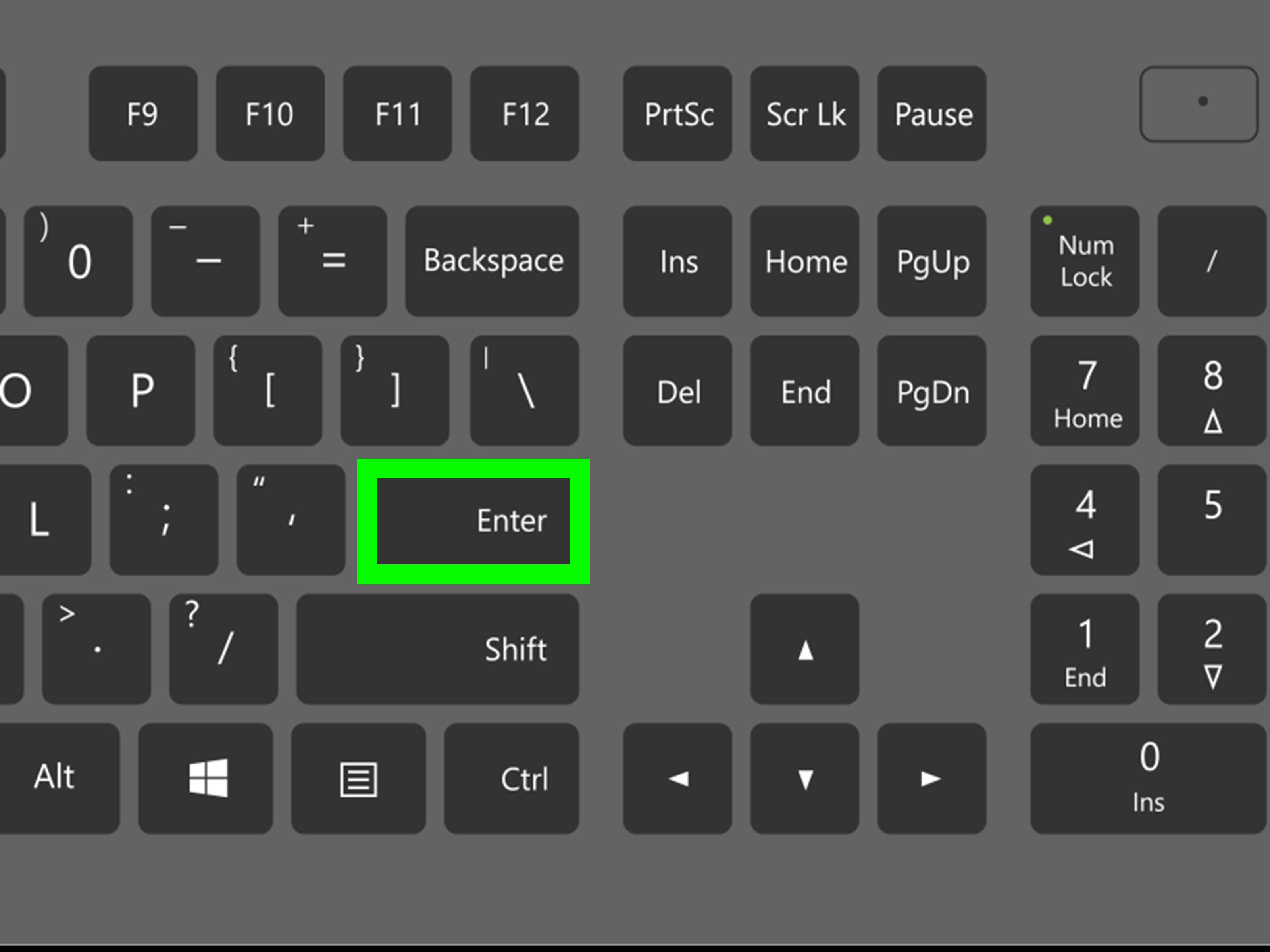
wikiHow
Easily run .BAT files in Windows and troubleshoot common problems If you need to run a batch file at the Windows Command Prompt, you'll just need to know the location of the batch file. To run the file at the command line, simply type the...
As such
drifting cosmos
Lemme do that
Ty
I’ll post results

I’m doing something wrong here
That’s the path but I’m doing something stupid
Here is my path directory and here’s me putting it in CMD


Omg the spaces
My bad!
twilit escarp
If your path contains spaces, you have to put it in quotation marks
drifting cosmos
Ah ok
I did not know that
Here lemme fix it
Still cannot find path specified.

I hope I was entering the command line correctly with the quotation marks like you said.
Or does the whole line have to be in quotations lol sorry I’m a noob

No dice
Says directory name is invalid or system cannot find path specified

Looks like a reinstall!
I just wanna say thank you so much beard for your help as I have been really stuck on this and your the only person who’s been able to even suggest something to help me. I think it needs a fresh instal of windows
twilit escarp
Ah you are writing it incorrectly though
You are writing a path that does not exist
Because "cd" means you are trying to open the directory
But you are writing StartServer at the end there
Such a directory does not exist
You must have misread the guide incorrectly, step 2 is just to get to the folder