#Tunarr keeps crashing, and causing issues.
1 messages · Page 1 of 1 (latest)
 vernal chasm
 fresh silo
I cannot debug without logs
vernal chasm
fresh silo
      "type": "Error",
      "message": "Unable to find server \"Clowneryy\" specified by program.",
      "stack":
          Error: Unable to find server "Clowneryy" specified by program.
              at t.setupInternal (C:\snapshot\dist\bundle.cjs:1275:3406)
              at async t.setup (C:\snapshot\dist\bundle.cjs:1270:10842)
              at async C:\snapshot\dist\bundle.cjs:1273:2632
              at async ZG.transcode (C:\snapshot\dist\bundle.cjs:1273:2042)
              at async ZG.run (C:\snapshot\dist\bundle.cjs:1273:1590)
}```some other errors are located in ffmpeg error log files
C:\Users\parke\AppData\Roaming\tunarr\logs\ffmpeg-error-log-channel-1-concat-1759080067614.log
C:\Users\parke\AppData\Roaming\tunarr\logs\ffmpeg-error-log-channel-1-transcode-1759080072724.log
i see all sorts of weirdness in here that i've never seen before
there is a known issue with the error screen on some systems, so that is part of it too, i think
also, what version are you running
vernal chasm
one off of one of the mirrors what version do you recommend?
fresh silo
no what version of tunarr
vernal chasm
ohhhh latest one
but my old settings was made on an older version but I already replaced my media and the channels
so really dont know why its doing it
fresh silo
0.22.5?
some of the programs are referencing a server called Clownery and are working and some are referencing a server called Clowneryy (extra y) and are erroring
there are some other errors in there as well (ffmpeg logs present at the paths i sent above, please provide anything ffmpeg-error-* in your logs directory, please
vernal chasm
dont wanna jynx it but it seems like clearing my m3u cache did the trick, as I recently changed the name of the jellyfin source when i was re adding it
also doing software instead of cuda imma try to do hardware again and see if it helps
vernal chasm
fresh silo
some of the programs are referencing a server called `Clownery` and are working ...
yeah lmao
seems like no matter what I do if i try to change it back to the one y and with two ys it keeps causing the error

and i thought clearing m3u cache would work it didnt
not sure what I can do but imma go to bed night
im thinking of deleting every trace if tunarr and trying it again see if it fixes it some how
fresh silo
it's because there are programs in the DB that are saved with the 2 y's. not sure how they are lingering around. it's a shortcoming of Tunarr (that i've solved on a working branch) for how programs relate to media sources... but unless you go and edit the DB directly (or completely recreate all of the channels) there is probably no easy way to fix those up
as for the other errors - some seem to be ffmpeg specific, so i'd need those log files i mentioned
if you are comfortable with the command line i could give you a DB query to run to fix the broken programs. i'm not quite sure how they got broken... i will have to look into what happens when you rename a media source; however the underlying program will be fixed in an upcoming version anyway
vernal chasm
where do i get ffmeg logs
fresh silo
fresh silo
`C:\Users\parke\AppData\Roaming\tunarr\logs\ffmpeg-error-log-channel-1-concat-17...
Tunarr prints the paths
vernal chasm
sorry went to sleep
Original command: -nostdin -hide_banner -nostats -loglevel error -fflags +genpts+discardcorrupt+igndts -f concat -safe 0 -protocol_whitelist file,http,tcp,https,tls -probesize 32 -readrate 1.0 -stream_loop 1 -user_agent Ffmpeg Tunarr/0.22.5 -reconnect 1 -reconnect_at_eof 1 -i http://localhost:8000/ffmpeg/playlist?channel=f701c0f7-2567-45a5-9100-9c1f83212d8a&audioOnly=false&mode=mpegts -muxdelay 0 -muxpreload 0 -movflags +faststart -flags cgop -sc_threshold 0 -c copy -metadata service_name="Caroon Network (2007)" -metadata service_provider="Tunarr" -f mpegts pipe:1
vernal chasm
I tried deleting all of my tunnar files to get it working and still didnt work lmao after resetting up jelly fin and adding the content this is the error im getting
new logs
fresh silo
Can you send this file C:\Users\parke\AppData\Roaming\tunarr\logs\ffmpeg-error-log-channel-1-transcode-1759159914281.log
Also are your purposefully using mpeg2video as the output codec instead of h264
Your transcode settings would be helpful as well
vernal chasm
fresh silo
Can you send this file C:\Users\parke\AppData\Roaming\tunarr\logs\ffmpeg-error-l...
I sent all of my latest logs after reinstalling it im using the same ffmeg version
and yes, although I tried using HLS and it still bugs out, I'm trying to use mpeg2 so I can use it on XMBC on orignal xbox
fresh silo
mpeg2 is not working and will not use your GPU. i recommend going back to h264
we should only be debugging the ideal setup
folks tend to go in and randomly change settings and then i'm not sure what i'm debugging against
but if you really need mpeg2 then we can take a look
vernal chasm
I'm on HLS now and its still not working properly
fresh silo
HLS is not the same as outputting mpeg2
within HLS, you can output segments encoded as h264 or mpeg2
vernal chasm
yeah i updated my codec on my ffmeg profile
hold on im restarting it
don't wanna jynx it but does seem to be working more, so is mpeg2 off the table then?
fresh silo
it is not off the table, i just question whenever i see it
most of the time people just start randomly changing settings to try and get things to work and it leads to convoluted debugging
vernal chasm
off the table as in not being able to use it, as it refuses to load at all
fresh silo
if it is your desired setting, then we will debug it
vernal chasm
its fine im probably going to get me a old laptop with 7 pin vivo out to solve the issue on being to watch it on my crt
 fresh silo
ok... so do you want me to debug this or no lol
vernal chasm
nah if it stops lagging as again dont wnana jynx it but its not doing it
fresh silo
i mean there's no jynxing it... it's software not magic
there is clearly a bug that we could fix
vernal chasm
as before I deleted all of my files even on h264, and HLS so default profile, it was for what ever reason lagging
like every 2 seconds then itll crash
vernal chasm
vernal chasm
before me whipping all of my tunarr files
I hope it stops messing up, configing tunarr is so much more easier then eratztv but im getting bugs with tunarr unfortunately
fresh silo
yea man that's what im trying to help with
vernal chasm
I jynxed it lmao
I keep trying to hit watch channel and its crashing ill give logs
fresh silo
well yea ofc it was gonna die again, we didn't change anything lol
like i said, this is a bug
it's not magic, it is software
vernal chasm
no ffmeg logs were made so thats my latest tunarr log
fresh silo
there is no such thing as jynxing it
vernal chasm
I whipped and reinstall everything so I really dont know wtf is going on lol
fresh silo
dude... are you reading my messages?
vernal chasm
I gotta go to bed i have work I do grave yard shifts
fresh silo
it is a bug
vernal chasm
IK its a bug lol
fresh silo
ok so that is what is going on
vernal chasm
should I download an old version?
fresh silo
why?
vernal chasm
IDK if i cant solve the bug Imma go to bed if you can give me your recommendation
but i need to go to bed seriosuly night
I hope you can give me some idea to fix it
fresh silo
bugs are not for users to solve, they are for developers
i am trying to gather information to fix the bug on my end
vernal chasm
yeah so now its like insta crashing
doesnt even hang
it just closes instantly lol
and this time a fmmeg error log was created
ill drop both the latest tunarr log and ffmeg
or I guess not for some reason it created a new ffmpeg log but it didnt write anything
its 0kb
is the tunarar log though the ffmeg wont write the log at all okay night
fresh silo
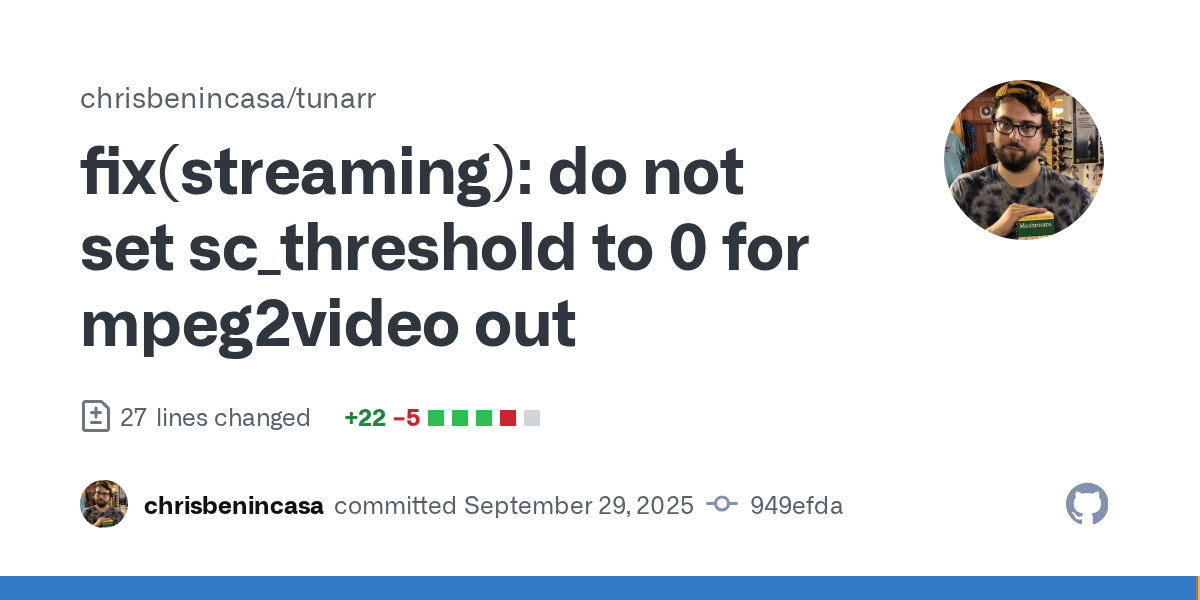
here is a fix for at least one of the streaming bugs you are experiencing with mpeg2video out
 vernal chasm
well im on h264 and its crahing instantly so not sure whats up
Im on default settings besides the screen resoultion
fresh silo
ok, this is exactly what i was referring to above
vernal chasm
oh and with hardware encoding as well thats it