
1 messages · Page 1 of 1 (latest)
 dense roost
Hi, I am having real trouble getting autotiling/Terrains to work on these 1x2 sized garden hedge walls.
I found this youtube video from 2020 in which the developer is clearly trying to do something very similar, but his editor looks way different. He seems to have tileset features that are missing in my editor: https://youtu.be/QBrgrIbjXnE?t=217.
The first image (left) shows the tiles I am attempting to autotile / create a terrain for. The scond image (middle) shows my actual autotile bitmask setup in the tileset editor. The last image (right) shows what the actual result looks like when drawing on a tilemaplayer.
No matter how much I try to fiddle with the bitmasks and redrawing the shape, I cannot get the wall to look right.
What are the tools and editor features the youtuber is using in his tutorial? Do these features exist in Godot 4.4 or is there an external plugin I am missing?
The key like in balancing your qi is to find the center!
Also, make use of the copy and paste bitmask buttons! Just be careful not to hit the clear button 🙅♂️
 shell nest
Did you try doing it manually placing the tile in the scene?
dense roost
shell nest
Did you try doing it manually placing the tile in the scene?
Do you mean picking and drawing individual tiles from the terrains view?

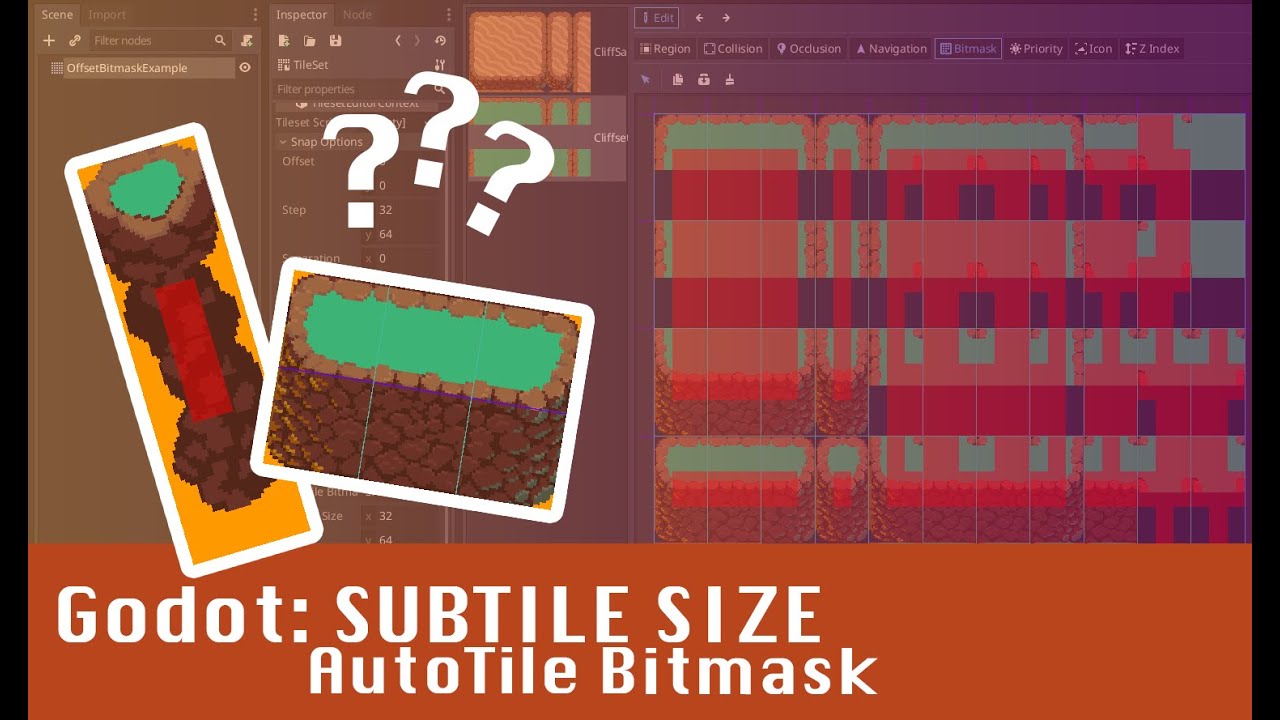
I saw another guy on youtube doing a workaround, by separating the top and bottom of the 1x2 wall into separate terrains, and just drawing both separately. I guess that would work but I am still very curious about the editor features the person in the original video (linked in the post), since they seem to specifically allow defining 1x2 sized autotiles / terrains. If you don't wanna check out the video, here's a screenshot of the features I am talking about:
