#Raycast2D getting the wrong coordinates on collision with Tilemaplayer

1 messages · Page 1 of 1 (latest)

dense shell
#

i'm just copying my question from [here](#❓┃quick-help message)
is there a known issue with raycast2d's GetCollisionPoint() getting the incorrect coordinates for tilemaplayers?
this is my code:

    private void CheckRaycast()
    {
        if (!PlayerRayCast.IsColliding())
        {
            return;
        }

        Vector2 collPos = PlayerRayCast.GetCollisionPoint();
        MineTile(collPos);
    }

    public void MineTile(Vector2 coords)
    {
        Vector2 localPos = tileMapMain.ToLocal(coords);
        Vector2I cell = tileMapMain.LocalToMap(localPos);
        //GD.Print("hitting " + coords + " " + localPos + " " + cell);
        tileMapMain.EraseCell(cell);
    }

i can mine the tile below the player, from the right of the player, and downright of the player. tiles are 16x16 px, tilemaplayer's coordinates are 0 0.
but when i try to mine a tile to the left of the player, it gets the tile off by 1 to the right
as you can see in the console it's off by 1 to the right when i'm next to it on the left, but not when i'm on top mining down, or on the left side mining to the right
mining up also does not work, it's also off by 1 down

rapid orchid
#

I'm just guessing here, but it looks like your collision point is just short of a full number, so maybe it get's lost in rounding?

#

if all tiles are just cubes i would use the target position (way inside the tile) to find the coord

#

or round the coord, instead of floor 🤷‍♂️

dense shell
#

i also tried it by rounding the hitposition, and dividing that by 16 (tilesize) and rounding that Vector2 roundedPos = (collPos / 16).Round();
which is the last value you can see in the logs (GD.Print("hitting " + coords + " " + localPos + " " + cell + " " + roundedPos);)

#

it's basically the same output like Vector2I cell = tileMapMain.LocalToMap(localPos);

azure drum
#

Do you ever change the target position of the raycast?

#

When it's changed, if you want to check if it's colliding in the same physic frame, you have to call force_raycast_update, or whatever it is in C#

dense shell
#

i mean i'm moving around, so ig i'm changing the target constantly, should i force the raycast update every frame?

rapid orchid
#

Also.. is your raycast starting exactly at the center of your character? (0,0)

azure drum
#

Only if you do exactly this sequence in one frame :

  • set the raycast's target_position to something else
  • and then get the collider or collision point
    Otherwise no
rapid orchid
#

But tbh.. i would just use the target pos instead of collision pos as soon as there is collision to do the finding/erasing

azure drum
#

You'd have to set the target_position, call force_raycast_update, then query the collision point.
Also what micro said.

rapid orchid
#

this one is also .. soo close

dense shell
#
public override void _Process(double delta)
{
    PlayerRayCast.TargetPosition = direction * 16;
    PlayerRayCast.ForceRaycastUpdate();
    CheckRaycast();
}

i added ForceRaycastUpdate() to it, since i'm doing what sankto said, but it's still off

dense shell
rapid orchid
dense shell
#

the rounded one is this one, but i can try

rapid orchid
#

or just

collPos = collPos.Round()
#

hm

#

rounded after division and rounded again = 0.0

#

rounded before division and rounded again = 1.0

#

which might jump to 1 in vector2i .. idk 🤷‍♂️

#

but.. 0.5 rounded is 1.0 which is what you would expect there (16,1), no?

azure drum
#

At this point I would recommend going with the target_position's endpoint :

MineTile(collPos);```
Something like that
dense shell
#

this works fine and i really appreciate that, but now this situation can happen,,

#

also i plan to extend the raycast as a purchaseable upgrade

rapid orchid
#

so rounding fix then :P

#

aka..

Vector2 collPos = PlayerRayCast.GetCollisionPoint().Round();
dense shell
#

still off

rapid orchid
#

hm

dense shell
#

i'm pretty confident it's not a rounding issue

#

should we ping the voluntary helpers?

#

<@&1349109171240439858>

#

oops did i mess up?

rapid orchid
#

actually.. i was looking at the wrong value.. it's X that's off

#

it should be (2,0) in the screenshot above, but 48/16 is 3, so that is correct 🧐

dense shell
#

you got it

#

if it's helpful, this is my player

rapid orchid
#

looks fine

#

maybe something with the tileset?

#

maybe tileset just 1px to the right?.. or the collision shape of the tile?.. i mean.. still guessing :P

dense shell
#

tilemap and tilesets are all generated via code,, i come from a monogame environment, but checking the remote view it all looks fine

rapid orchid
#

well.. i tried :( .. hope a solution will be found

dense shell
#

thx a lot, i appreciate your help

#

and uh, how do i ping the happy to help? maybe they got a solution?

rapid orchid
#

i think you did it correctly

dense shell
#

i did that, but it said that some people weren't pinged (probably all of them)

rapid orchid
#

dunno never used it 🤷‍♂️

pallid coral
dense shell
#

oh quirky discord

pallid coral
#

I mean, I think a fair question is how important is it to use a raycast for this functionality? If this is still prototyping this kind of mining, it might be easier to hold the player's tilemap posision (the very end of the print statements in question) and use simple math to see which tile to remove.

timid pawn
#

It really does sound like a floating point error, since your bounding boxes would sit on exact values 0.0, 16.0, 32.0 which aren't truely possible to capture.

I'd add a little extra kick in the direction of the raycast. gdscript psuedo code;

var final_coord = collision_point + (ray_target - ray_origin).normalized() * 0.01
#

*if you wanted to keep the raycast. I agree with the others though, pixel-line drawing algo's are pretty straight forward and may actually give you more precise control when mining diagonally over > 1 tile lengths. eg, you might want to avoid mining a block diagonally when the ray only just barely clips the corner of another block

dense shell
#

interesting, i will try that first, and then i'll try the pixel line thing if it still doesn't work

dense shell
#

oh oops, external emotes not allowed here?

timid pawn
#

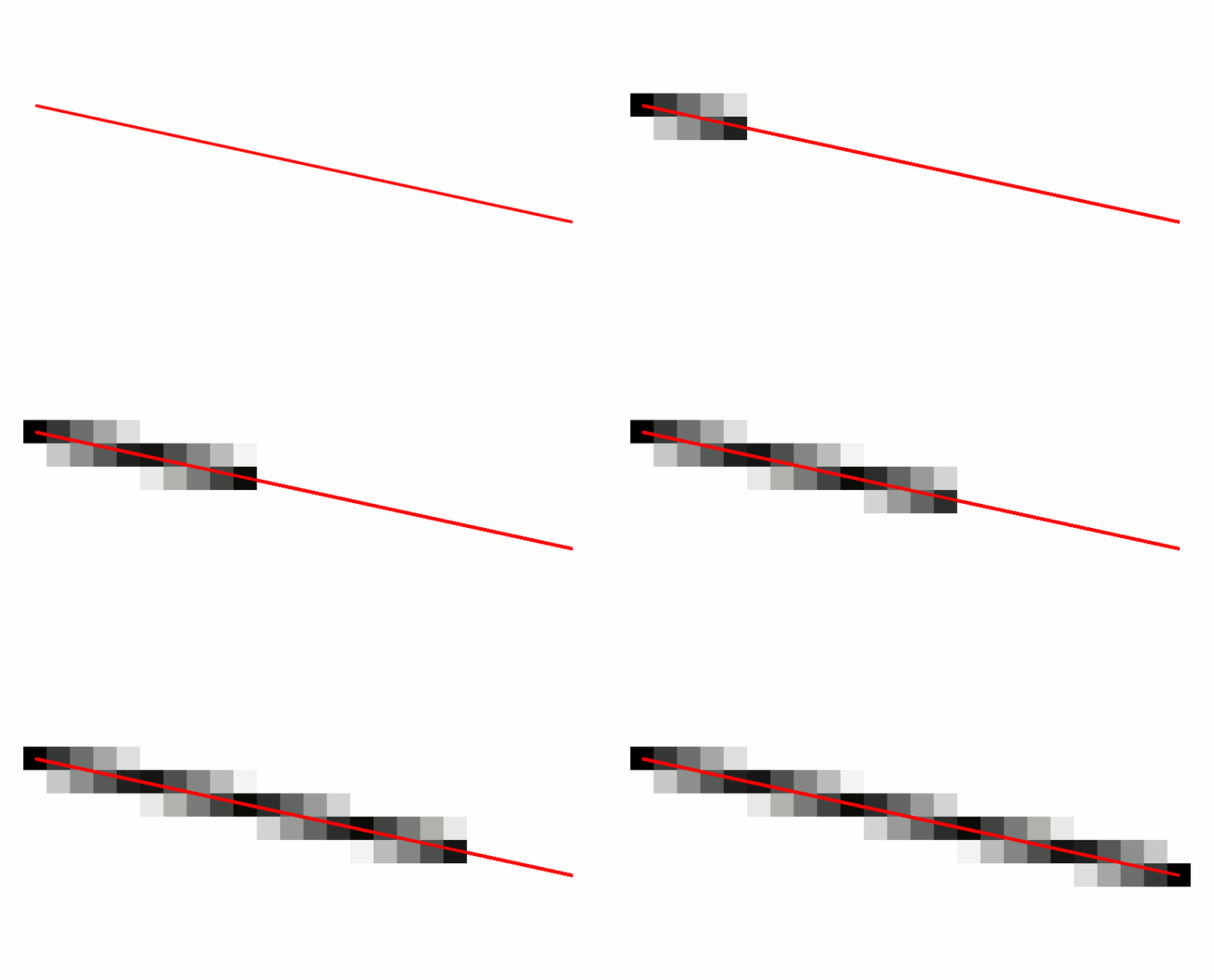
if you pretend a tile is one pixel, you can use pixel-line-drawing to determine which pixels to "fill". applied to your tiles that would tell you which were hit or not. Those algos typically include a value for how much of the pixel the line passes through - typically they're used to color lines dark/light grey but you could tweak that value to figure out how much you want corners to clip.

#

with that same approach you could look into using two lines with a slight offset, to give some thickness/buffer to the target, to avoid the case where a perfectly diagonal direction, pointed at a corner / overhang, could mine a block that isn't exposed

#

idk, kind off feels like the sort of thing that might be useful when you're extremely deep into the design and want to obsesively tweak the game feel, but otherwise might end up being overkill

dense shell
#

i like overkill, is there a tutorial or any resources on how to do that (preferably in godot and/or c#)?

timid pawn
#

I'm pretty confident there'd be more than a few c# implementations out there - probably included in line/shape/path drawing libraries. It's been a while since I touched c# so I don't have any references left