#Card Fanning
1 messages · Page 1 of 1 (latest)
 visual cave
 craggy wind
Should offset be a float?
hand.get_child() can just be cards.global_position
You can breakpoint hand ratio and step through the loop to check the math.
 severe harness
i actually have a working version as im making my own card game
im using container for it
is this what you are trying to achieve?

my cards are controls, the parent is a custom container class https://docs.godotengine.org/en/stable/classes/class_container.html
basically containers will arrange child controls
Godot Engine documentation
Inherits: Control< CanvasItem< Node< Object Inherited By: AspectRatioContainer, BoxContainer, CenterContainer, EditorProperty, FlowContainer, GraphElement, GridContainer, MarginContainer, PanelCont...
i think it should be loop_count += 1 on line 19
im also not setting the cards position, technically all the cards have the same position, i'm rotating them on a pivot

 echo dragon
Maybe relevant:
https://youtu.be/waVOR2ehpuU?si=_lXceLFaCISzn7wB

🃏🃏🃏
Here's an in-depth, beginner-friendly tutorial on how you can Fan 2D Cards in Godot. It is easy to tweak with 2 Curves and a bunch of other export variables.
☕ If you want to support me, buy me a coffee at:
https://ko-fi.com/godotgamelab
⏰ Timestamps:
00:00 - Intro & Demo
01:08 - Explaining the Setup
03:29 - Hand Export Variab...
Also for animations, etc, I guess:
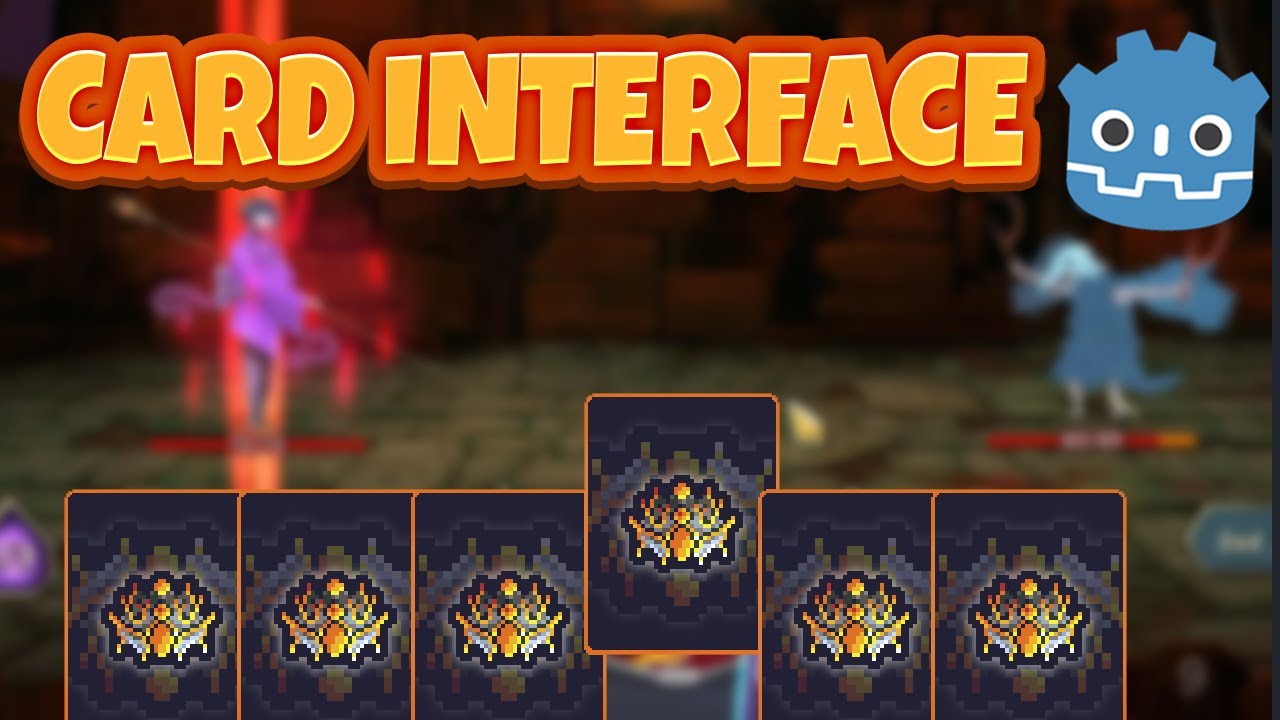
Download Project Files Here ➡️ https://www.codingquests.com/cardfiles
Assets:
https://cafedraw.itch.io/fantasy-card-assets
Check out GODOT GENESIS if you interested in mastering Godot & Game Development:
https://www.codingquests.com/challenge-page/GodotGenesis
Or
https://www.udemy.com/course/godot-genesis-learning-through-6-classic-game-...
visual cave
severe harness
my cards are controls, the parent is a custom container class https://docs.godot...
Okay, I gotcha. Whats difference between using them as controls and node2d
severe harness
visual cave
Okay, I gotcha. Whats difference between using them as controls and node2d
control is more suited for ui purposes
But you can just have a root node that is control
visual cave
severe harness
control is more suited for ui purposes
I gotcha, would anything change in code? Because I have all the input handled in the cards code
I think I tried it earlier and none of my input code would work
I’m still a beginner to godot so my apologies if you have to walk me through this
severe harness
don’t think so, if for some reason the control is blocking mouse input, there is a setting somewhere in inspector to ignore it i think