#Shin Megami Tensei: Strange Journey - Field Texture Issue

12 messages · Page 1 of 1 (latest)

candid sable
#

I've been using Azahar for a range of games without issue (it is so much more stable than Citra, then again, maybe that was because of my old phone that I used it on), but one game that does have issues is Shin Megami Tensei - Strange Journey.

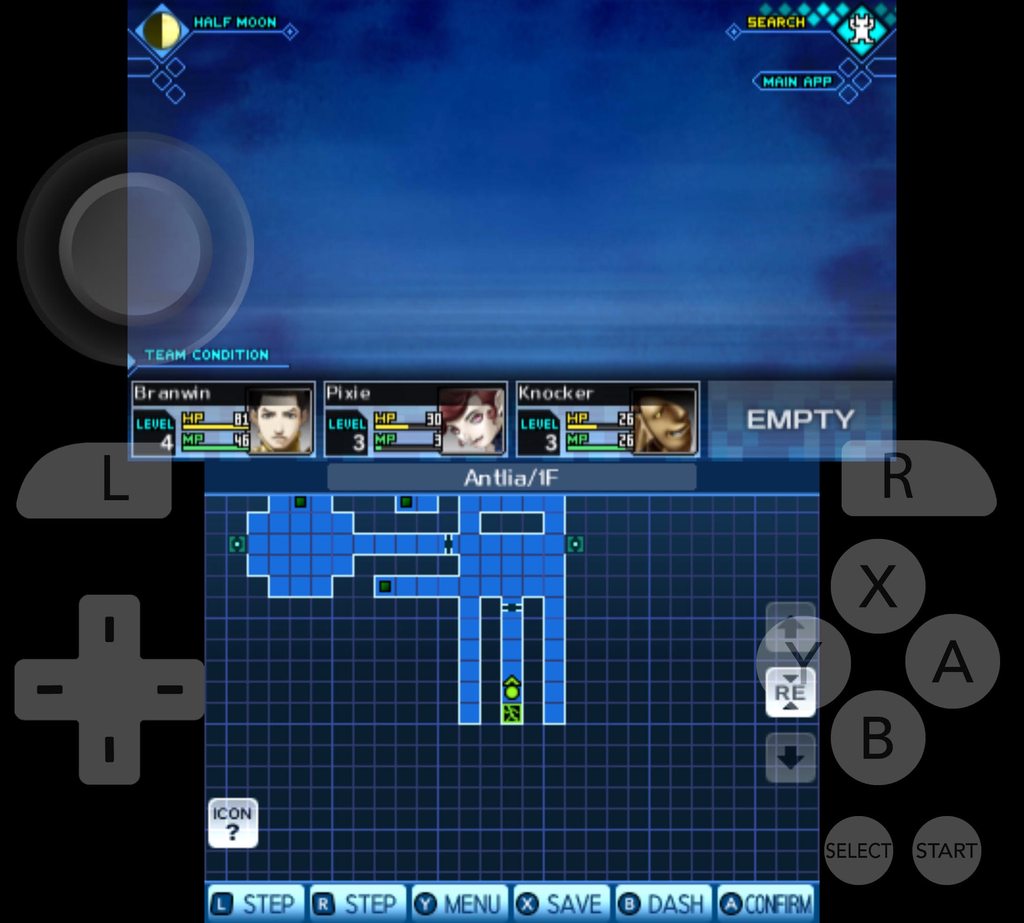
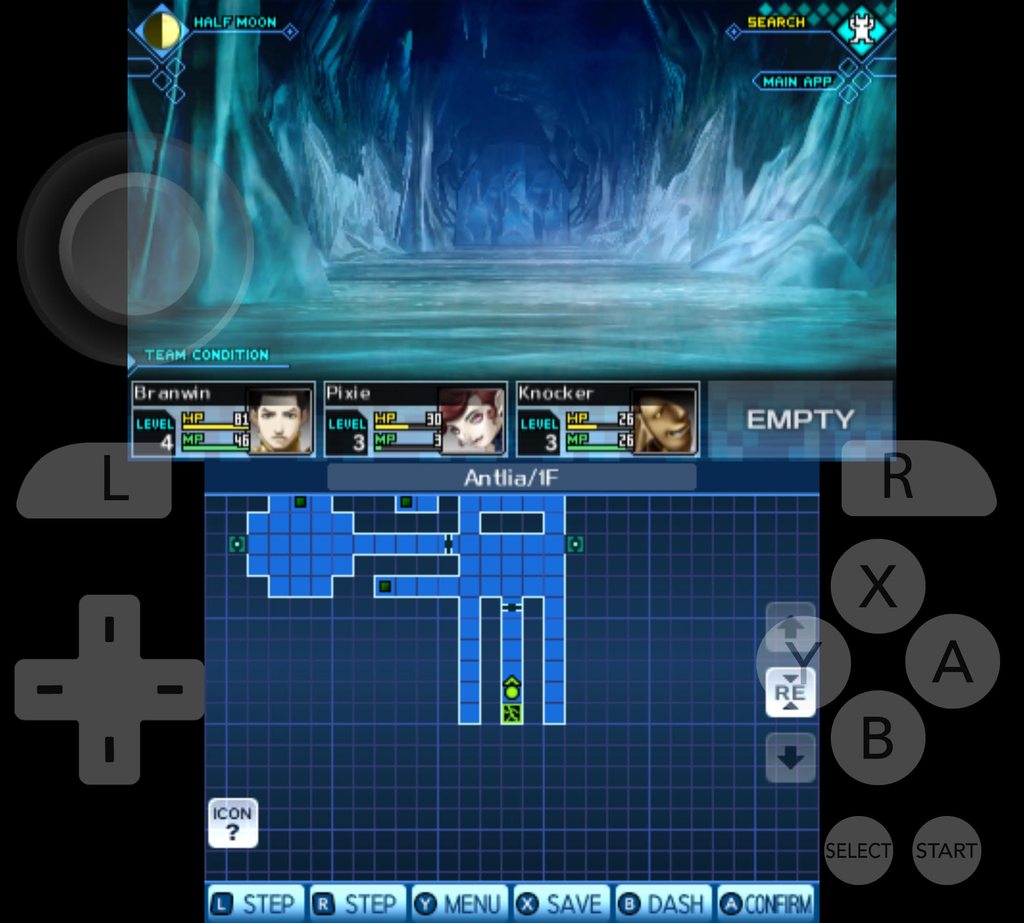
The game itself opens and runs, no issue there. The problem is when you go out to "the field" in the game (where outside of battles, most of the game takes place). Going out the first time works fine, but when you go out subsequent times, what it displays in the top screen is I believe the background, but it's pushing it to the foreground so everything behind it (aka what you would normally see in a first person dungeon crawler) isn't there. The HUD elements are there, so they're working properly, but the rest doesn't show up.

I've tried every combination of graphics options including "disable right eye rendering" (as was suggested to me on Reddit). I also tried using a custom textures pack that I found online, but again to no avail.

I am playing on a Galaxy Fold 7 and this issue appears no matter if I play it on the single screen (when the phone is folded) or the larger screen when it's unfolded.

clear fiber
#

What if you move or delete the shader cache so Azahar rebuilds them?

candid sable
#

I just tried, deleting all the files within every folder within the "shaders" folder (but not the folders themselves). It does look to have re-created two files of them in shaders/vulkan/pipeline after opening the game. But, no, that did not resolve the issue. I loaded up a save state right before entering the field area and it's still not right.

clear fiber
#

Won't help at all to use them

candid sable
#

I seriously doubt that's causing the issue here considering I use save-states in every other game on Azahar. But, I will be happy to get to that point (it's only an hour into the game) and see if it has the same issue wtihout save states.

clear fiber
candid sable
#

Well, I stand completely corrected. I have never seen that behavior before. I've played a few other games for 50+ hours each on Azahar without any issues after using save-states, but that has fixed it...

I saved the game (using normal in-game mechanics), closed it, then loaded the save and it looked correct, even after leaving and re-entering the field. I'm extremely confused why this game is the one with issues with save-states and none of the others I play, but so be it.

Thank you, that is very strange and I don't understand why it would happen.

clear fiber
#

Which is why you should try to use in game saves as much as you can

#

Especially if you're gonna save long term