#Am I able to do any trades on Pokemon with the multiplayer function?
37 messages · Page 1 of 1 (latest)
 idle knot
 round idol
idle knot
I mean u could use pkhex to alter ur game save
round idol
idle knot
I mean u could use pkhex to alter ur game save
saw this as an option but i have zero experience about it, sadly idk where my save files are at cause what im doing right now i download the roms, unzip it in my desktop and just boot the game from there, are there separate save files just like a .sav file somewhere?
idle knot

How to Create and Install a Custom Pokémon Save File in Citra Emulator: Create every pokémon and edit all of his stats, moves, shiny, ...
PKHeX Download link: http://sh.st/VJLDc
Install the unofficial Citra Build that runs at full speed and runs Pokémon games: https://www.youtube.com/watch?v=DDc0tSOo5XY
How to Delete a Pokémon Save File a...
Should work since azahar is a fork of citra
round idol
idle knot
Should work since azahar is a fork of citra
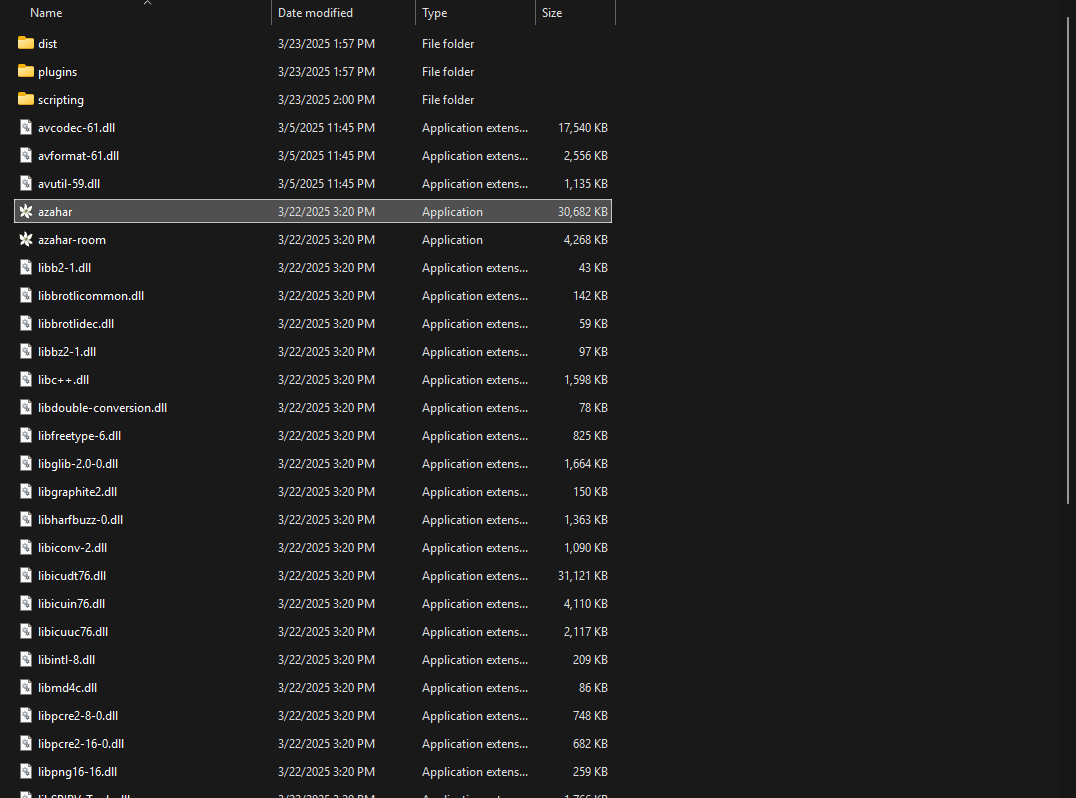
following it right now but got lost since the folder content for Azahar and Citra are different, this one is what Azahar looks like
this is the one on the Citra tutorial
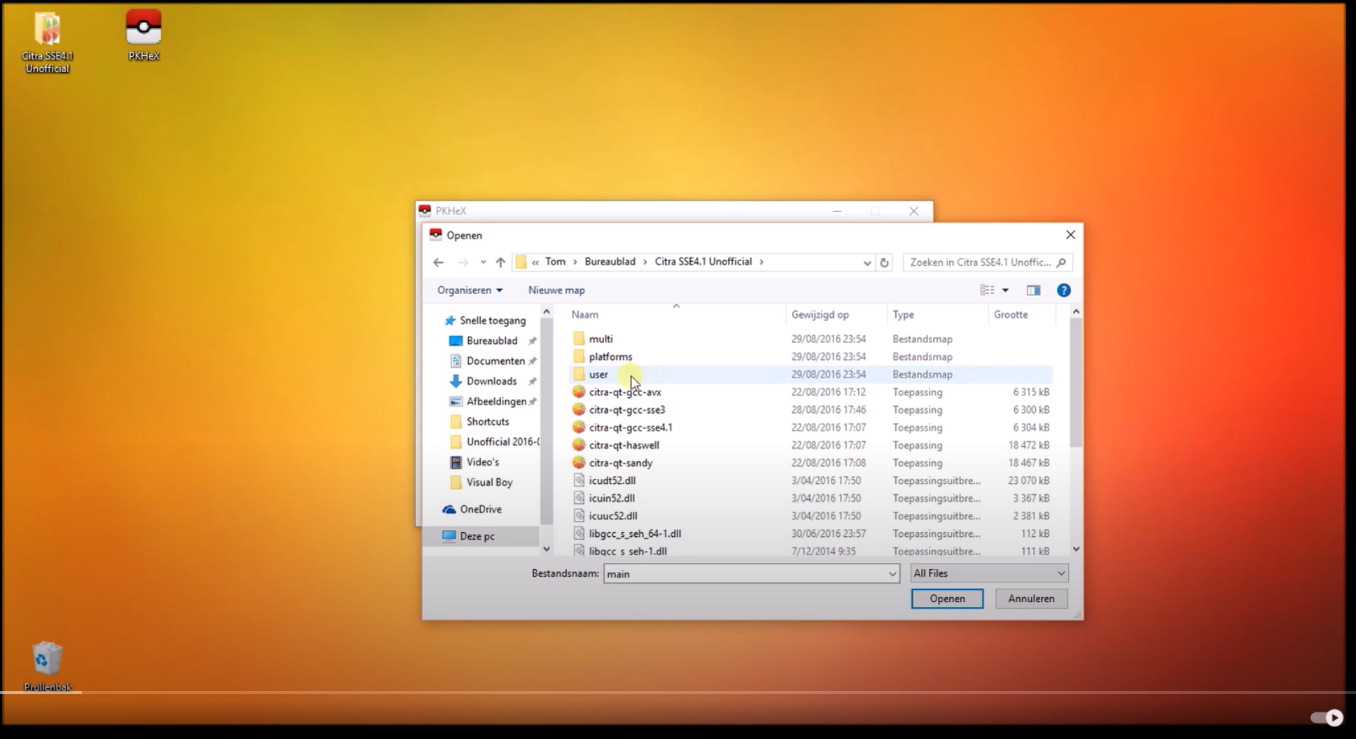
tried opening all the folders on azahar but theres no sdmc folder or the contents that looks the same as the one on citra
idle knot
Do you know where to find the azahar folder containing the system parts should be in program files
round idol
round idol
https://i.imgur.com/fmSnX59.png
this is what that is @idle knot
found it on AppData > Local > Programs > Azahar
i opened that folder when i right clicked on Azahar and did "open File Location"
brought me there
idle knot
Are you able to right click the game on the emulator screen
There should be an option to open the sav folder there
round idol
not able to, unless theres a hotkey for it that i can set to open it
when i right click on the emulator screen nothing happens
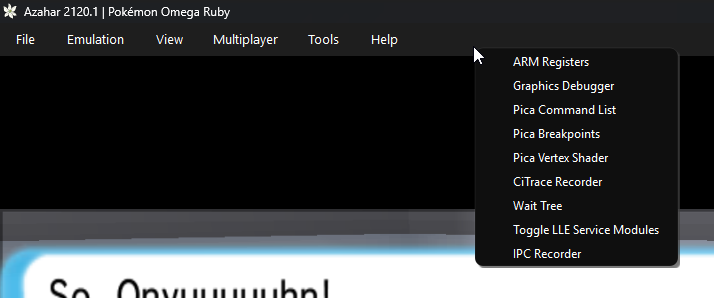
this window pops up when i right click on that area
idle knot
I meant the screen that has the list of your games
If you right click omega ruby it should work
round idol
well i have those on my desktop and when i right click on it this is what it looks like
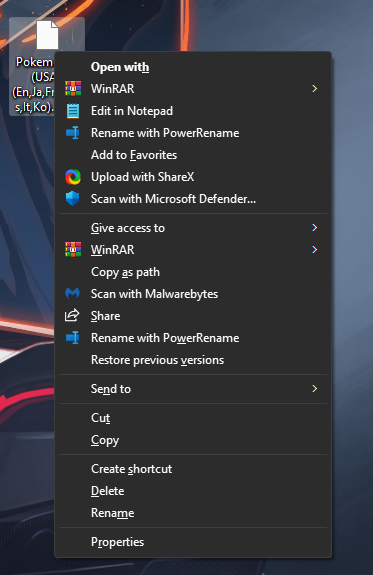
is that what you meant?
idle knot
 round idol
hmmm interesting
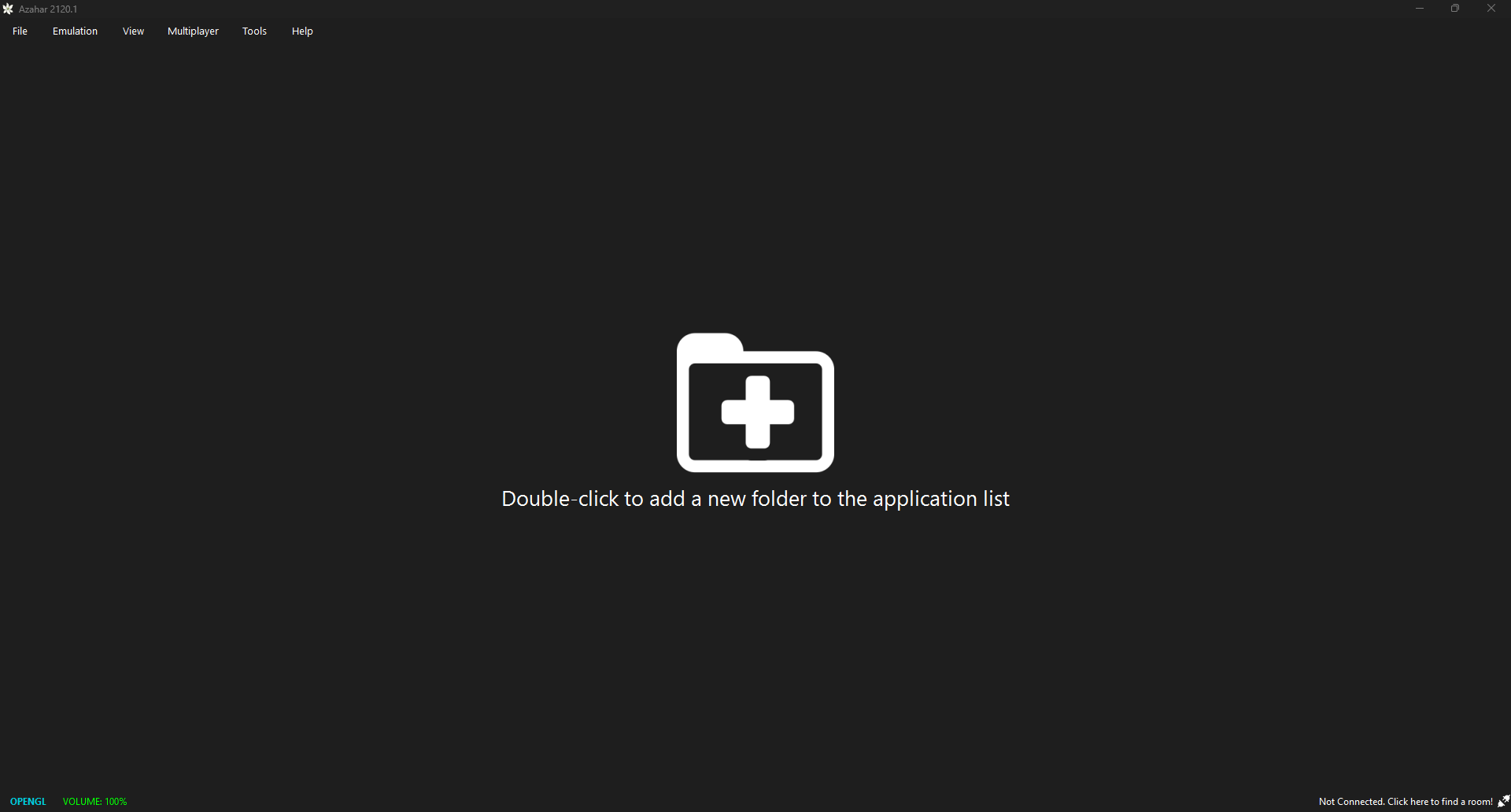
yeah my games arent booted that way and a friend mentioned that usually my roms should be listed like that when i boot up azahar, but for me when i open it up it just looks like thishttps://i.imgur.com/viyu3o5.png


 gloomy harbor
round idol
https://i.imgur.com/c7QZGx3.png
gloomy harbor
round idol
https://i.imgur.com/c7QZGx3.png
you dump your own cart?
idle knot
Azahar doesn't show .3ds files u need to decrypt them using gm9
And convert them to the new format
I just use the emulator for Artic base so idk the semantics
round idol
guys ill be honest, all i did was when i saw the file says .3ds on it i just renamed it to .3dsx and it worked 💀
round idol
gloomy harbor
you dump your own cart?
if changing the file format by renaming it counts then yeah i guess so lol
gloomy harbor
<@&1228879477082296420>
round idol
and funny enough i never lost any save files doing that whole process, both on save state and actual game save
gloomy harbor
round idol
if changing the file format by renaming it counts then yeah i guess so lol
you need dump your own cartridge in your 3ds with gm9