
#[On Hold] AccessibleTerminal
51 messages · Page 1 of 1 (latest)
 rich onyx
@molten sapphire Here you go!
Took a little bit longer to fix everything that wasn't quite working, but it should be ready to use now.
TerminalMouse is built into the mod, and TerminalAPI is not required anymore (should probably be uninstalled in case there's issues).
 limpid grotto
rich onyx
Adds a clickable GUI to the ship terminal, which allows the player to 'build' fu...
limpid grotto
rich onyx
Adds a clickable GUI to the ship terminal, which allows the player to 'build' fu...
 livid ocean
if you could add LCVR support to this, it'd be a game changer
 molten sapphire
That's insane thank you so much!
molten sapphire
I'm not sure if this is related but it asks for my favorite animal every time I access the terminal xD Not a major thing but wanted to say
rich onyx
molten sapphire
I'm not sure if this is related but it asks for my favorite animal every time I ...
OH, I completely forgot about that menu... I'm pretty sure it only shows up until answering it at least once, then it is never seen again. 🤔
molten sapphire
Yeah, but now it shows even after answering
rich onyx
Huh, weird. I'll try to release a patch tomorrow and look into why it would be resetting, but I guess for now you can use the on-screen keyboard to answer.
molten sapphire
Yep 😄
rich onyx
livid ocean
if you could add LCVR support to this, it'd be a game changer
Unfortunately I don't have a VR headset to test this, but I could look into how LCVR or other mods with support for it implement GUI/HUDs and maybe get something working, interesting proposition though! Hadn't considered that this could actually be pretty useful for VR.
molten sapphire
Again, thank you so much
rich onyx
molten sapphire
Again, thank you so much

Happy to help, really. If there's any adjustments you'd like to be made I could change them pretty easily (like wider buttons, wider menu, etc.), planning on adding a configuration file for all that stuff, too.
livid ocean
rich onyx
Unfortunately I don't have a VR headset to test this, but I could look into how ...
LCVR has its own virtual keyboard that you could look at
https://github.com/DaXcess/LCVR/tree/dev (this is the dev branch for the upcoming version which is releasing soon)
you can ping me any time you need testing, i'd be happy to help
rich onyx
molten sapphire
Yeah, but now it shows even after answering
Running the game with only this mod active (and BepInEx), after deleting my player settings, I can only get the favorite animal prompt to show up once, even after restarting the game and using a different save file.
Do you have any other mods installed that could be causing issues?
(Also the submit button does work for that prompt, so you can answer with something like "Thumper" or "Hoarding bug", haha).
rich onyx
livid ocean
LCVR has its own virtual keyboard that you could look at
<https://github.com/DaX...
Actually wait, have you had the chance to try out LCVR and this mod in-game? The keyboard might be in the way but there's a chance the buttons just work, assuming it functions like the main menu buttons and the camera is zoomed out a bit. Only thing I'd have to do in that case is stop the keyboard from showing up, whether patching it in my mod or opening a pull request for LCVR to add compatibility.
Mostly curious as to where exactly on the screen the terminal HUD is shown (if it's in your face or not), since another solution would be to convert it into an in-game object and place it statically in front of the terminal.
livid ocean
rich onyx
Actually wait, have you had the chance to try out LCVR and this mod in-game? The...
i'll give it a try, give me a minute
livid ocean
rich onyx
Actually wait, have you had the chance to try out LCVR and this mod in-game? The...
nope, doesn't work. the UI appears on the spectator camera and you can interact with it through there, but not through the VR camera
i can find you a video of how the terminal appears in VR real quick
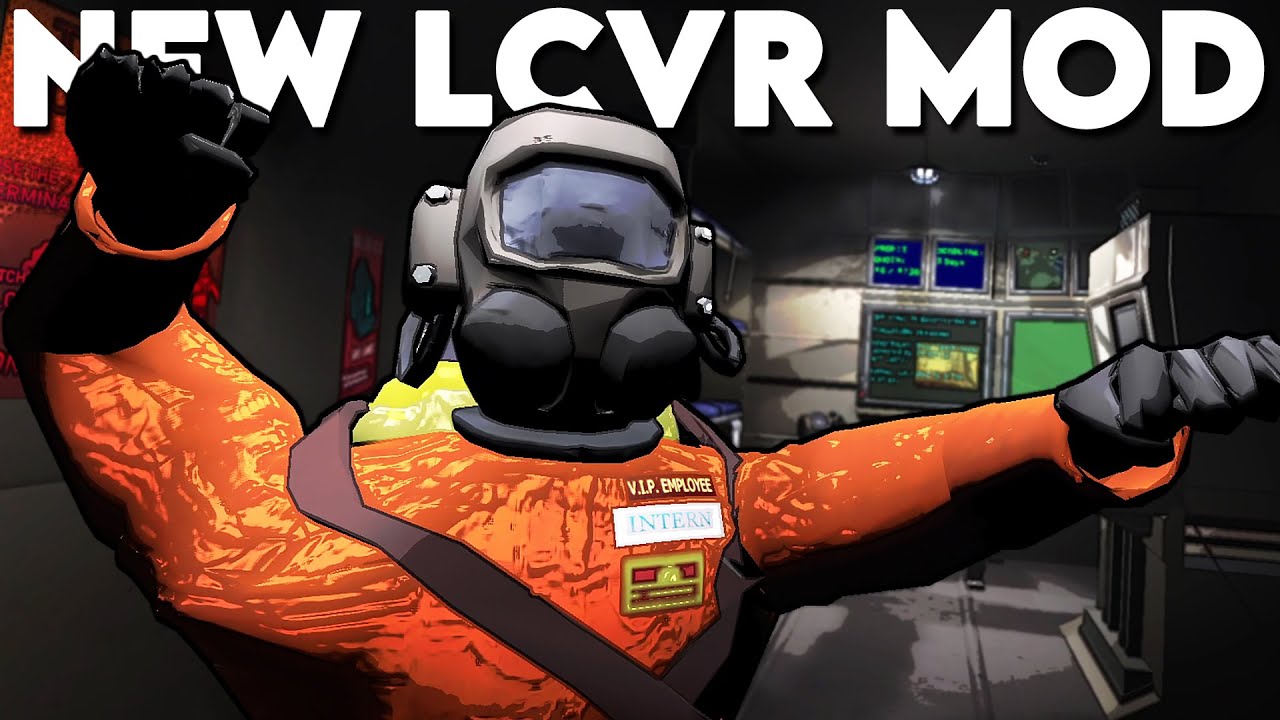
I and many others have been ADDICTED to Lethal Company, and to add the VR mod on top of it... I'm never leaving the game.
Check Out Drifter's Channel Here! @DownloadableContent
Join this channel to get access to perks:
https://www.youtube.com/channel/UCt8bOGa0fQzf7IK3Af3oFeg/join
➤FOLLOW ME & SUBSCRIBE
▹Youtube: https://bit.ly/2Rgzgua
...
this shows how the terminal works right at the start, timestamped
rich onyx
livid ocean
nope, doesn't work. the UI appears on the spectator camera and you can interact ...
Oh, interesting. I could try getting it to render on the VR camera, just to see if the buttons work by being 'clicked' by the rays.
Although actually, on second thought, it'd probably just be in your face in that case...
livid ocean
i think it is also important to still allow the keyboard to render, in case you still need to input something manually
rich onyx
Yeah, true.
The keyboard is from the Mixed Reality Toolkit, by the way. I think probably the best way to do it would be spawning in a prefab visible by the VR camera, and see if that's interactable, otherwise I'd have to redo the entire HUD using the buttons from the Mixed Reality Toolkit library.
It's something I can test, fortunately, I just need to be able to see the HUD as an object (rendered by another camera), and hopefully that's interactable in VR by the rays (should not be too difficult to implement if that's not the case).
Thanks for taking the time to test, though!
livid ocean
for sure, like i said if you need help testing anything feel free to ping me
rich onyx
rich onyx
The keyboard is from the Mixed Reality Toolkit, by the way. I think _probably_ t...
Okay, it'll actually take a bit more than I thought, I need to switch from IMGUI (which the mod currently uses, basically renders to the window itself and is quite simple) to uGUI (which uses actual game objects and can be rendered in the world, and is preferred for VR interfaces).
Currently planning on adding configuration options and supporting a couple specific mods that I use (TooManyEmotes and Lategame Upgrades), and once that's ready I'll start migrating to uGUI, which will allow it to be rendered in the world for VR.
 rare mist
rich onyx
Okay, it'll actually take a bit more than I thought, I need to switch from IMGUI...
rare mist
rich onyx
Okay, it'll actually take a bit more than I thought, I need to switch from IMGUI...
Took a quick peek at the code (didn't realize what IMGUI was yet) and yes that indeed doesn't work in VR, since VR requires the use of a canvas and TrackedDeviceGraphicRaycaster's for them to be able to be interacted with using XR controllers
rich onyx
Yeah, if I can recreate the current GUI button generation but with uGUI, everything else should work just fine, but I'm mostly focusing on config and some mod support since it'll benefit both mouse users and VR users (in the future).
Good to know about TrackedDeviceGraphicRaycaster though, I assumed the raycasts worked similarly to a mouse cursor, and that buttons would just simply work.
rare mist
rich onyx
Good to know about `TrackedDeviceGraphicRaycaster` though, I assumed the raycast...
They do, just gotta replace the default GraphicRaycaster with TrackedDeviceGraphicRaycaster, nothing else is needed (though I'm not sure how it would work if you need both, one for mouse, one for tracked devices aka VR controllers)
Yeah this is the only thing I do to make the main menu work properly (besides positioning it in world space ofc)
 rich onyx
I'm probably just gonna check for LCVR and change it to a TrackedDeviceGraphicRaycaster if it's installed then, ideally having it mostly separate from what's needed for mouse input. 🤔
rare mist
Yeah if the canvas uses normal stuff like buttons (or basically everything that supports TrackedDeviceGraphicRaycasters) it'll work fine in VR (as long as the canvas itself is placed in world space)
The checking if LCVR is installed will change a bit when 1.2.0 gets released since in that version there's a handy dandy API call VRSession.InVR that can be used to see if the player is using VR
I've seen other mods only check for the existence of the VR mod which would prevent flatscreen users from using their mod if they're not in VR
rich onyx
rare mist
I've seen other mods only check for the existence of the VR mod which would prev...
Oh, interesting... I guess an alternative would be a config setting, but it's probably best if it just works out of the box.
rich onyx
rare mist
The checking if LCVR is installed will change a bit when 1.2.0 gets released sin...
Neat! I'll keep an eye out for that.
rare mist
It should release relatively soon, still got a few bugs to work out and a video to make but that shouldn't take too much longer
rich onyx
Yeah, no rush, it'll still take me a bit to figure out how to get it working for VR in the first place.