#Xbox series s wont connect to hdmi
35 messages · Page 1 of 1 (latest)
 shy oyster
 gentle fieldBOT
@shy oyster Thanks for posting! Please remember, support here is volunteer-based and not official. Be patient after posting, and don’t spam or ask in other channels.
If your issue is about accounts, billing, contact Xbox Support directly.
If your issue is related to an Enforcement action, no one here can help.
To help us help you, make sure to answer:
- What did you try to do and what happened? (Be specific—mention your Xbox model, PC version, Insider ring, or anything relevant.)
- **What have you tried to do to fix it already? **(List everything you’ve done to fix it.)
- Have you searched the error code or for similar problems? (Tell us what you found.)
If you don’t answer these, you might not get a response.
 late mangoBOT
@shy oyster Thanks for posting! Please remember, support here is volunteer-based and not official. Be patient after posting, and don’t spam or ask in other channels.
If your issue is about accounts, billing, contact Xbox Support directly.
If your issue is related to an Enforcement action, no one here can help.
To help us help you, make sure to answer:
- What did you try to do and what happened? (Be specific—mention your Xbox model, PC version, Insider ring, or anything relevant.)
- **What have you tried to do to fix it already? **(List everything you’ve done to fix it.)
- Have you searched the error code or for similar problems? (Tell us what you found.)
If you don’t answer these, you might not get a response.
shy oyster
I tried to unplug the power cord, use different hdmi cables (2) and it’s still not working
It’s currently unplugged (the tv and Xbox) which I tried like 4 times
 alpine tapir
Gotta be real with you, it doesn't sound good.
Try this.
On the console, press and hold the Xbox button for 10 seconds to turn off the console.
Press and hold the Xbox button and the controller-pairing button until you hear a beep, to turn on the console. You’ll hear one beep right away and a second beep 10 seconds later. The power light will flash on before the second beep. Don’t let go until the second beep occurs.This should boot your console in low resolution mode.
It's a last thing to try before you need to get a repair.
shy oyster
alpine tapir
Gotta be real with you, it doesn't sound good.
Try this.
> On the console, press...
Let me try
Oh I tried that already
Didn’t work when I tried that
I did it two and three times
alpine tapir
Then, I'm sorry. I think you're gonna need to get it repaired. If the console is not under warranty, it will cost you. I think it's the only option you have left.
shy oyster
I wish it was a way to tell if the hdmi needs repairing
It has like a thing in the middle at the bottom idk how to send a picture
shy oyster
alpine tapir
Then, I'm sorry. I think you're gonna need to get it repaired. If the console is...
Oh wow how much is that
alpine tapir
I'm sorry, I don't know the answer.
shy oyster
Aw 😦
alpine tapir
Well, it varies by country and by other things. I've not even needed a repair on Series S myself.
shy oyster
alpine tapir
Well, it varies by country and by other things. I've not even needed a repair on...
Oh
I’m in USA
shy oyster
alpine tapir
I think you need to contact them and find out your options.
😦 is there no any way? We’re at a hotel so idk if that’s why
alpine tapir
NGL it's possible, sometimes hotel TVs are weird. You didn't mention that before. Wait until you get home before deciding if it's broken.
shy oyster
But the other times it works
shy oyster
alpine tapir
NGL it's possible, sometimes hotel TVs are weird. You didn't mention that before...
Well we don’t have one rn
shy oyster
alpine tapir
NGL it's possible, sometimes hotel TVs are weird. You didn't mention that before...
I just tried another hotel tv and it did the same thing
I just don’t know how when I used the Xbox last weekend and it worked perfectly fine
alpine tapir
I'm outta ways to help, sorry.
shy oyster
alpine tapir
I'm outta ways to help, sorry.
Do u know the website?
I saw someone else typing. Hm
alpine tapir
shy oyster
alpine tapir
https://support.xbox.com/contact-us/xboxdiscord
This one?
Is that for repair?
alpine tapir
Well, that is to get in touch, they might be able to help you.
https://www.makeuseof.com/how-to-fix-broken-xbox-series-xs-and-send-for-a-repair/
This has instructions on how to get a repair.
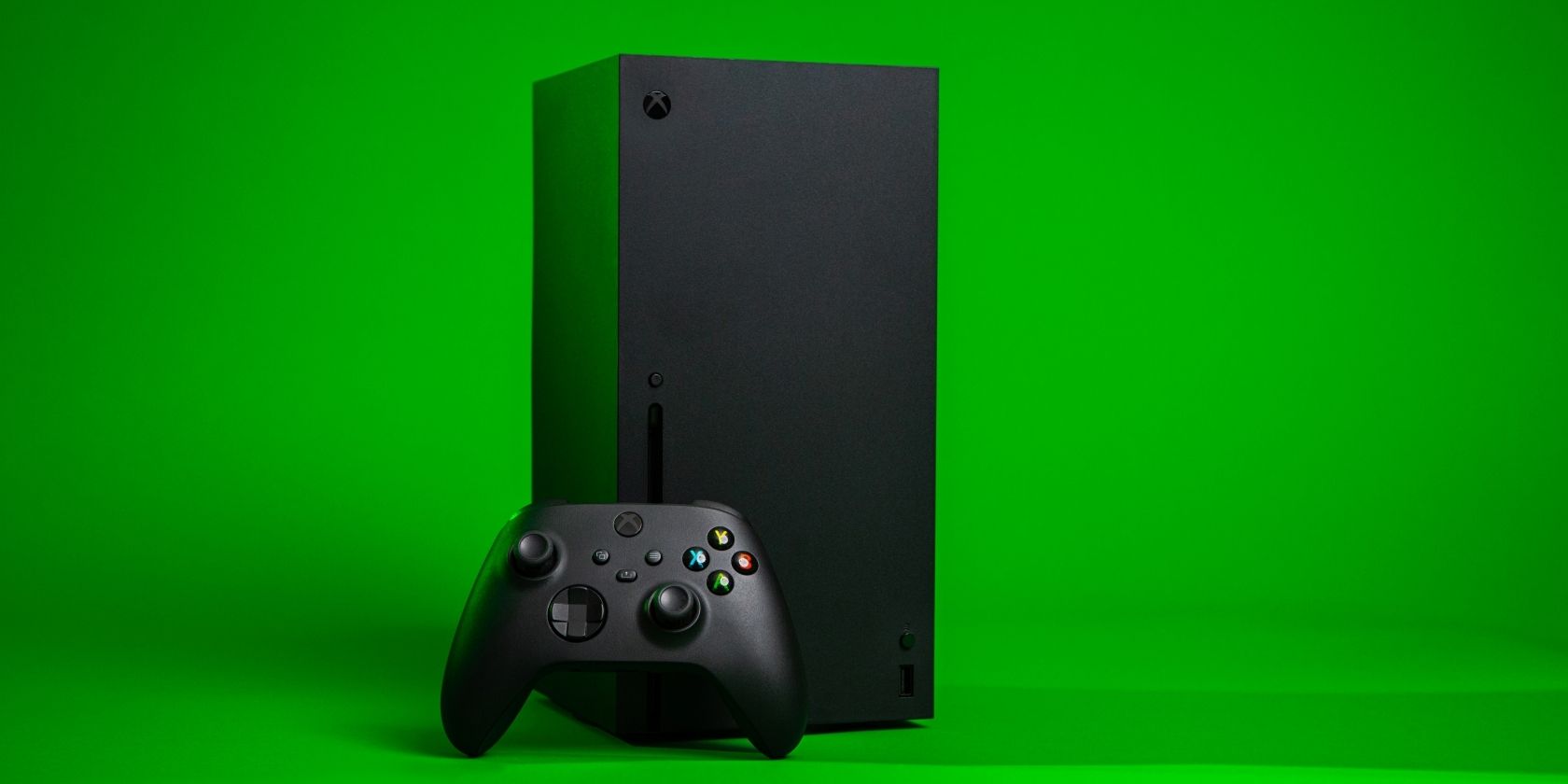
MUO
Here's what you need to know to correctly book a repair for your Xbox Series X|S.
shy oyster
alpine tapir
Well, *that* is to get in touch, they might be able to help you.
https://www.ma...
Thanks
U have to ship it?