#K1 skip bed mesh on every print start

1 messages · Page 1 of 1 (latest)

winter thistle
#

Has anyone figured out how to skip having to create a new bed mesh every time a print starts from Orca and not the screen?

Mine’s rooted so I added an if to that part of the START_PRINT macro but it’s not very elegant and gets deleted with every firmware update.

I’m considering using KAMP but don’t really need a new mesh every time.

paper kindle
#

I'd certainly be interested in knowing this too, but tbh on anything but the largest models, running a KAMP mesh doesn't take very long.

whole thistle
#

You can comment out all the K1 dancing but a better solution is to install a Cartographer3D device. Now when I send a print job to the printer it turns the nozzle and bed heat on, does KAMP to the print object and then waits on my K1 crap bed heater, when it reaches temperature it prints. Time spent waiting on the 'calibration' dancing from the K1 is gone. Now I spend my time watching the printer print not waiting while the nozzle kisses the bed forever..

bleak verge
#

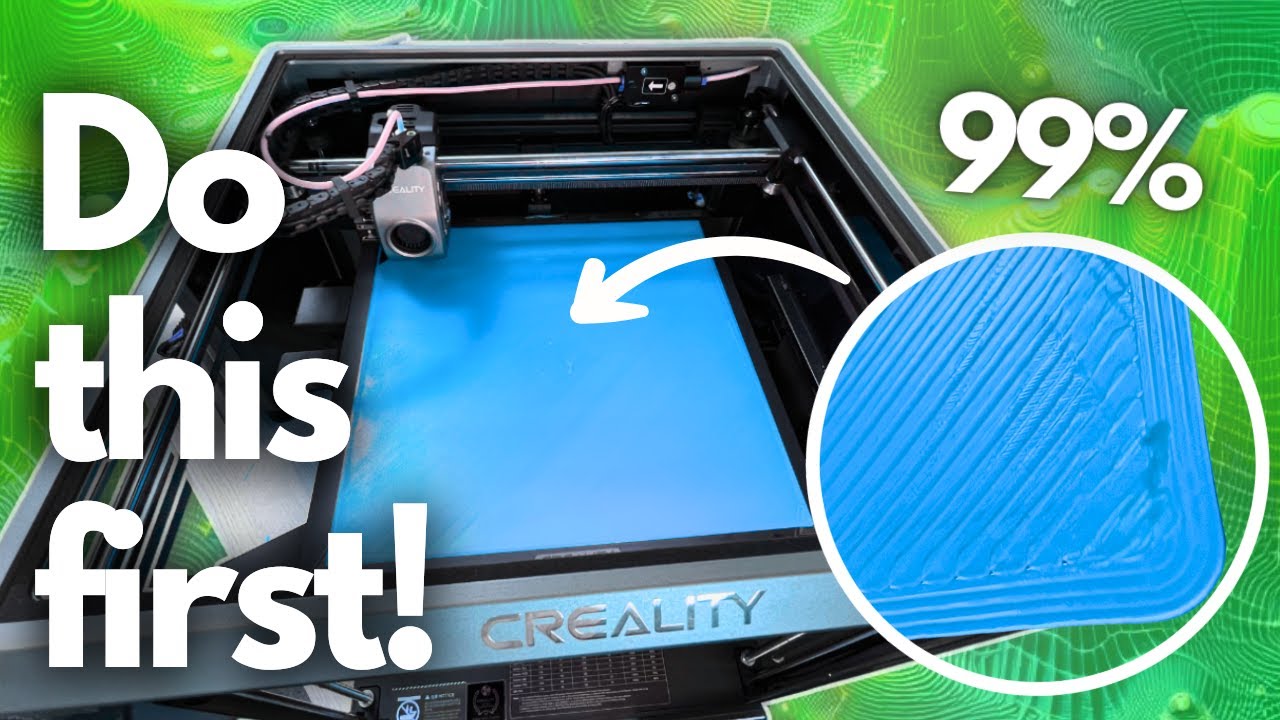
I wouldn't suggest disabling that, installing KAMP makes it alot faster and saves alot of headache if you go this route instead of disabling bed leveling. Also my advice is to turn bed heater 5 min prior to printing so during the heatup the bed can do its flexing and what not which it does due to the thin size of the bed. After temps have settled the bed goes back to almost its original shape and thereby gives you the highest accuracy when bed leveling before a print. NeeditMakeit made a good video showing what a K1/Max bed is doing during heating up. https://youtu.be/8PEsPLDxt-c

If you own a K1 Max, you know what I'm talking about. I love the printer, but getting a good first layer seemed nearly impossible... that is until now!

Help support this channel! https://www.patreon.com/Needitmakeit

The K1 series of printers has to be one of my favorite of all time, I don't have a Voron to compare against, but I do have a Bam...

▶ Play video
round marsh
bleak verge
#

its included but not installed

#

you need to install kamp manually via the script.