#Best way to implement notifications without losing changes after native:install
1 messages · Page 1 of 1 (latest)
 stiff tartan
 empty root
Thats a good one buddy, i have the same issuq with some cam and microphone settings i need to enable for my voip video app.
I was thinking about creating some sort of nativePHPChild folder, and make adjustment etc in that place. Hook all these changes into the main project.
But i am a complete zero when it comes down to IOS and Andriod mobile stuff. So i still need to find a way to make it less of a burden 😄
stiff tartan
empty root
Thats a good one buddy, i have the same issuq with some cam and microphone setti...
Yep same issue. The only solution that came to my mind is coyping files and saving them into my laptop in case I hit some kind of new installment and the configurations dissapear. @sleek prairie any idea?
 sleek prairie
What permissions do you need to add? As of a couple days ago native:install no longer updates your config
stiff tartan
sleek prairie
What permissions do you need to add? As of a couple days ago native:install no l...
I’ve made multiple changes inside the nativephp/android folder while integrating Firebase push notifications and getting the build working. These include:
local.properties → added sdk.dir for Android SDK.
app/src/main/AndroidManifest.xml → added <service> for SofaFirebaseService and updated permissions/config.
app/src/main/java/al/sofa/app/ui/MainActivity.kt → initialized FirebaseMessaging and adjusted activity config.
app/src/main/java/al/sofa/app/ui/SofaFirebaseService.kt → new service class for handling FCM messages.
Gradle files → applied com.google.gms.google-services plugin and Firebase dependencies.
Other minor adjustments (notification channel setup, portrait orientation lock, etc.).
The problem: when I run php artisan native:install, these edits get wiped/reset because somehow they are not not commitable.
You mentioned that native:install no longer touches configs, but on my side it still overwrites. Did I follow the best way to add these changes, or is there a recommended approach for keeping them persistent?
sleek prairie
To be honest you are going well outside the intended use for the app, while we do not disallow you doing that there is absolutely no support for how you are going about things. I'm familiar with Sofa, but I added FCM to an app yesterday for Android/iOS all within the scope of the package without any issues.
When I mentioned configs dont get overwritten I specifically meant config/nativephp.php - this should not be touched when doing a native:install --force (as long as you are on the latest version), anything inside of nativephp/{android,ios} will absolutely get changed though.
The package has all of the code required for an app, we move that out of vendor so that we can make updates to permissions and other configurations etc, the install version is meant to move those files from vendor into the project/nativephp dir. The --force flag is used to essentially rm -rf the nativephp dir because some items get cached during builds etc.
So what you are doing, while admirable, simply goes against the way the product was designed to be used, a sort of voided warranty.
stiff tartan
sleek prairie
To be honest you are going well outside the intended use for the app, while we d...
Yeah, I figured the way I did it isn’t the intended approach; I just wasn’t sure what the correct way to add FCM is within NativePHP. Do you mind sharing a project or something similar as a demo?
Thanks a lot for the answer! Appreciate it
sleek prairie
there are several steps, which is out of our control completely. Are you trying ios or android first?
stiff tartan
sleek prairie
there are several steps, which is out of our control completely. Are you trying ...
Going with android first
sleek prairie
android is much simpler, are you using livewire
stiff tartan
sleek prairie
android is much simpler, are you using livewire
No, not using Livewire; just Blade + Laravel 12 with NativePHP.
at least for the moment
sleek prairie
ok, so what does the permissions array in config/nativephp.php look like
and what version of the package are you on
stiff tartan
I added INTERNET and POST_NOTIFICATIONS for Android
stiff tartan
Well i guess I have done smth really wrong and I'm stuck at this thing. I'm new to Laravel and coding in general but i'll find a way. Just wanted to know if there's a repo that has done this already so I can check it. Thanks anyways Shane, appreciate it sir
sleek prairie
I’ll get something together for ya
sleek prairie
this is a bit old @stiff tartan - but the core logic is still the same, I think getting the token properly is perhaps the only issue: https://youtu.be/ujHnqaVAmcs?si=MBiWxSCzICi2jIpg
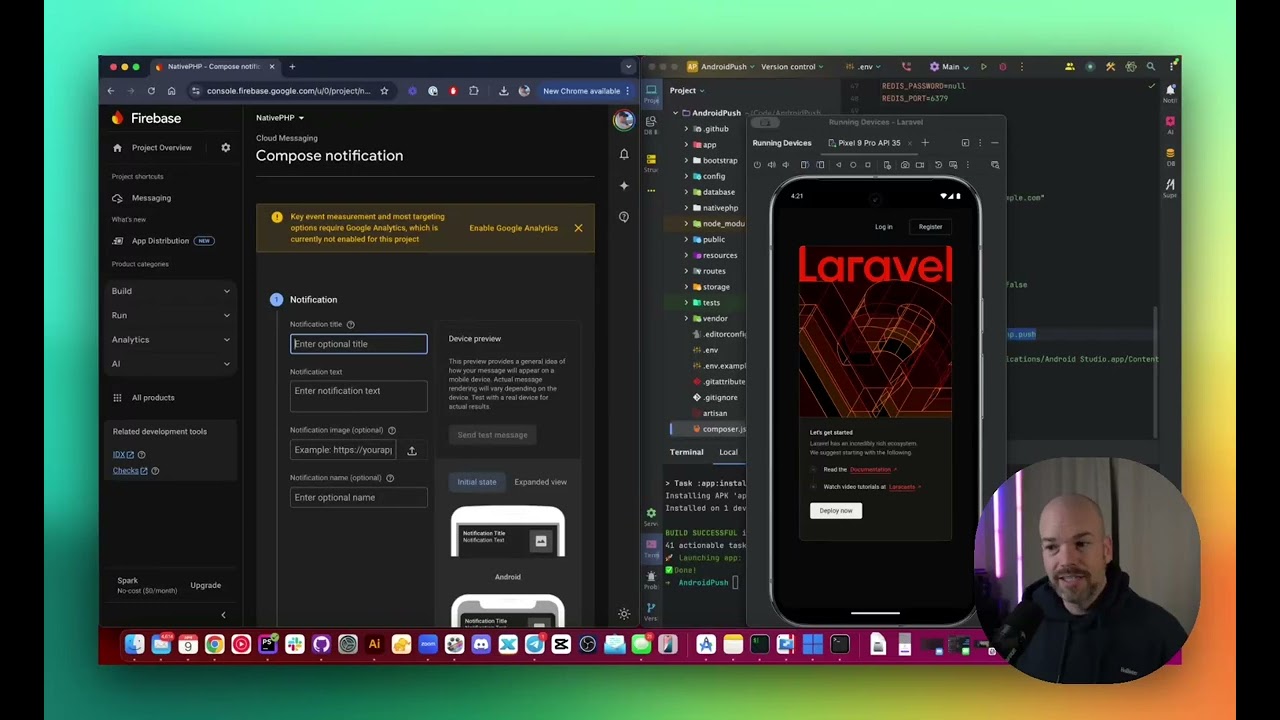
🚀 Learn How to Add Push Notifications to Your NativePHP Android App with Laravel!
In this video, I walk you through setting up push notifications in a NativePHP Android app using Laravel. Whether you're building a modern mobile app powered by PHP or just exploring NativePHP, this step-by-step tutorial will help y...
stiff tartan
sleek prairie
this is a bit old <@901378669983981588> - but the core logic is still the same, ...
Yep just finished that video. thanks
sleek prairie
@stiff tartan I added a new command for android for now native:tail, while the emulator is running, log out whatever you need in the event listener and have that command running, if things are wired up right you will see what you need