 zealous igloo
#textures don't work correctly with shader
1 messages · Page 1 of 1 (latest)


 gray tide
did you use my plugin to generate the materials?
 gloomy lagoon
Yes I used MMDGenshin Helper V2 + MMD Material Gen v1.1.6 and 1.1.5 it didn't change anything. I did exactly like in Kyo's video
gray tide
I don't exactly know what video that is
but if youre using the official models in anyway then i vant help
gloomy lagoon
This video https://youtu.be/fl8m6V9Z2Pw
I'm using the official model, but that's just the one that's causing the problem. Everything works with other models
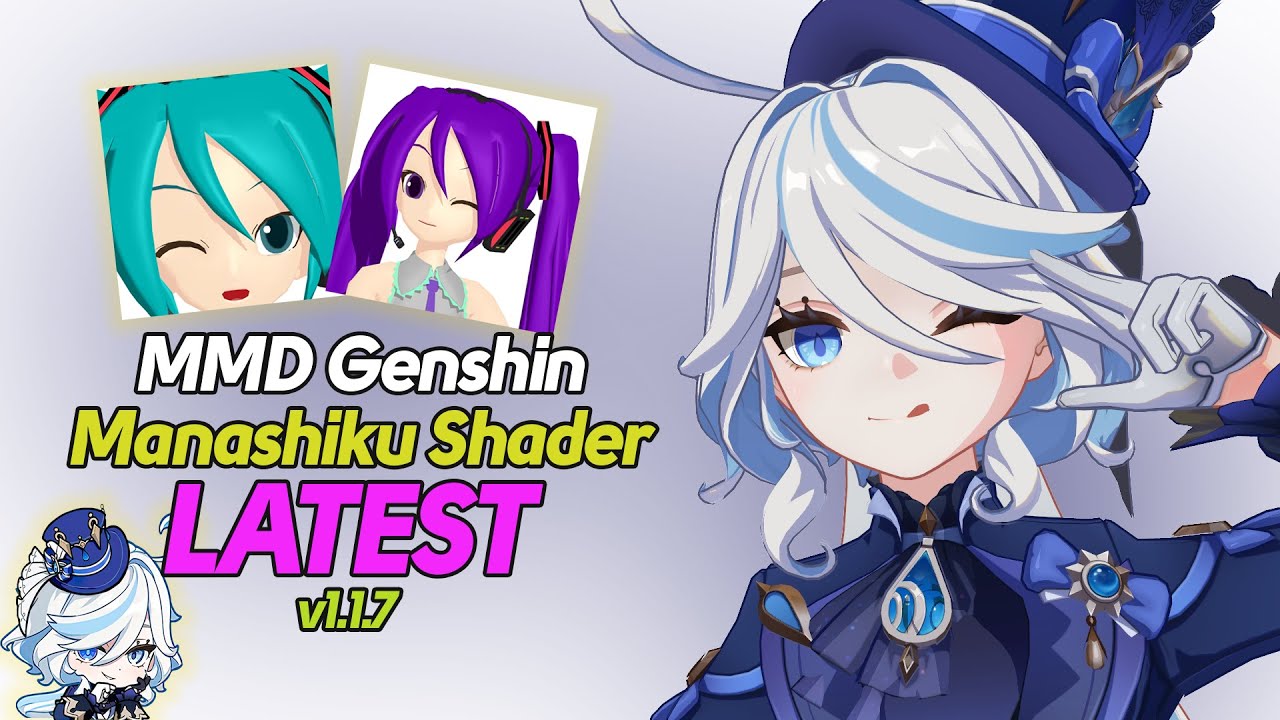
Welcome to our tutorial on using the latest version of the Manashilku Shader with MMD Genshin models! In this video, we'll guide you through the process step by step.
I Assume you already downloaded MMD, MMEffect, Pmx Editor so In not gonna provide links for those.
🔗 Links 🔗
All you need:
◉ Shader and plugins: https://drive.google.co...
gray tide
yeah, official models will not work with my shader
gloomy lagoon
really very strange :/ I assure you that the shader works with other official models. If you don't know more than me, I couldn't do more 😥
Thank you anyway for taking the time to answer me ^^'
gray tide
gloomy lagoon
really very strange :/ I assure you that the shader works with other official mo...
it should not and was not designed at all for them
gloomy lagoon
Oh I understand, I just thought it was designed for official models
gray tide
the shader requires the ingame lightmaps and extra vertex data that official models are missing