@worthy eagle uploaded a log, I tried to update the axoim and fabric api to the latest versions (By removing the jar files and downloading the newer versions).At first I thought that the incompatibility was due to the API being 26.1.2 and Axoim being 26.1, but when I changed the API to 26.1 as well, I still recieved the exit code -1 with the following crash report as attached. It seems from there that I need to update the fabric loader, however, I am unsure on how to do that and if that will even work. I am not sure what version my fabric loader is.
#Incompatible mods. Exit code -1
1 messages · Page 1 of 1 (latest)
 sour steppeBOT
 worthy eagle
I do have minecraft 26.1, do you know how to load it on that? I'm not a very technial person, sorry.
worthy eagle
yes
 stable wedge
https://fabricmc.net/use/installer/
run the installer to install fabric for 26.1 or 26.1.2
worthy eagle
Okay, do I have to delete any previous files first?
stable wedge
no
worthy eagle
Installed
worthy eagle
I might have downloaded it wrong and not opened the profile. I'll try again
stable wedge
did it crash without the mods after installing fabric?
worthy eagle
I still had the axoim and fabric api mods installed when it crashed
stable wedge
start your fabric profile without mods and send the log
then add the mods and send thje logs again
worthy eagle
It's loading in 1.21.4, no crash without mods
stable wedge
click the profile dropdown in your launcher and send a screenshot
worthy eagle
 stable wedge
run the fabric installer and send a screenshot
worthy eagle
Is this what you mean?
 stable wedge
https://fabricmc.net/use/installer/
run the installer to install fabric for 26.1...
stable wedge
stable wedge
https://fabricmc.net/use/installer/
run the installer to install fabric for 26.1...
this installer
worthy eagle
Where do I put the file when I download it?
stable wedge
keep it in your downloads folder and double click it
you will remove it after installing fabric for the right version
worthy eagle
I double clicked it, closed and reopened the Minecraft launcher, reopened Minecraft on the fabric-loader-0.16 10-1 21.4
 stable wedge
double click the fabric installer and send a screenshot
 stable wedge
click this and send a screenshot
 worthy eagle
 stable wedge
double click this and send a screenshot
 worthy eagle
It did nothing
worthy eagle
It looks like it's trying to load something with the processing wheel
But nothing occurs
stable wedge
your computer might be dying
worthy eagle
I just got it fixed today, shame
stable wedge
press ctrl + shift + esc and send a screenshot
worthy eagle
 worthy eagle
Possibly, it did ask each time if it was malware when trying to install axoim, api and the loader.
stable wedge
windows defender or something else?
worthy eagle
Not too sure, there is a Antimalware core service in operation by the looks of Task Manager
But that is windows defender, i think
worthy eagle
as administrator?
stable wedge
if it prompts you, yes
otherwise no
worthy eagle
It looks like I can run as administrator, should I run the fabric loader as administrator?
fabric installer, I mean
stable wedge
lets try that
worthy eagle
Nothing's happened
stable wedge
try restarting your computer and just double click your fabric installer exe
worthy eagle
It did the loading wheel but nothing happened
I tried from the downloads in file explorer and recent downloads in Internet explorer
stable wedge
https://modrinth.com/app
ok try downloading this and executing the exe

Modrinth
Modrinth App is a unique, open source launcher that allows you to play your favorite mods, and keep them up to date, all in one neat little package.
worthy eagle
 stable wedge
ok lets use modrinth then
modrinth is a minecraft launcher made for modded minecraft
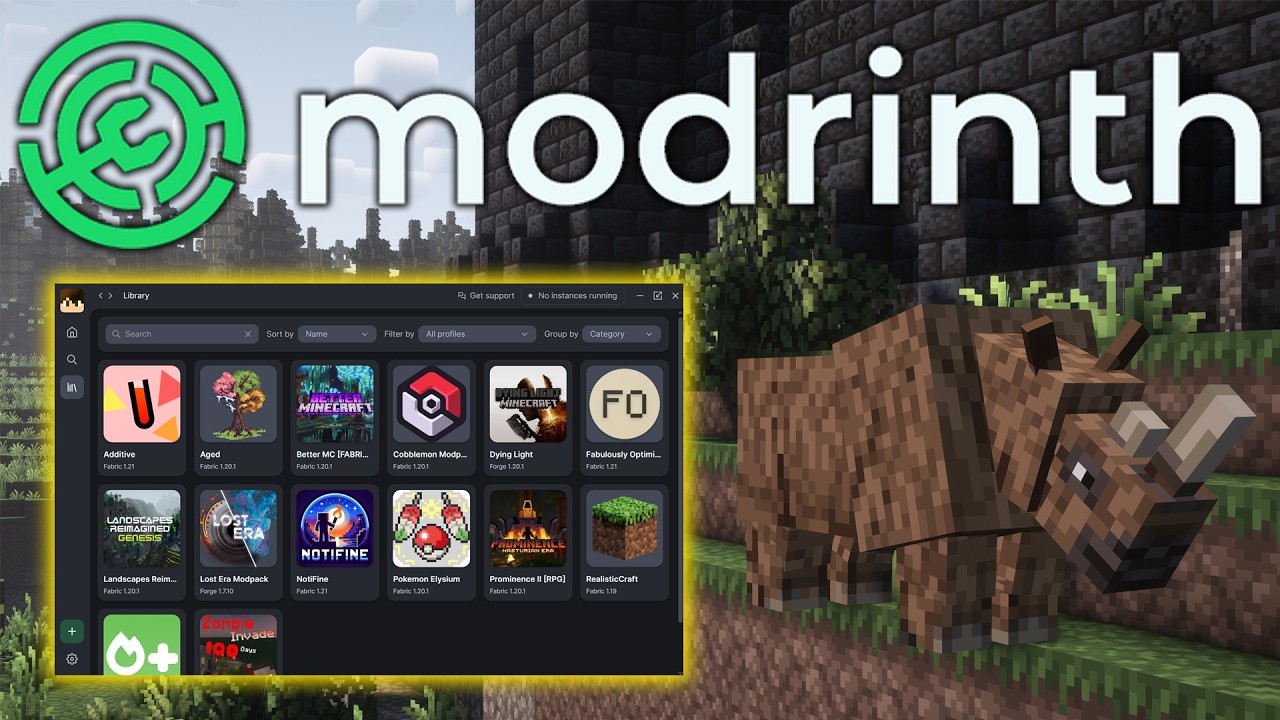
How can you download and install Modrinth mods and modpacks in Minecraft? Well, in this video, we go over exactly how to get Modrinth mods. From downloading the Modrinth App to how to install Modrinth modpacks and mods once the app is downloaded, this video covers it all. So, without anymore delay, here is how to use Modrinth for Minecraft!
Set...
worthy eagle
Downloaded and signed in
stable wedge
does the video also cover adding instances/profiles?
worthy eagle
I don't think so, after the installing and signing in to the Microsoft account, it goes over modpacks
Oh wait, yes it does mention profile
stable wedge
send a screenshot of the modrinth launcher
worthy eagle
 stable wedge
click this, probably
 worthy eagle
 stable wedge
press the button
worthy eagle

 stable wedge
after that you add Axiom and we are golden
worthy eagle
Can I just say, you have the patience of a saint
stable wedge

worthy eagle
How would I go about adding axiom to this?
stable wedge
send a screenshot of the page again
worthy eagle
Add content, I presume
stable wedge
yes
worthy eagle
When I find axoim and add it, shoud I also add the fabric api?
 stable wedge
you dont need to
the launcher gets the dependencies automatically
 stable wedge
just play
stable wedge
yes
you can copy them over
worthy eagle
Ah. Appdata done
stable wedge
if you add a new instance you also have to copy over your worlds from instance to instance
which is a good thing
worthy eagle
I opened up modrinthapp -> profiles -> fabric 26.1.2, in there, there is a 'saves' should I copy my normal saves and move them there?
stable wedge
yes
worthy eagle
You are fantastic! Thank you so much
stable wedge
happy building
worthy eagle
Cheers
 hybrid shuttle
Hello please someone help too