#Cubemap/lighting issue
1 messages · Page 1 of 1 (latest)
 vast rampart
vast rampart
vast rampart
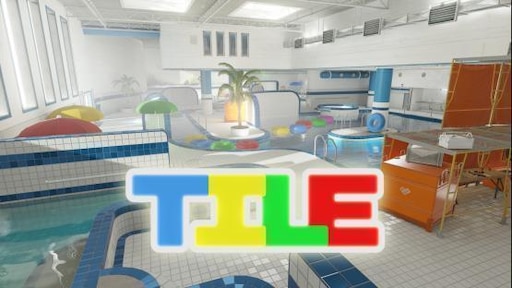
 winged moss
check the light probes and send me a screenshot
 winged moss
I meant the light probes in game

 winged moss
sorry i forgot to check my discord
i had this issue once but a restart fixed it for me
and then i compiled again
vast rampart
I tried restarting, I’ve had the problem since October 1st and it seems to be for everyone too. Thanks for the advice tho!
vast rampart
What would cause the cubemaps to be any different when launched through the base version of CS2, as apart to the Hammer version?
 meager sparrow
vast rampart
What would cause the cubemaps to be any different when launched through the base...
meager sparrow
vast rampart
What would cause the cubemaps to be any different when launched through the base...
I don't know the difference, but have you tried overlapping the cubemaps more and using a bigger edge fade dist? That will usually help with issues like this. Also make sure all light probes are somewhere in the proximity of a light source and not inside geometry or something like that. If there are problems in specific areas just place another light probe there, you can overlap them without problems (just not too many).
You can also manually run "buildcubemaps" in the VConsole if you want to rebuild them. Sometimes they also don't refresh without completely restarting the game + hammer.
Because if you don't have this checkbox "Build cubemaps on load" enabled the cubemaps won't be built after a compile, even if the light probes are compiled
vast rampart
This has been solved! @deft epoch helped me and suggested placing a master cubemap along with adjusting the borders on some of them. I guess either a cubemap went too far out of the map.