#Google Drive / centralized knowledge repo

1 messages · Page 1 of 1 (latest)

mortal obsidian
#

➡️ Official Public PauseAI Google Drive ⬅️ (for member resources)

➡️ Media Drive ⬅️ (shared with press)

There are many excellent resources across the Discord server, but Discord is optimized for ongoing conversation, so useful knowledge and created materials are often lost. Several volunteers have their own collection of documents, notes, tips, strategies, lessons learned, etc. Many of these would be useful to other members.

Project specs for a central repo of knowledge and materials:

  • The folder structure should be maximally useful
  • Edit access is given on a per-folder or per-file basis as needed
  • It will be updated on a regular basis with new materials from across the Discord
  • Writers can be recruited to draft or edit documents directly in the centralized shared drive
  • The questions "Where is [piece of info with ongoing usefulness]?" and "Where should this be stored for future reference?" should be easily answered with a drive link

I have been given access to manage this project on an ongoing basis. I have experience in shared file management and organization, I'm open to feedback, and I have a tendency to keep my eyes peeled for information that would be useful to others.

How You Can Help:

  • Tiny: Share existing files from your own collection that are relevant to PauseAI and that you think would be useful for other people to have (a copy can be added to the drive)
  • Tiny: Tag me when material shows up in the Discord stream that you believe should be added to the permanent knowledge base / resources collection
  • Tiny: Give feedback about the Google Drive
  • Medium: Help write definitive informational documents about various volunteer actions
tribal seal
#

there's no actual videos

#

and flyers should have their folder

#

maybe vids are too big to have them there but then I wouldn't put the folders about them

mortal obsidian
#

Oh, I also meant to say that I'll get started on this here in a few hours. The feedback is still valuable, before and after I've reorganized.

tribal seal
#

got it 👍

elder dock
#

!track

fluid plinthBOT
elder dock
#

amazing initiative! This is so needed

#

This can also be the first step towards a documented induction to Pause AI

mortal obsidian
#

@limpid acorn Is the Is the Protest Pics and Vids folder intentionally empty? (Have those contents moved elsewhere to conserve space as @tribal seal mentioned?)

#

I added a medium action that can be taken:

  • Medium: Write definitive intro documents for various volunteer actions
tribal seal
#

I think the best introductions to PauseAI and how to take action is in the website.
So if you think about some info that should exist but doesn't, it's probably better to ask for it in #1138493909778051234 .
I think this drive should be for content creators, the social media team and protesters, right?

mortal obsidian
umbral turtle
#

the pictures folder definitely didn't use to be empty

mortal obsidian
#

Google Drive / centralized knowledge repo

#

I think the drive is in a pretty good starting state. I'm excited to pull in existing documents from the four winds and curate them. That'll take a lot of time and will require help from others.

limpid acorn
#

Ah they're in "Press Resources"

#

The "Volunteer Knowledgebase" is something that I think should be part of the website

#

Maybe it requires a new overview page

elder dock
#

Should we allow personal spaces under this drive? Would love to be able to put all my documents there

elder dock
#

Also I am thinking we could have a "projects" folder and subfolders for each one of our projects that could use document tracking

mortal obsidian
# limpid acorn Ah they're in "Press Resources"

Ah, that was me trying to interpret the intention there. I was a little thrown by seeing just the 4 images under "Pictures". The Protest Pics and Vids folder was empty when I started and I thought there would have been more there. 🤷

Should the folder I called Press Resources be renamed to "Protest Pics"?

limpid acorn
#

yes@!

mortal obsidian
# limpid acorn The "Volunteer Knowledgebase" is something that I think should be part of the we...

Some of the things I want to add include detailed examples and long lists of tips. Things to help volunteers optimize, rather than just get started. That feels a little out of place on the website. I want a place where if someone drops some knowledge, it can be quickly added to a stockpile.

I also added a Recruitment folder in the knowledge section (which is hidden by default from non-recruitment team members), where Will Petillo is adding some of his useful documents.

Oh, but I am very in favor of having a "Knowledgebase" section of the website to collect those pages, as you mentioned!

mortal obsidian
mortal obsidian
umbral turtle
#

Hmm maybe there should be a separate folder for semi-internal stuff like the leaderboard and projects? Because this folder is also what media people are supposed to look at and with a semi-internal folder you'd have to be less careful about how it looks to someone on the outside

mortal obsidian
mortal obsidian
umbral turtle
#

I’d draw the line between "intended to be seen by any part of the public" and "only intended to be seen by other activists but can still be publicly accessible" so flyers, signs etc could remain into the current folder

#

It’s also possible to create a link from a semi-internal folder to the public-facing one (or just put the public one into the semi-internal one)

limpid acorn
mortal obsidian
# limpid acorn I don't have an opinion on this yet. Follow your judgment!

The media folder is linked on the website on the press page, so I think those should be separated.

For the sake of minimizing manual work (re-adding permissions and such), it will probably be easiest for me to split this folder into two subfolders (Media and Resources) and then someone would just need to update the website to link only to the new Media folder.

limpid acorn
#

Also needs to be updated in the discord and potentially some shared docs. Ideally we can use the existing link. That possible?

mortal obsidian
# limpid acorn Also needs to be updated in the discord and potentially some shared docs. Ideall...

For the media folder? Yes, but since the folder that goes with the existing link is the only folder I have access to, I would need to be given access to a new "Resources (shared)" folder as well. (Otherwise I just have to create the Resources folder under the currently linked folder, as I have currently done.) The folder structure as currently arranged is useful (regardless of which exact folders are used for that structure), because you can link press to just the "Media" folder, but volunteers can be linked to the parent folder containing both "Media" and "Resources".

To use the existing link, the current folder structure would need to be replicated one layer up, and that layer up would need to be shared with PauseAI members.

(It's easy to restrict access to subfolders of "Resources" when we need to, but I think most of it is fine to be publicly accessible. Just not publicly advertised as being for Press.)

mortal obsidian
#

I rewrote the above message a few times until it felt like I was making sense, lol.

limpid acorn
#

So I need to Make one folder above that is called resources and give your access?

mortal obsidian
# limpid acorn So I need to Make one folder above that is called resources and give your access...

Yes (or close enough that I can make it work from there)!

Right now it's like this, but "Media (public) & Resources (shared)" is the linked folder. This needs to be turned back into the "Media" folder, so there needs to be a folder above that which is more general and can hold the "Media" folder and the "Resources" folder next to each other (like this is kind of pretending to do with the new not-the-linked folder called "Media").

mortal obsidian
#

Honestly "Resources" is a great name for the parent folder and I'll rename the inner "Resources" folder to something more specific. The above shortens to "Yes".

limpid acorn
#

I created a "PauseAI Public Drive" one (sorry, another rename)

#

Invited you @mortal obsidian

mortal obsidian
tribal seal
#

There can be always new stuff there and maybe some stuff that wasn't exported

#

@mortal obsidian

mortal obsidian
tribal seal
#

Nop, my bad

#

I dont know, I want that file to be easy to access but I was discussing that with Joep

umbral turtle
#

It’s also linked on the website so it should be fine

tribal seal
#

I will probably change it in the website

#

I dont think the press should be directed to that

mortal obsidian
#

As long as it's not granting edit access, I can just add it as a link in the general PauseAI Public Drive, then. 🙂

tribal seal
#

Everyone with that link can edit it..

umbral turtle
mortal obsidian
#

I still don't understand Figma. 😵‍💫

tribal seal
#

No, that is the other one

tribal seal
umbral turtle
#

One that isn’t linked on the website creates a copy but the one that is linked there doesn’t? 🧐

tribal seal
tribal seal
#

Now that I realize

mortal obsidian
mortal obsidian
#

The PauseAI Public Drive also gives literally everyone view access, but we just don't broadcast the link. Everything there (other than what is inside a restricted folder) should be treated as "it is okay if every volunteer can see this (and it wouldn't be catastrophic if the press found a link to the drive and snooped around in it)."

tribal seal
#

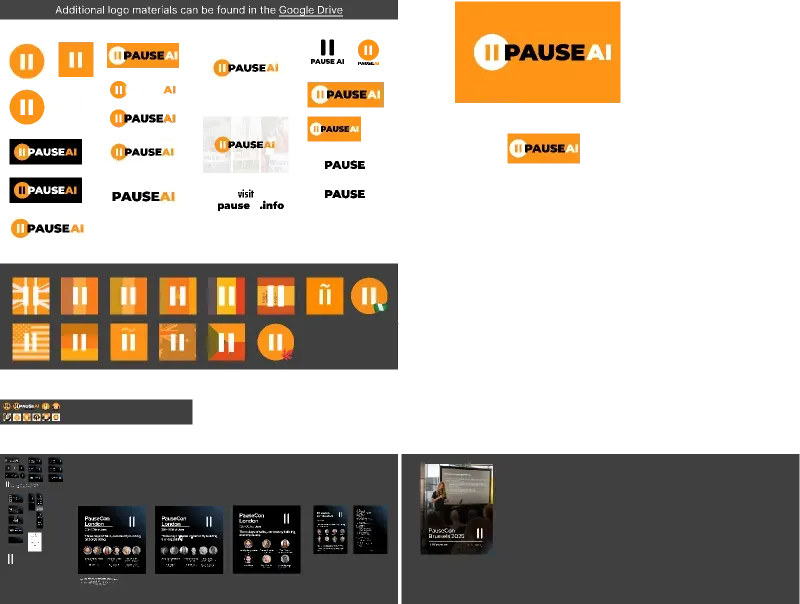
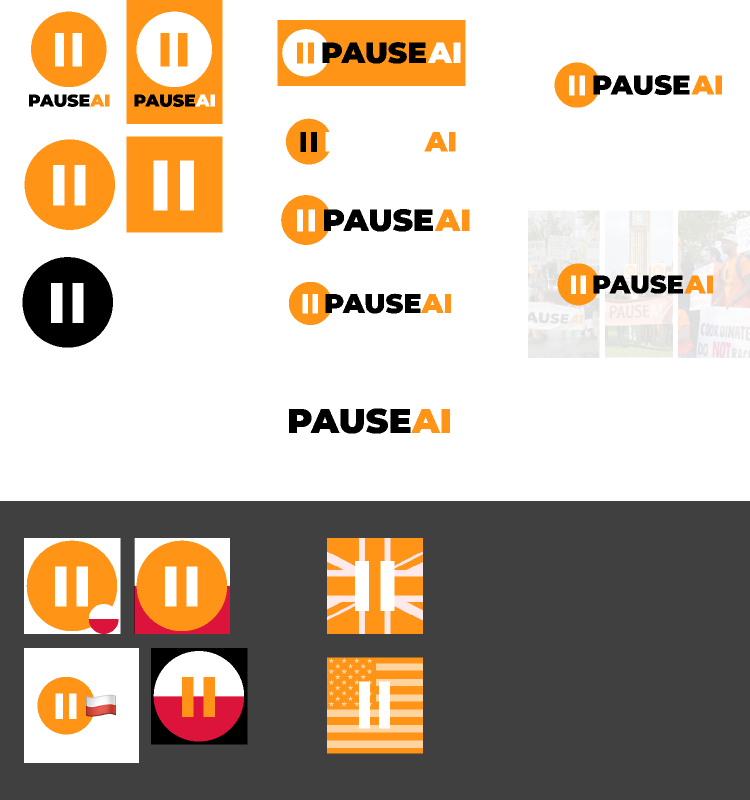
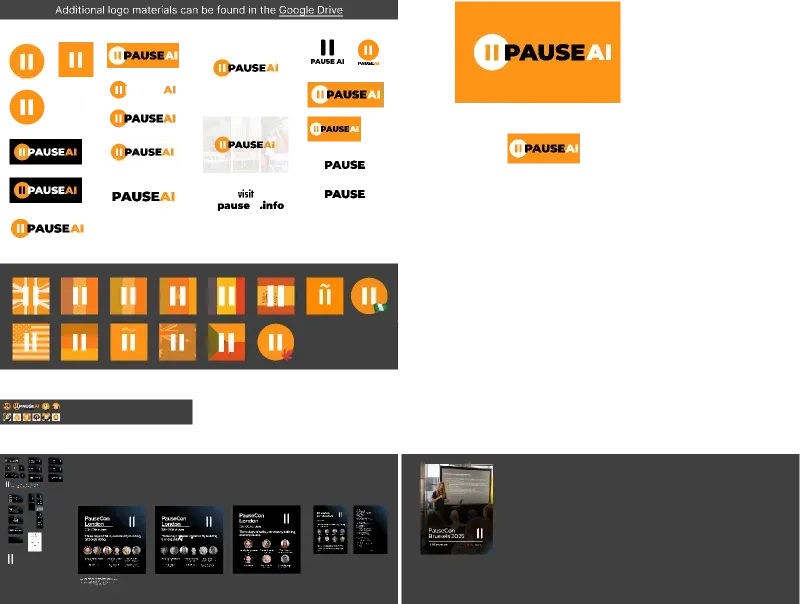
"Logo, materials
Our logo and other material can be exported from this Figma template and this Google Drive folder. If you want to create PauseAI-related material yourself, you can use our brand color #FF9214 and the fonts Saira Condensed (700) and Roboto Slab (300, 700)."

Do you think is fine to give people editing access from there?

#

imo yes, changes are reversible

umbral turtle
#

Hmm idk doesn’t fit the purpose of the page imo, it’s supposed to be a media portal like many companies/brands have one, not mainly meant for volunteers

mortal obsidian
#

I think we can do without putting an edit-access Figma link directly on the website. Anyone making changes there should also be in the Discord, and if they're in the discord, it should be easy for them to be pointed in the right direction.

My goal is for almost every active discord member to know that we have a shared Google Drive and how to access it. As long as nearly all the useful public-ish stuff is added there, people will keep finding out about it naturally when they are linked to things.

#

Oh lol, the font size of the native Google Drive folder imbed is small in Mobile browser view. The large font is arguably too large, as well. I'll optimize this file for cross-platform legibility later. 😂

tribal seal
#

okay, so I'll make a copy without editing perms and I guess I will be updating that copy through time

#

and will post that one in the website

#

But all the discord links should be the editable one, right? like in id:guide's welcome ?

mortal obsidian
elder dock
#

@mortal obsidian can you create a folder to host all our meeting notes? I guess one subfolder per meeting

#

also, should more people have write access to this google drive? So that we don't always have to ask you for adding docs

mortal obsidian
#

Yes, I can give write access as needed. Updating your access now.

#

Trying to decide how to handle the meeting notes folders. I think each team should have its own team folder (for easy management of access privileges), and the meeting notes folder can be within that team folder.

elder dock
#

that makes sense

mortal obsidian
#

Regarding the above, I had forgotten about meetings that are not based on internal teams.

Meeting Notes for public (non-internal) meetings are now collected under a single top-level "Meeting Notes" folder in the PauseAI Public Google Drive, with subfolders for each meeting.

Seems to be a win for delegation, efficiency, findability, and transparency!

#

@limpid acorn Is that alright? If so, can you move the action meeting notes here?

limpid acorn
#

Done

umbral turtle
#

Maybe a list with all @pauseai.info email addresses would be useful, this seems like something that would definitely fit better in the drive than on the website

mortal obsidian
limpid acorn
#

Inside the public drive there are private folders. I'm not sure if that's a good way to organize the folders, it may lead to confusion. You probably already thought about this @mortal obsidian

#

Also, I noticed that the PauseAI public drive is not formally under @pauseai.info control. I think it should be moved. We have a shared drive PauseAI Internal, maybe it should be in there?

mortal obsidian
# limpid acorn Inside the public drive there are private folders. I'm not sure if that's a good...

Yes, I agree with both of these ideas. (Bring the PauseAI Public Drive under @pauseai.info control and move the private folders into their own drive.)

We'll have to be careful about these changes, so that we keep everyone's existing level of access on a folder and file basis. I'm not sure how to go about either change. I may need to first document a list of files and folders for which some users have permissions other than the default.

#

If you agree that's needed, I can do so this week.

mortal obsidian
#

While getting set up to do the above, I also discovered that when I color folders, it only colors them for me. Lame. 😄

limpid acorn
pseudo pier
limpid acorn
limpid acorn
#

@mortal obsidian you're currently the owner of the drive with your private gmail. This means all the storage will cost you! I'd suggest moving ownership to your @pauseai.info account

limpid acorn
# limpid acorn Modified the rights - now everyone with a PauseAI address can edit

Also, I did this, but I'm not entirely sure if this is the best way forward. I've hidden the Oversight team folder from the other teams (as it's a bit more sensitive, reflecting on other team's performance) but the rest is now accessible to all other PauseAI account.

I think as of now it's more important to make information easily accessible, but I can imagine that more teams need more privacy.

mortal obsidian
#

Yes, what I'd like to see ideally is:

  • Oversight Team members have edit access to all folders
  • Each team lead has edit access to their own team folder
  • Team members have comment access to their own team folder (unless granted permission from the team lead to have edit access)
  • All other permissions are granted on an as-needed basis
#

I had a good but eventful weekend that did not lend itself to moving the teams over and getting permissions set up. I hope to do that this week or weekend.

mortal obsidian
limpid acorn
#

@mortal obsidian the Norway and France folders are in the public drive. Is that the right location? @pseudo pier

pseudo pier
#

documents are not ready to be public

#

I planned on working some more on them... not show them to the world.

#

I imagine when the press release is complete we could put it in a read-only public folder as a pdf (so as not to be edited)

#

Rigth now I don´t seem to have full controll of that folder.. I cannot see the parent folder

limpid acorn
mortal obsidian
#

@pseudo pier I have created a copy of the Norway folder in PauseAI Internal. The original folder in the Public Drive was already restricted when I looked (not visible to anyone other than those it is explicitly shared with). Let me know which copy to keep.

pseudo pier
#

keep the one in internal 🙂

#

delete the other one

mortal obsidian
mortal obsidian
#

Looks like I missed this. I thought everyone with a PauseAI email address could see the internal shared drive by default?

umbral turtle
#

Is there a reason why the cliff sign that has been commissioned isn't in the signs folder?

umbral turtle
#

Oh, it's in the Figma. What's the policy about what goes where? I thought it was vector files available vs no vector files available but some stuff in the Drive also has SVGs available. Also the non-editable Figma copy that is linked on the website still has the AI images

mortal obsidian
umbral turtle
#

The Figma copy is also linked on https://pauseai.info/press , I think @tribal seal created the copy but idk if there is anyone who is responsible in general

umbral turtle
#

Maybe it also makes sense to reconsider if everything that's in the public copy of the Figma needs to be there because that's a lot of material, ideally before Monday

#

Or if there should be a public Figma copy at all, feels a bit hacky anyways and kind of unites the worst of both worlds (keeping the split between Figma and Drive to make management easier, then making a copy to make it harder again)

mortal obsidian
#

I can execute on decisions about the Google Drive, but I don't think I'm the best person to make those decisions, about the Figma especially.
I don't even know the difference between the public and the private one. I can only assume the public one is the one I have access to...
IIRC, the approach with the public Figma was kind of "Meh, it'll be fine. If it becomes a problem we can sort that out later."

umbral turtle
tribal seal
#

Is it necessary to have the non editable?

#

It has the old AI images

umbral turtle
#

ik, maybe we should export everything that should be public (especially logos etc) to the Media folder and remove the link from the website

#

Not sure about the file format though, the appeal of Figma is that you can chose it yourself

tribal seal
#

Who cares about the extension. We should just export them as pngs. I still dont fully get who is supposed to use those assets

#

I mean an example of where

umbral turtle
#

Don’t have a concrete example rn but it’s generally good practice to at least publish the logo

tribal seal
#

@mortal obsidian Okay, give me a folder to put the logos inside? It should be somewhere that can be shared in the website

umbral turtle
#

(so in the media folder)

tribal seal
umbral turtle
#

Maybe a png folder and an svg folder inside the logo folder?

tribal seal
#

Oh, yeah, svgs could make sense now that you mention it

tribal seal
#

well I uploaded them as svgs too but the orange banner looks bad for some reason 🤷

#

i pass fixing it

umbral turtle
#

I think there’s an option in figma whether you want to export the background

limpid acorn
#

Some people have been asking to get access to the Public Drive. I'm a bit confused why the public drive isn't public. @mortal obsidian

mortal obsidian
limpid acorn
#

Yeah sorry I just did

#

One second ago

mortal obsidian
#

I've changed it back to this:

limpid acorn
#

Perfect

#

It was completely hidden for some reason

mortal obsidian
#

Weird. I might have bumped something I shouldn't have when I was cleaning up the previous mess.

#

I'll check back in tomorrow to make sure everything is okay. Heading to bed for now (as I should have done a while ago).

limpid acorn
#

Noet that now PauseAI France is also public

mortal obsidian
#

(Oh looks like intentionally. Good.)

elder dock
#

There are some restricted folders in Pause AI France, they had also been changed to public

mortal obsidian
limpid acorn
#

Hmm it seems I can't make individual docs in team folders public. Is that by design?

mortal obsidian
#

I think files that are relevant to a team but should be public should be added to the Public Google Drive, then a link to that file can be created in the Team folder.

limpid acorn
#

Ideally during some meetings I share minutes that are temporarily publicly editable, and private after that. Would that involve moving the file?

mortal obsidian
#

My mental model is that any Team meeting (except perhaps the Organizers team, which is a looser structure) is held only between people who each have a PauseAI email address. (Or they should be granted one if that is not yet the case.) Let me know if that's not quite right.

mortal obsidian
#

I have finally understood how permissions work in the Internal shared Google Drive!

There are two halves to permissions:

  1. Who can access the document? (left dropdown)
  2. What level of control does that access confer? (right dropdown)

When you choose "PauseAI" or "Anyone with the link" for option #1 for a top-level folder, that setting is then locked in for any item (file or subfolder) in that folder. However, if you choose "Restricted", you can still choose to share child items more broadly.
So the first question should always be, "What is the broadest audience that should have any kind of access to this item?" After that is settled, you can always update the level-of-control permissions of each individual item to decide whether that audience should only be able to view the item ("Viewer"), or if they should be able to comment ("Commenter"), or edit and add additional items ("Contributor"), or also share and delete items ("Content Manager"). (Or, in the case of "Restricted" folders, you can choose to share items with broader audiences.)

Outside of all that, additional permissions can be granted to individual people one at a time.

tribal seal
#

I think I'm understanding you wrong or you are wrong. There is no way that "that setting is then locked in for any item in that folder."

mortal obsidian
# tribal seal I think I'm understanding you wrong or you are wrong. There is no way that "that...

I do have a partial correction, which I will also change above.

If you select "PauseAI" or "Anyone with the link" for a top-level folder in a shared drive, any file or child folder will not have the alternative setting (see first image, where "Anyone with the link" is not an option for a child item in a folder set to "PauseAI"). If you try to change a child item to "Restricted", a warning is presented that the parent folder must also be changed (see second image).

However, if you set a top-level folder to "Restricted", you can relax the permissions of the subfolders inside, which can be individually shared to everyone or to org members.

#

What this comes down to practically is that I can't simultaneously set everyone in the org to automatically have Contributor access to the Teams folder, and also set a particular Team subfolder to be restricted or public.

mortal obsidian
#

In the internal shared drive:
At @tribal seal's request, I renamed the Strategy Team folder to Strategy and moved it into the Oversight Team [restricted] folder.

mortal obsidian
#

In the PauseAI Public Drive folder:
I renamed Flyering / Tabling / Clipboarding to In-Person Outreach Materials -- (As always, I'm open to second opinions)

mortal obsidian
#

I will be on vacation from Thursday June 13 through Friday June 21.

  • Questions about where to find things can be directed to any volunteer.
  • Requests for permissions or other changes to the Public Drive or Internal Drive can be directed to anyone in upper leadership (the people with titles, for the most part).
  • If anything needs done under disagreement or uncertainty, what Joep says goes.
tribal seal
#

I already put the people that are signed as Volunteers in the Google Groups they are part of. Do you think we should delete the "Everyone from the org can access this folder" permissions now?

mortal obsidian
#

For now I'll reduce general org member access in the Teams folder down from Contributor to Commenter. The teams that should be totally private already are.

limpid acorn
#

@mortal obsidian I added a Teams [Restricted] Folder to bundle all restricted team folders

umbral turtle
#

Maybe we should put up some newer pictures in the media folder that press people can use for articles about the global protest, the current ones are from 2023

umbral turtle
#

@mortal obsidian Could you do this?

#

I wanted to upload the public pics to flickr under a free license so they can be used in the wikipedia article, that's how I noticed

mortal obsidian
umbral turtle
mortal obsidian
umbral turtle
#

Thanks!

mortal obsidian
#

Can do.

mortal obsidian
#

I moved two folders into it: The November one that was in the Protesting folder, and the Flyering one that was in the Media folder.