#Mod doesnt work
1 messages · Page 1 of 1 (latest)


 limber orbit
if you go in here
limber orbit
limber orbit
if you go in here
can you send me a print of this?
click on default local group
yeah xD
yeah
so theres the problem
 worldly frost
Load path
limber orbit
change Build Path to Library/com.unity.addressables/aa/Windows/StandaloneWindows64
Build Path you set to <custom>
and on the field that appears you paste that
nono
BuildPath has to be only Library/com.unity.addressables/aa/Windows/StandaloneWindows64
and the Load Path, hmm a sec
worldly frost
And for load path: instead of the things in the {}, go into VS, copy your name space, paste it, put a dot and then paste it again and add Plugin add the end of it
For UU it was
{Utility_Uplift.Utility_UpliftPlugin.Path} I believe
limber orbit
no cuz he's is the template, idk if the namespace will be the same
Ok so, go to your mod's code (Visual studio)
worldly frost
He needs to copy his name space, not mine lmao
limber orbit
can you send a print like this?
 worldly frost
limber orbit
can you send a print like this?
worldly frost
limber orbit
can you send a print like this?
Wait they can be the same-
That's new to me lmao
worldly frost
Yep
limber orbit
oh yeah lmao, thats why you can do things like UnityEngine.Random
worldly frost
Thought it auto set it to namespacePlugin
limber orbit
you are basically doing UnityEngine.UnityEngine.Random being the middle one the class
yeah as i thought
ok so now on the LoadPath set it to
{MyAwesomeModName.MyAwesomeModNamePlugin.Path}/addressables/StandaloneWindows64
yup
should be
worldly frost
Rebuild and copy addressable ofc
limber orbit
on yeah
limber orbit
Send me the ksp2.log now, its on the kerbal space program 2 fder
you have 1 extra char at the end of Load Path on unity
its as {MyAwesomeModName.MyAwesomeModNamePlugin.Path}\addressables\StandaloneWindows64}
should be
{MyAwesomeModName.MyAwesomeModNamePlugin.Path}/addressables/StandaloneWindows64
[ERR 17:53:02.395] [System] Exception passed from Unity.Addressables! [RemoteProviderException : Invalid path in AssetBundleProvider: 'MyAwesomeModName.MyAwesomeModNamePlugin.Path\addressables\StandaloneWindows64\defaultlocalgroup_assets_all_f1b3af0634143772e07ecb8a2bc14d51.bundle'.
can you send me a print like this
better
on visual studio
check if this public static string Path { get; private set; }
is on the file
yup
this one
entao ta ai o ultimo problem
on the line Below the "Instance{get; set};"
add
public static string Path { get; private set; }
and below that line add
    public override void OnPreInitialized()
    {
        Path = base.PluginFolderPath;
    }
should look something like this

exactly
now build it and put in your KSP2 folder!
most probably xD
also, idk if you already did
but you need to add this
Colors.DeclareParts(MyPluginInfo.PLUGIN_GUID, "YOUR PART NAME HERE");
like this

yes
to your part's partName
worldly frost
limber orbit
but you need to add this
` Colors.DeclareParts(MyPluginInfo.PLUGIN_GU...
wait why do you need to do this?
limber orbit
Textures
 compact light
limber orbit
can you send a print like this?
compact light
limber orbit
can you send a print like this?
Nice font
 compact light
ver nice
compact light
limber orbit
this increases productivity
What font is that?
limber orbit
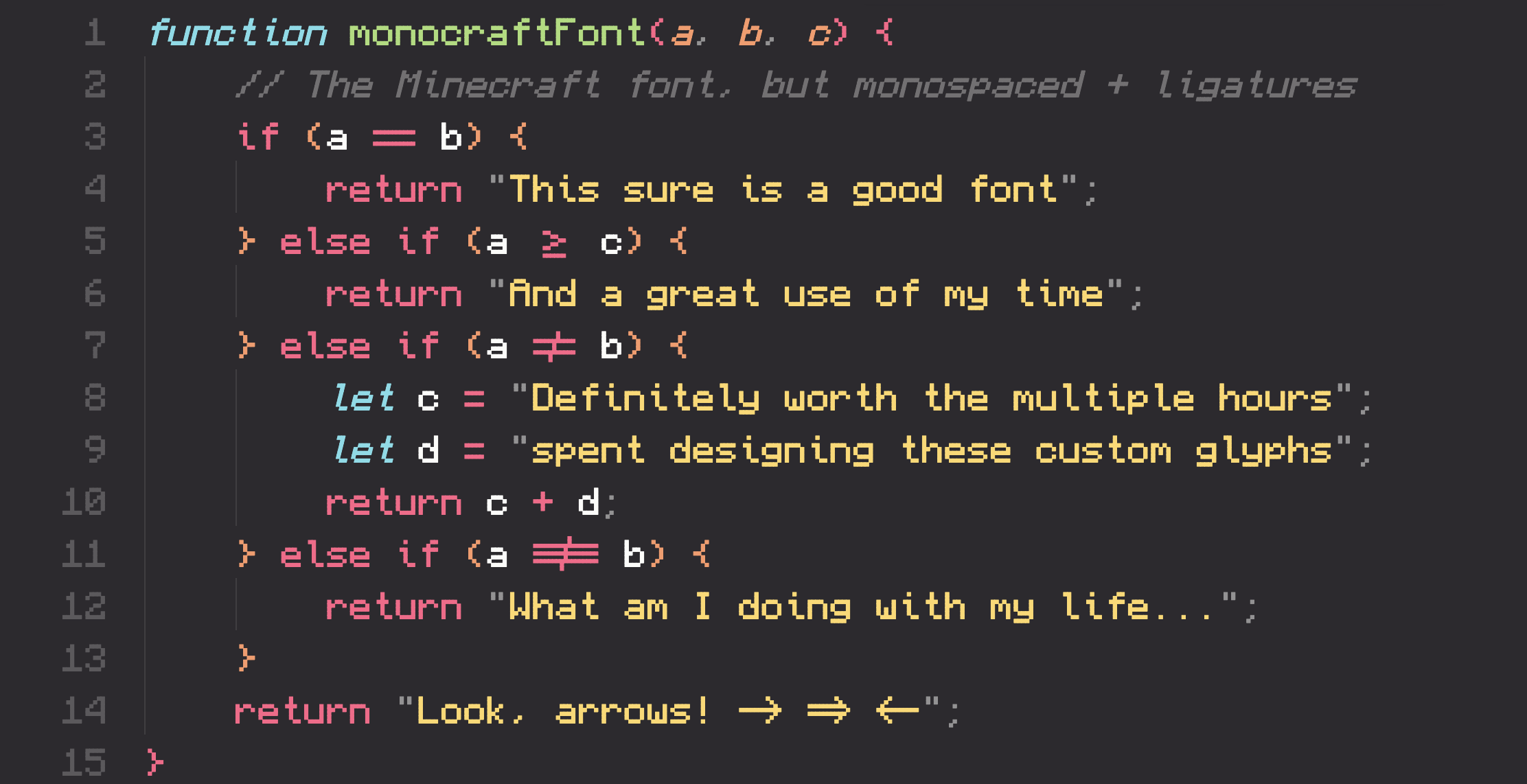
GitHub
A monospaced programming font inspired by the Minecraft typeface - GitHub - IdreesInc/Monocraft: A monospaced programming font inspired by the Minecraft typeface