#nvg
1 messages · Page 1 of 1 (latest)
 static solar
big interest in this too, I didn't see a way to write shaders
 north ibex
it is hdr that used for scopes
he probably used the way i explained few days earlier
im just wondering how he applied it to camera
probably same way like filters on armavision
 lusty zephyr
north ibex
Nice, can you please explain, how you applied effect to camera?
lusty zephyr
north ibex
Nice, can you please explain, how you applied effect to camera?
I coded it, but I'm not at my pc, the gist of it is that you can load up to 20 materials into a camera stack
[ComponentEditorProps(category: "BEAR/Components", description: "Enables Night Vision", color: "0 0 255 255")]
class BEAR_NightVisionComponentClass: ScriptComponentClass
{
};

/// This component enables it's object to be a light. Simply call SetLightEnabled(true/false);
class BEAR_NightVisionComponent: ScriptComponent
{
    [Attribute("1", UIWidgets.ComboBox, "Description", "", ParamEnumArray.FromEnum(PostProcessEffectType) )]
    PostProcessEffectType ppType;

    private bool _isOn;

    // We need the OnPostInit and EOnInit for the EOnFrame to be called.
    protected override void OnPostInit(IEntity owner)
    {
        super.OnPostInit(owner);
        SetEventMask(owner, EntityEvent.INIT);
    }
    protected override void EOnInit(IEntity owner)
    {
        GetGame().GetInputManager().AddActionListener("NightVision", EActionTrigger.DOWN, KeybindPressed);
    }

    private void KeybindPressed()
    {
        BaseWorld world = GetGame().GetWorld();
        int camId = world.GetCurrentCameraId();

        _isOn = !_isOn;
        Print(_isOn);

        if(_isOn) world.SetCameraPostProcessEffect(camId, 19, ppType, "{B36B9019D49FC083}Assets/NightVision.emat");
        else world.SetCameraPostProcessEffect(camId, 19, PostProcessEffectType.None, "");
    }
}
yea, i know that is possible to stack more then 1 effect using custom script
just asking how to apply it on player camera
oh
thanks!
lusty zephyr
That's the basic idea. We're working on a framework kinda mod that will make it super easy to put it into your mod as a dependency, just like my laser pointer! :)
That way, you will just have to open your Night Vision goggles prefab and add our component that you load as a dependency!
north ibex
nice
static solar
lusty zephyr
```cs
[ComponentEditorProps(category: "BEAR/Components", description: "Enables N...
any clue how to implement it with an actual wearable? would that be for example a helmet type item with a NV toggle?
lusty zephyr
@slender jacinth is working on that like a champ afaik
There's a few challenges like
- how do you move the nvg's down physically
- How does the component notice that
- How do you network this correctly
- How do you attach a nvg to a helmet, so that it is removeable like an attachment on a gun
- How do you network all of this correctly
lusty zephyr
@cedar arrow That's an idea greg also had, but there's some challenges
static solar
network doesnt matter outside of the item itself since all the fx can be local
but im not sure this approach will work with AI
 slender jacinth
network matters for anim and script actions
 sour lagoon
That's awesome... we also need one of these https://www.youtube.com/watch?v=c_0s06ORTkY
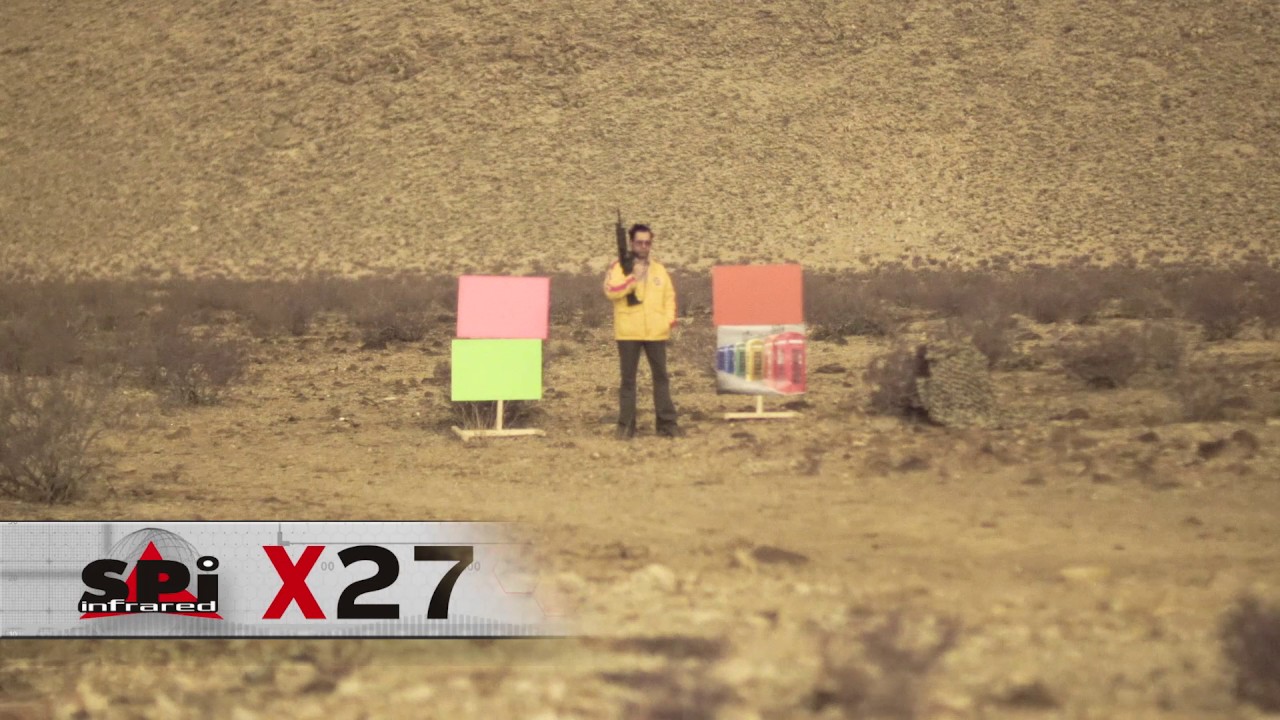
https://www.x20.org/color-night-vision/
Select HD mode for best resolution
THIS VIDEO WAS FILMED IN STARLIGHT IN VERY LOW LIGHT EVENING CLOUDY ENVIRONMENT.
X27 Older Rev1 true BB color night vision Module starlight shootout with;
-Thermal MWIR / LWIR DUAL COOLED AND UNCOOLED SNESOR SYSTEM
-EMCCD Electron-multiplying CCD low light camera
-Ult...
slender jacinth
after nvg of course thermal vision lol
north ibex
dont think it is prossible in reforger
at least "true" thermal
where you get temperature of objects
slender jacinth
Don’t know
lusty zephyr
north ibex
dont think it is prossible in reforger
not yet, but if I were to get my hands on full shader coding and shader parameter setting via scripting, I could code it
north ibex
lusty zephyr
not yet, but if I were to get my hands on full shader coding and shader paramete...
where you will get temperature value for objects?
by collider type?
sounds like easiest way for me
metal -> cold
plastic -> neutral
body->hot
lusty zephyr
north ibex
where you will get temperature value for objects?
You read the metallic, smoothness and such of the material. Then you also make custom heatmap textures for specific stuff like vehicles
north ibex
lusty zephyr
You read the metallic, smoothness and such of the material. Then you also make c...
new heatmap can work for new assets
but not for existing ones
lusty zephyr
But I'm not sure, I've never done this. xD
north ibex
also, reading metallness smoothness etc sounds like very unoptimised way
adding heat value to colliders sounds like easiest and optimised way
BUT
im not sure if you can read colliders from shader
lusty zephyr
you'd pass them into the shader via scripting
north ibex
then it will work