#Reproject the face texture on the face mesh after transforms

10 messages · Page 1 of 1 (latest)

compact pier
#

I'm trying to apply a face texture to a head mesh after it has been transformed.

I can't seem to find a way to project on a tracked face mesh > get a unwrapped texture of the face > use as texture on a new head that I then can transform freely

I have seen people post about this twice in the forums already without getting a real answer to the problem. As stated in the post in the forums this is a no-brainer in spark AR, but doenst seem to be the case in lens studio.

Does anyone have a good workaround for this?

Post from 2022
https://support.lensstudio.snapchat.com/hc/en-us/community/posts/4564715197076-Face-Texture-mapped-to-face-mesh
Post from 2020
https://support.lensstudio.snapchat.com/hc/en-us/community/posts/360056448192-how-to-add-a-face-texture-to-face-mesh-

gilded hazel
#

There is a reprojection asset in the asset library. Import and add to your scene. There might be a face mesh example in there. I like to setup a separate render target, layer, and camera for this because the script is going to project the camera texture onto the face mesh, so you need one face mesh normally tracked to the face. Then on the face mesh you want to position, just apply the reprojected material (I believe it has a red tint to it, so just change the base color on the material to white to remove the tint).

compact pier
gilded hazel
#

Haha my pleasure! You aren’t the first person to ask, so I might (time permitting) make a quick video tutorial tomorrow on how to do this in case you run into any issues

compact pier
#

i tried my best to find previous answers both here and on the forums, but just found the forum posts haha

#

I should be all good with you pointing me in the right direciton, in the worst case scenario i might come back with another question 😂

compact pier
gilded hazel
#

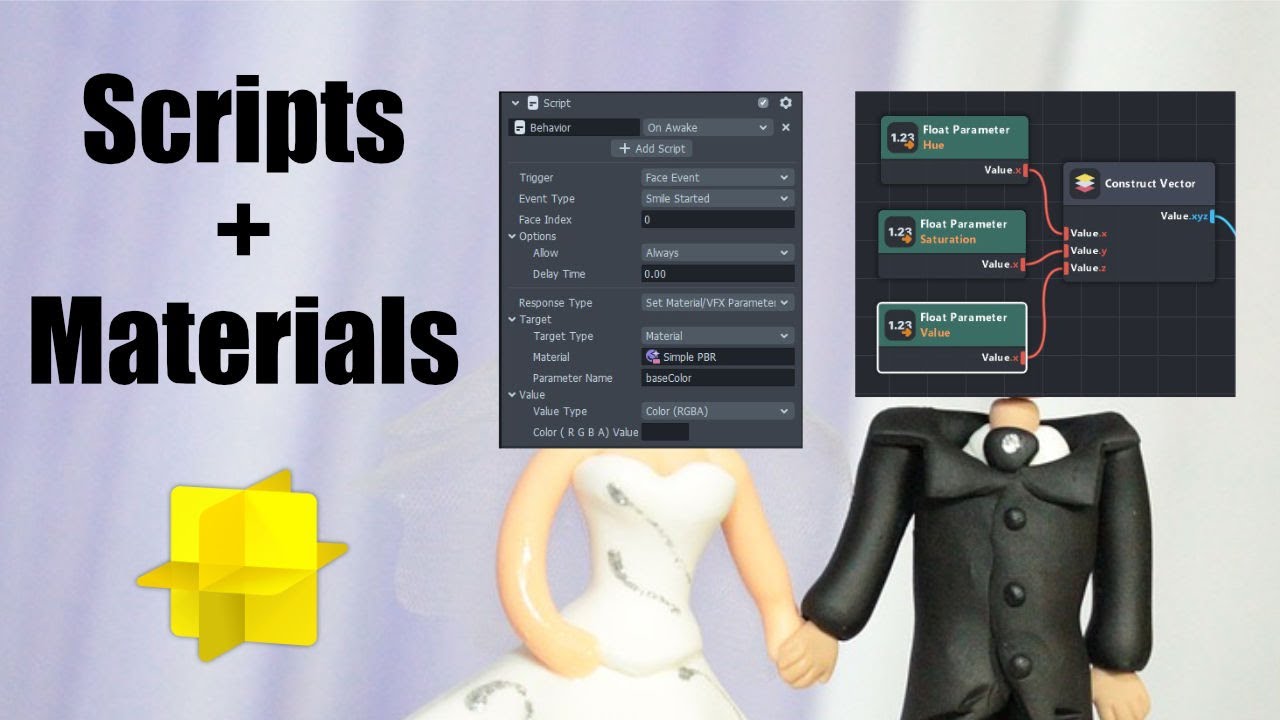
You’ll need to add a color parameter to your material, then have the script set that value. There should be an example of that in the tutorial using the baseColor, but hovering your mouse over any input parameter will give you the name to use. You can adjust those names with the script name on the node

#

The material editor in Lens Studio is super powerful, but it is separate from the scripting system. If you are coming from Spark AR where both logic and materials exist together in the patch editor, this may be frustrating to you. In this tutorial we'll go over how to bridge the two and use scripts to change material parameters. We'll see how to...

▶ Play video