56 messages · Page 1 of 1 (latest)
 wicked palm
After a lots of testing the regional guidance with controlnet canny and ip-adapter style transfer I never get the result correctly so I decided to create a workflow in comfyUI to emulate the same process and the result is amazing. My point is to find a way to get the same result in invokeAi because the user interface and the way it work is more focus on artist comfy is a more methodic app.
Here are some of the result in confyui regional ip-adapter | Contronet line art render and the workflow.
 dire inlet
Can you provide your income outputs for comparison? I’m not sure what to look at - generally, the two work differently
wicked palm
If you have comfyui to test it I can provide the workflow and image for testing so you can evaluate by yourself
Some important info:
dire inlet
I don’t need to test comfy - it’s a different feature
What I’m looking for is what you’re trying to do and the qualitative difference in results that you’re seeing
wicked palm
I'm trying to render my line art using regional guidance layers by color masking and apply any style with IP-Adapter
dire inlet
What I'm not clear on is what you're trying to do with regional guidance. I understand you're trying to use it - but for what exactly?
wicked palm
this video will make you understand:
https://youtu.be/CLVylJAMIF8?si=i17-jziEAp2yFx_F
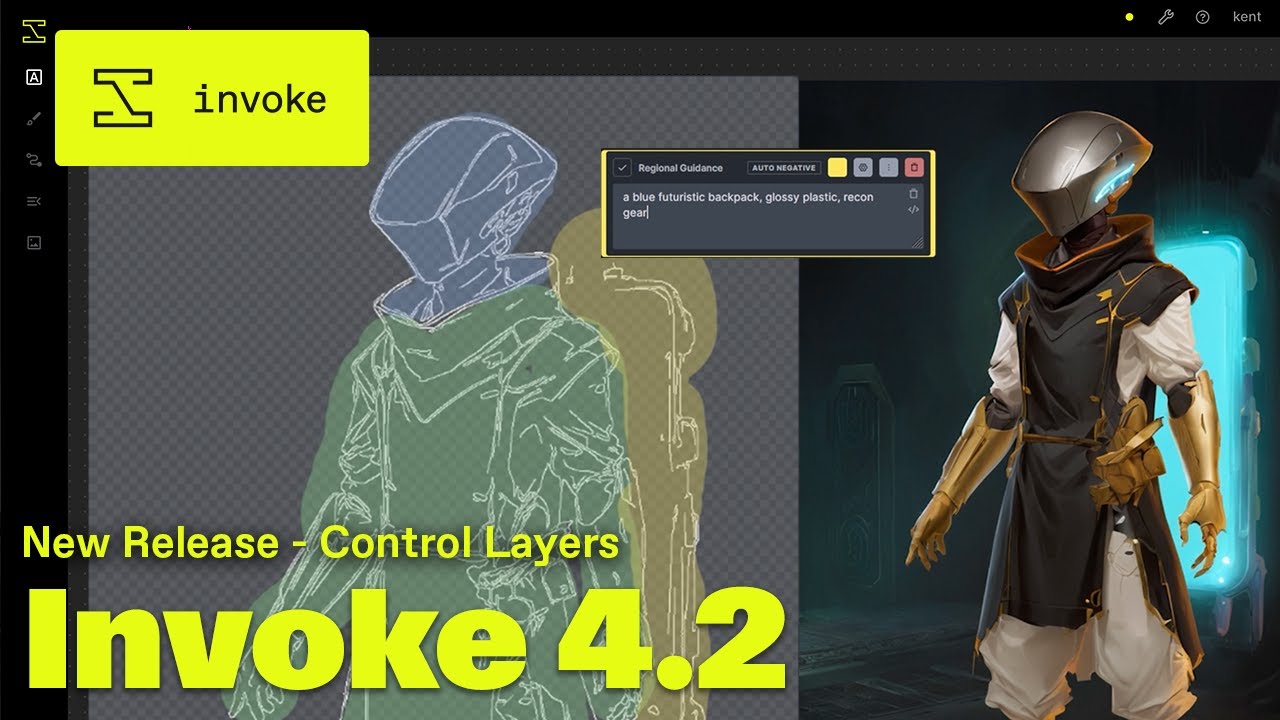
In our latest update with 4.2, we're introducing Control Layers, a powerful, new tool for applying different types of guidance – like compositional structure (with ControlNet), textual prompts, or visual references (with IP Adapter) – specifically where you need them in your images.
We also cover some UI changes that make editing and viewing y...
This is what I get in invokeai

Its simple Render my line art
dire inlet
wicked palm
this video will make you understand:
https://youtu.be/CLVylJAMIF8?si=i17-jziEAp2...
if you want to share the sketch, I can toy with it for a few minutes and give you something to play with.
wicked palm
The one you provide in the package manager
dire inlet
Try this - delete that one out of the model manager, and then install this one using the huggingface repo -- xinsir/controlnet-canny-sdxl-1.0
wicked palm
Of course here are the two i'm using for testing


ok let me try
If you want really good result I recommend give support to Mistoline sdxl and Scribble any line those two are the best.
and are compatible with all line art preprocessor
dire inlet

the regional guidance/controls are useful when you want a certain style in very targeted spots - but if you're just trying to feed an image in to the whole thing, better to use a global ip adapter
you can still do regional guidance for additional control.
dire inlet
will give you a few, with increasing strengths + prompt tweaks
wicked palm
Men thanks a lot you save my day
dire inlet


 wicked palm
Ufff superbbbb
dire inlet

 wicked palm
Those sketch you can use it as you like are from my procreate daily sketching practice
dire inlet
awesome! i'll tag @digital cedar - We're always looking to highlight artists who are using it to the fullest 🙂
wicked palm
those last one are so good please give me the setting
dire inlet
should be in the metadata
just save the file and copy it into invoke
and you should have all of the metadata for remixing
wicked palm
@dire inlet Looks like the metadata in those image are lost because don't give me the option to remix
dire inlet
wicked palm
<@183428997772738560> Looks like the metadata in those image are lost because do...
Did you copy them in, or download the file?
wicked palm
I download the file
Know I copy the image and still cant see the meta data
It suppose to activate those option in the top
 dire inlet
wicked palm
It suppose to activate those option in the top
dire inlet
wicked palm
It suppose to activate those option in the top
Aye - I maybe exported wrong
I’ll take another look in a bit!
dire inlet
 wicked palm
@dire inlet Thanks
What model you are using I like the painterly style looks really nice