#smitha-prapi-help
1 messages · Page 1 of 1 (latest)
 heady jay
Hello! Has this worked in jsfiddle before? jsfiddle uses iframes and so not compatible by default
 sacred prairie
I have not checked this particular jsfiddle in the past. We have followed similar implementation and this has worked in the past. This is not working now.
heady jay
@sacred prairie let's talk here please
sacred prairie
k
heady jay
So let's take a small step back and clarify what the issue is exactly? Do you have a live page I can look at?
sacred prairie
on the bottom right click on a product
heady jay
 sacred prairie
you will see Buy with GPay on desktop browser but will not show in a mobile resolution
heady jay
what do you call "a mobile resolution"?
like on a physical mobile device, or just Chrome in Mobile view?
sacred prairie
both
problem is reproducible in both (chrome mobile and desktop chrome in mobile resolution)
same with the jsfiddle https://jsfiddle.net/attystripe/r5jky2uy/
Test your JavaScript, CSS, HTML or CoffeeScript online with JSFiddle code editor.

 hushed galleon
Hello! I'm able to reproduce the issue and am investigating now...
sacred prairie
This is not working even in desktop browser mobile resolution either. you have to change the resolution to mobile then load the page

Thank you for looking. This is very important to us. In our new development this is unfortunately affecting apple pay as well. Since this is unpredictable, we are not able to release some new features
hushed galleon
This is a CSS issue. display: none is being added to the containing element:

At larger resolutions that style is removed:

If I disable display: none at the lower resolution the elements in question do appear, including the Apple Pay button, but they're all barely visible on the edge here:
 sacred prairie
Thank you for that. I will correct that. but there is a problem with the stripe call in other place as well. that i can show
hushed galleon
Happy to dive into that if you can provide details, yeah. 🙂
sacred prairie
what do you think is going on with the jsfiddle?
hushed galleon
JSFiddle uses frames, and the Payment Request APIs don't work well in frames except in exact conditions.
Usually the origin of the parent page and the frame has to match exactly, for example.
There are also different rules for different browsers/wallets.
Google Pay is more lax about the same origin thing, so that tends to work in a JSFiddle, but Apple Pay is more strict.
However, Chrome/Google Pay has rate limiting built-in at the browser level, so if you do too much testing too fast you can get in a state where you'll see failures even though nothing is wrong.
The JSFiddle you linked to above, for example, works for me just fine in Chrome with Google Pay, but in Safari Apple Pay does not show up at all.
Which is what I would expect.
sacred prairie
The css hidden you are seeing is on the initial screen. if you click buy now, you will go to the screen where we show the Pay buttons. it is not hidden
in mobile
hushed galleon
Not sure I understand?
sacred prairie
the image you sent for mobile (where you said css has hidden) is not the right screen
click on the button there, the next screen is where we show the payment buttons.
the css is not hiding the buttons (my image above) .
hushed galleon
Have a look at this video, which shows some thing is adding display: none to the parent element at lower resolutions:
This is all after clicking on the product to show the payment buttons.
sacred prairie
plz give me a minute, i'd like to show our dev site
we have an additional screen for mobiles. hence the display none.
additional step for mobiles.
for mobile we need to click buy now to get to the payment option screen. this is per design
the css on the actual payment screen for mobile has no visibility issues
anyways, will get our dev site example soon where it may be more clear
hushed galleon
Oh, I see! When I do that Apple Pay shows up as expected, both in Safari on my desktop and on my actual iPhone.
sacred prairie
yes Google pay is the problem
in dev site where we have new development we have issues with both.
hushed galleon
Google Pay is showing up in Chrome in responsive design mode for me, but I don't have an Android device to test with.
sacred prairie
chrome browser on iPhone can be used
you will not need android
you can also set desktop chrome browser in mobile resolution and load the page
the problem can be reproduced.
hushed galleon
Stripe's Payment Request Button/API does not work with Google Pay in Chrome on iOS.
I did reload after changing resolution in Chrome on desktop and the button appears there as expected.
sacred prairie
here is our dev site where we are doing new development https://streamifyclient.azurewebsites.net/play?v=0gGqjNUMy8q
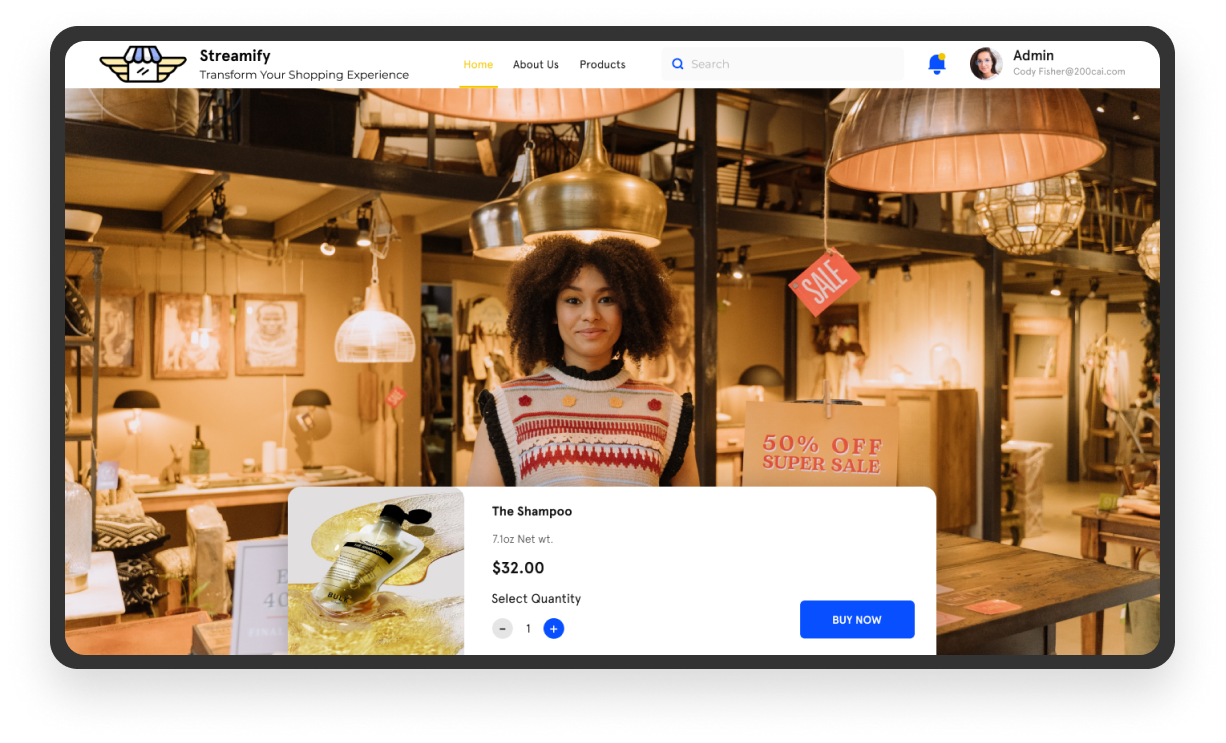

both apple pay and google pay dont show here
on the video click the button below, select buy now
enter any address
then you will see the screen above where we are trying to show apple pay and Google pay
 hushed galleon
Gotcha, testing...
So it didn't work the first time, but every time since it has worked, both in desktop resolution and in mobile resolution, and across several reloads.
sacred prairie
you are able to see apple pay and google pay buttons?
hushed galleon
One thing I noticed is that you have several calls to canMakePayment in your code; why are there multiple? Are several of them being called at the same time?
Yep:
 hushed galleon
Kinda. The button is wonky, but applePay: true is logged to the console and the button does appear:

I'm on a Mac, yes.
 sacred prairie
would you plz be able to check on windows 10?
hushed galleon
Unfortunately no, I do not have access to a Windows 10 computer. The OS shouldn't matter though, at least for Chrome.
Apple Pay is not possible on Windows 10 though.
sacred prairie
we have seen several discrepancies in behavior across chrome on different OS
hushed galleon
Are you sure it's due to the OS? Could it be due to Google Pay not working as expected?
As a test, can you see the Google Pay button on this page in our docs? https://stripe.com/docs/stripe-js/elements/payment-request-button
This one specifically?
 sacred prairie
it took a while to load but yes this works
i am seeing other issues with my Google pay however, it does not go through.
is there a recommended test card number i can use?
hushed galleon
For the Payment Request Button/API you use live cards in test mode (which are replaced with the 4242 card number behind the scenes) because only live cards can be added to Google Pay or Apple Pay wallets.
When you say it doesn't go through what do you mean? Are you seeing an error?
sacred prairie
I have real cards added in Google pay wallet and in the chrome browser settings but it is not showing when i click GPay button
hushed galleon
The one in the docs?
sacred prairie
yes
hushed galleon
If you go to chrome://settings/payments do you see "Google Pay" written next to any of the cards there?
 sacred prairie
no
hushed galleon
They should show up like that.
But they don't show up in Chrome's settings? Or they do show up but without being labeled as "Google Pay"?
Oh, yeah, that looks fine.
But you're saying none of those Google Pay cards appears when you click on the Google Pay button in our docs?
After clicking on the Google Pay button in the docs you should see a payment sheet that looks something like this after you hit the button to show more payment options.
 sacred prairie
clicking on the GPay button is not taking me to the next step
hushed galleon
Do you see anything in the console when you click the button?
sacred prairie
console error Another PaymentRequest UI is already showing in a different tab or window.
hushed galleon
Ah, okay, so that's the issue. You need to find and close that one.
You can only have one payment sheet up at a time, across all tabs/windows.
sacred prairie
i didnt know that
now it shows the next screen (select payment method) but those are all some test cards I added in the past. Not the valid ones i now have setup in my google pay
hushed galleon
Are you using a Google developer or test account of some kind?
Can you switch to a Chrome profile where you're logged in as you normally?
sacred prairie
I am using the same personal gmail account throughout. in pay.google chrome profile and for Google pay click
hushed galleon
Ah, okay, I think you're in the "test card suite group" mentioned here: https://developers.google.com/pay/api/web/guides/resources/test-card-suite
If you leave that group does it work as expected?
sacred prairie
how to leave test card suite group
hushed galleon
Also, just wanted to flag that this is a public Discord server, and anyone can come into this thread and see your screenshots, so you may want to go back and delete the ones with your email and whatnot in them.
Go here and leave the group if you're in it: https://groups.google.com/forum/#!forum/googlepay-test-mode-stub-data
sacred prairie
thank you. i have been worried
hushed galleon
The instructions say:
To leave, select My membership settings and click Leave group.
sacred prairie
if I stay in this group, does that mean i can use test cards instead of real cards?
hushed galleon
Yeah, being in the group gives you the test cards. Not being in it gives you your real cards.
You can join or leave the group as needed.
sacred prairie
but will the testmode setup (dev site) payment process successfully using test card?
hushed galleon
With Stripe, Google Pay in test mode works with real cards only.
sacred prairie
and where can i edit those test cards
oh is that a new thing? i remember using test card with google pay
in the past
hushed galleon
Well, I suppose the test cards would work fine too... we replace any Google Pay cards in test mode with the 4242 card behind the scenes.
So I guess it wouldn't matter.
Most people use real cards because most people never go and join that group to enable test cards.
It's not something we require.
sacred prairie
where can i edit the test cards?
sacred prairie
for different test cases (now wish to use 4242 card instead of 1111 it is showing
hushed galleon
What do you mean by different test cases though?
sacred prairie
there are ccard numbers that purposely cause errors. that will help me test my error handling on my UI
hushed galleon
Those won't work as expected in Google Pay with Stripe.
They'll be replaced with the 4242 test card behind the scenes, which will always go through.
hushed galleon
No problem, always happy to help!
sacred prairie
is there a way to export this log