#nmbdev-Klarna
1 messages · Page 1 of 1 (latest)
 native fog
Where can I see it? on Stripe dashboard?
 earnest jackal
Yes
native fog
I will continue looking for the ID, for the moment I found this:
https://share.cleanshot.com/Y1h88k

nothing on logs:
https://share.cleanshot.com/fXw1C7
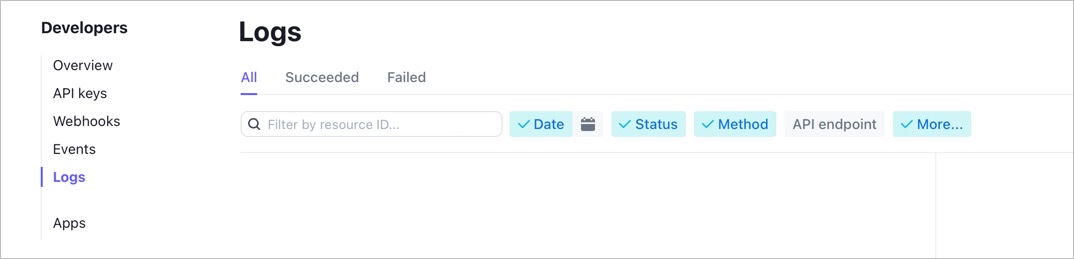
nothing neither transactions failed
earnest jackal
Is this paymentIntent created in test mode?
native fog
yes
earnest jackal
Switch to test mode and you should find the paymentIntent
native fog

now that I'm in the correct stripe mode test dashboard , going to test again to see if I can catch something
ok I could get this in the console:

 silver forge
Hi! I'm taking over this thread.
Great, can you copy-paste the PaymentIntent ID (pi_xxx) from teh console?
native fog
(affirm) pi_3LCkpMCyArs4S5jA1fFOCDJz
silver forge
Thanks! Give me a few minutes to look into this.
native fog
I just did another one with (Klarna): pi_3LCkpMCyArs4S5jA1fFOCDJz
silver forge
https://dashboard.stripe.com/test/logs/req_YUzwrlZs1RbIZm This is the request where you created the PaymentIntent. You set automatic_payment_methods: { enabled: "true" }, so the payment method enabled in you dashboard here can be used: https://dashboard-admin.stripe.com/test/settings/payment_methods
However in this list I don't see Klarna, because your Stripe account is set in Canada, but it looks like Klarna is not supported in Canada: https://stripe.com/docs/payments/klarna
