#Sayuru-Flutter
1 messages · Page 1 of 1 (latest)
 brave pewter
Hi there, can you send me the Payment Intent ID? you can find it from your Stripe Dashboard.
 glad pivot
pi_3KR64lEh0S58XxDe06Y8uJ4V
brave pewter
Thanks. I can see there is only one request to create this Payment Intent, no payment method attached to it or request to confirm it.
How do you attach Payment Method and confirm the Payment Intent from the Flutter code?
glad pivot
I followed this step when setting payment method. 1st I created payment Intent in Heroku server and I there I specified payment_method_types=["card"], and then in flutter app I initPaymentSheet with the received payment Intent details. Then I presented the payment sheet with presentPaymentSheet method.
        paymentSheetParameters: SetupPaymentSheetParameters(
          customerEphemeralKeySecret: data['ephemeralKey'],
          customerId: data['customer'],
          customFlow: true,
          merchantDisplayName: 'EatMoree',
          paymentIntentClientSecret: data['paymentIntent'],
          merchantCountryCode: 'SL',
        ),
);```await stripe.presentPaymentSheet();
I doesn't specified a specific Payment Method anywhere. Am I required to specify a payment method?
brave pewter
Thanks for the waiting. You don't need to explicitly pass in the Payment Method when using the PaymentSheet
Any other error message you saw in the Flutter console?
And can you set customFlow to false and try again?
glad pivot
I tried by setting customFlow to false and the it worked well as expected. Why it doesn't work with customFlow true
brave pewter
If you set customFlow to true, then you need to call confirmPaymentSheetPayment https://github.com/flutter-stripe/flutter_stripe/blob/main/packages/stripe_platform_interface/lib/src/models/payment_sheet.dart#L20
GitHub
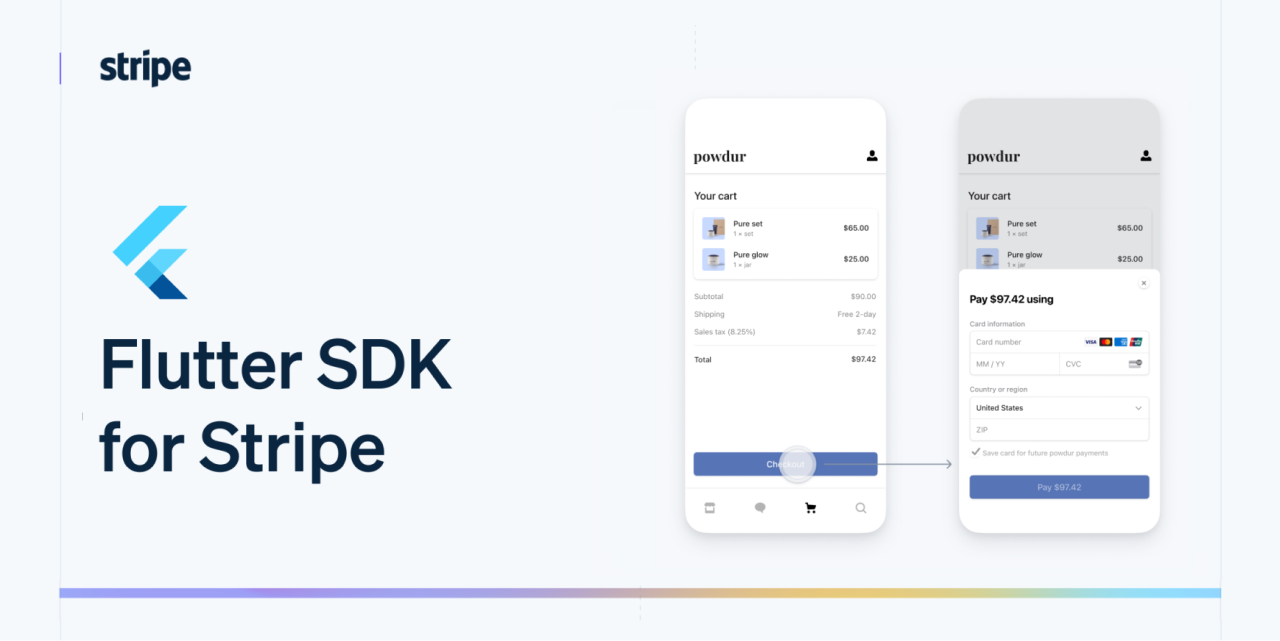
Flutter SDK for Stripe. Contribute to flutter-stripe/flutter_stripe development by creating an account on GitHub.
glad pivot
Yeah ok I will try that. Thank you