#dataExplorer-flutter
1 messages · Page 1 of 1 (latest)
 old marsh
We don't officially own the flutter-stripe (Github maintainers do!) but I can try to help
Speaking from other client SDK, "PaymentSheet supports saving and reusing card" means it supports saving the inputted Card information into a backend PaymentMethod object. Later on you can retrieve and use the saved PaymentMethod on backend, or let the PaymentSheet on frontend display them by passing the exact Customer Id used last time
 digital onyx
So does the PaymentMethod need to be saved with the PaymentSheet? I was trying to use a PaymentMethod saved from a SetupIntent using the same customer id.
old marsh
It is saved after a PaymentSheet is confirmed, yes
How are you trying to use a saved PaymentMethod?
digital onyx
`
let paymentIntentObj = {
amount: amount,
currency: currency,
payment_method_types: ['card'],
confirm: false,
customer: customerId,
};
if (paymentMethod) {
paymentIntentObj['payment_method'] = paymentMethod;
}
if (callback && typeof callback === 'function') {
this.stripe.paymentIntents.create(paymentIntentObj, callback);
} else {
return this.stripe.paymentIntents.create(paymentIntentObj).then(data => {
return Promise.resolve(data);
}).catch(err => {
return Promise.reject(err);
});
}
`
I create a PaymentIntent and then use the secret to initialize the sheet
old marsh
This is backend code, correct?
On backend when you already have a PaymentMethod within PaymentIntent, you should be able to go ahead charge it on backend

Learn how to save card details and charge your customers later.
If you want to let your customer choose between their saved paymentmethod, you should initialize the PaymentSheet as normal, with supply customer_idand ephemeral_key to it
It's two different integration path, really
- Save your customer card info via SetupIntent, on backend take that payment method and immediately attempt to charge
- Save your customer card info via SetupIntent, next time supply customer_id and ephemeral_key to PaymentSheet to let your customer choose from his saved card, then confirm client-side by his chosen card
For 2. see the example here: https://github.com/flutter-stripe/flutter_stripe/blob/main/example/lib/screens/payment_sheet/payment_sheet_screen.dart#L93-L94
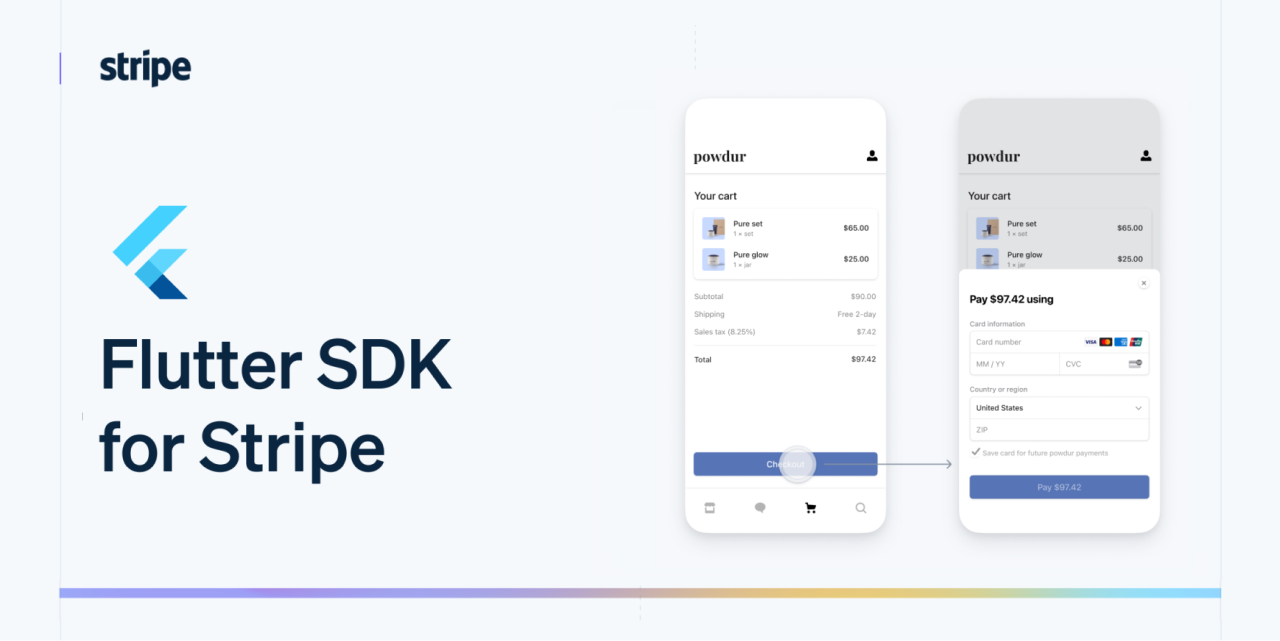
GitHub
Flutter SDK for Stripe. Contribute to flutter-stripe/flutter_stripe development by creating an account on GitHub.
digital onyx
This got it working! Thank you for all the help. Stripe has the best support