#charles-s_api
1 messages · Page 1 of 1 (latest)
 blazing yarrowBOT
👋 Welcome to your new thread!
⏲️ We'll be here soon! Typically we respond in a few minutes, but sometimes we might take a bit longer if the server is busy or if you have a particularly tricky question.
⏱️ We close idle threads, which makes them read-only. Once a thread is closed it won't be reopened, but you can always start a new thread if you have another question.
🔗 This thread will always be available, even after it's closed. You can find it again using Discord's search, or you can save this link: https://discord.com/channels/841573134531821608/1314668363376623687
📝 Have more to share? Add more details, code, screenshots, videos, etc. below.
 nova steeple
Hi, ApplePay and GooglePay are an option under the card by default. So as long as Card is enabled, these should be enabled. On this request, https://dashboard.stripe.com/test/logs/req_1Pt2JQbaEl6gyG I can confirm that Card was enabled.
I think you'd want to follow this guide: https://docs.stripe.com/apple-pay#present-payment-sheet
 outer fjord
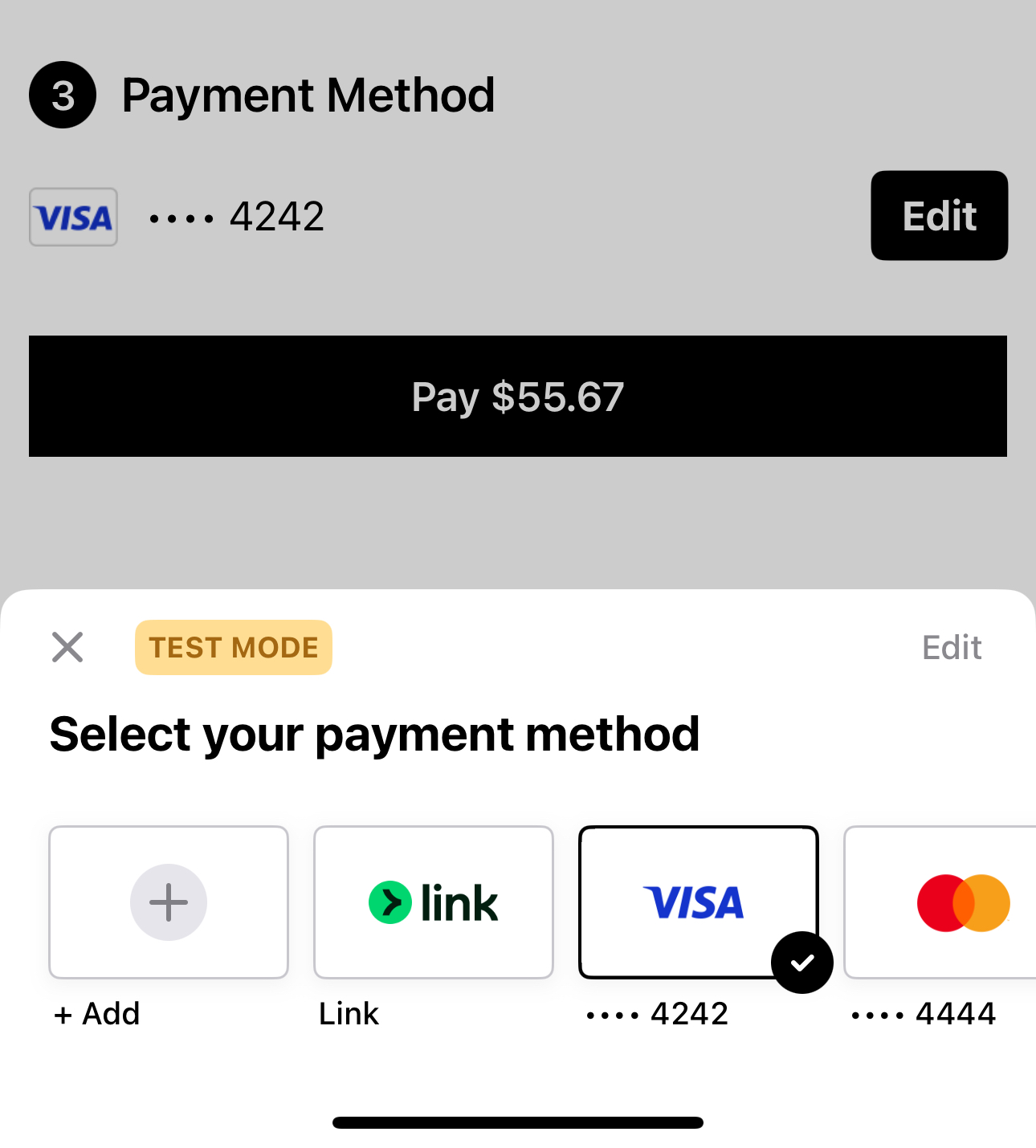
Ah ok, yes I saw the card option. But ApplePay is still not displaying. I am testing on a device with cards in the wallet. How can I debug further?
Here is a screen shot of what I am seeing:
https://d37xdqbhnwyfz3.cloudfront.net/ZJSZKRB8V8CBR412G1Q5PL6KMR.jpeg
 nova steeple
Have you already followed the steps here: https://docs.stripe.com/apple-pay?platform=ios#accept
I think you're missing the steps: https://docs.stripe.com/payments/accept-a-payment?platform=ios#register-for-an-apple-merchant-id
outer fjord
Oh thank you - I completely missed the step adding the ApplePay merchant id to the PaymentSheet configuration! It's showing up now.