#iffitimmi_api
1 messages · Page 1 of 1 (latest)
 normal daggerBOT
👋 Welcome to your new thread!
⏲️ We'll be here soon! Typically we respond in a few minutes, but sometimes we might take a bit longer if the server is busy or if you have a particularly tricky question.
⏱️ We close idle threads, which makes them read-only. Once a thread is closed it won't be reopened, but you can always start a new thread if you have another question.
🔗 This thread will always be available, even after it's closed. You can find it again using Discord's search, or you can save this link: https://discord.com/channels/841573134531821608/1222551628851449896
📝 Have more to share? Add more details, code, screenshots, videos, etc. below.
 vagrant skyBOT
 shadow compass
Hello, would you happen to have the request IDs from the calls to add usage records?
 solemn shore
this is the way I implemented by seeing the doc, could you explain to me what are you referring (request IDs ).
 shadow compass
Complete reference documentation for the Stripe API. Includes code snippets and examples for our Python, Java, PHP, Node.js, Go, Ruby, and .NET libraries.
Or from your dashboard logs https://dashboard.stripe.com/test/logs
Sign in to the Stripe Dashboard to manage business payments and operations in your account. Manage payments and refunds, respond to disputes and more.
solemn shore
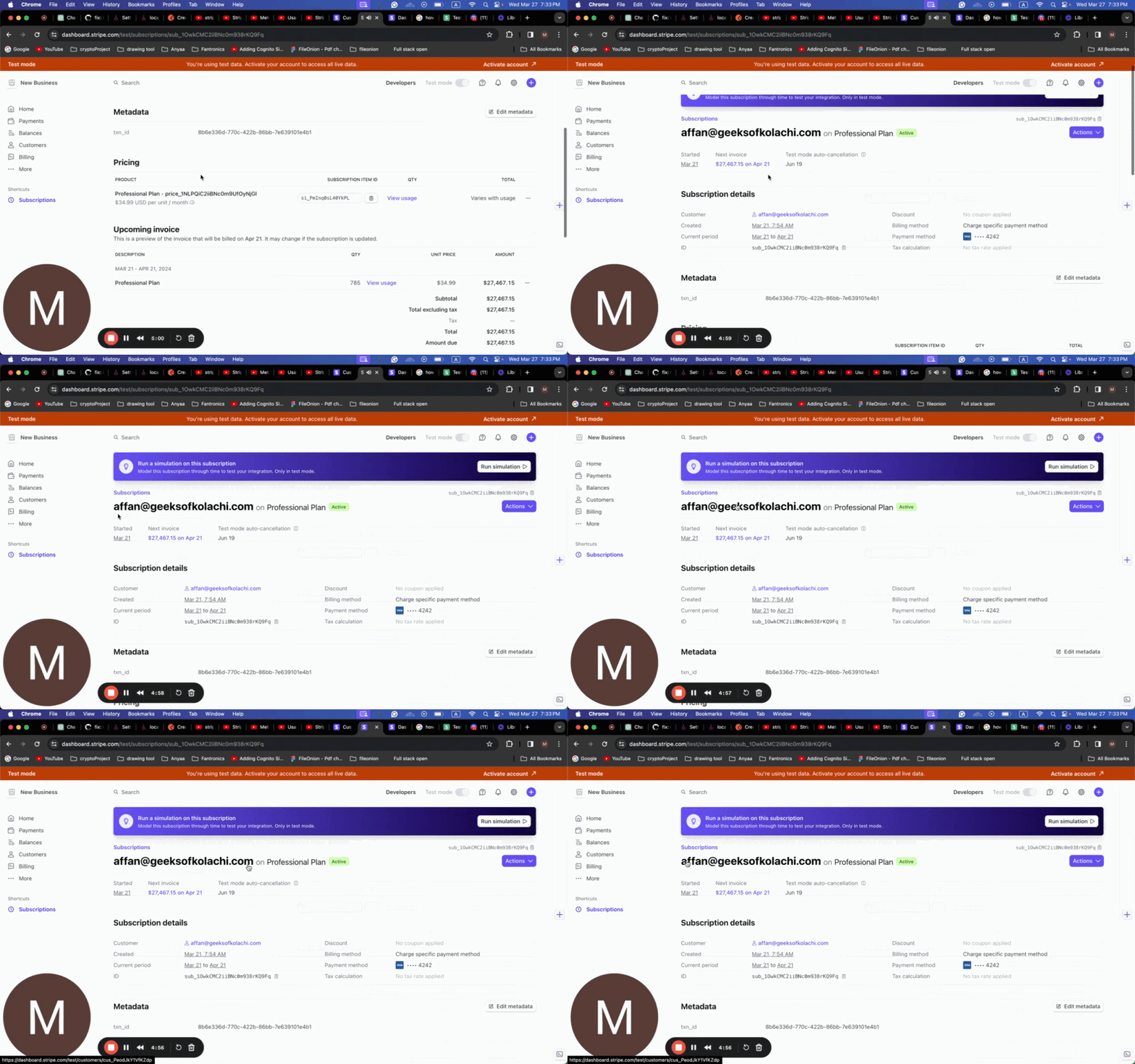
In this video, I walk through the process of implementing the Create Usage Record API and setting a perform action. I explain how to identify the user and the item ID associated with their subscription plan. Then, I demonstrate the steps to create a usage record and add an action to set it as perform. This video provides important information fo...
yes i am using the subscribed item id.
shadow compass
Not quite what I'm looking for. I will try to find this in your logs and get back to you
solemn shore
TY.
shadow compass
Apologies, having trouble looking this up for some reason. Still looking and will get back to you
solemn shore
oky, waiting...
shadow compass
It looks like usage is actually accumulating. We currently show a recorded usage of 789 on the subscription from that item https://dashboard.stripe.com/test/subscriptions/sub_1OwkCMC2iiBNc0m938rKQ9Fq
Sign in to the Stripe Dashboard to manage business payments and operations in your account. Manage payments and refunds, respond to disputes and more.