#K.Danz
1 messages · Page 1 of 1 (latest)
 smoky kelp
 maiden meadow
Hi there!
Where exactly do you see this error?
Can you share the request ID (req_xxx)? You can find it here https://dashboard.stripe.com/test/logs
 heavy birch
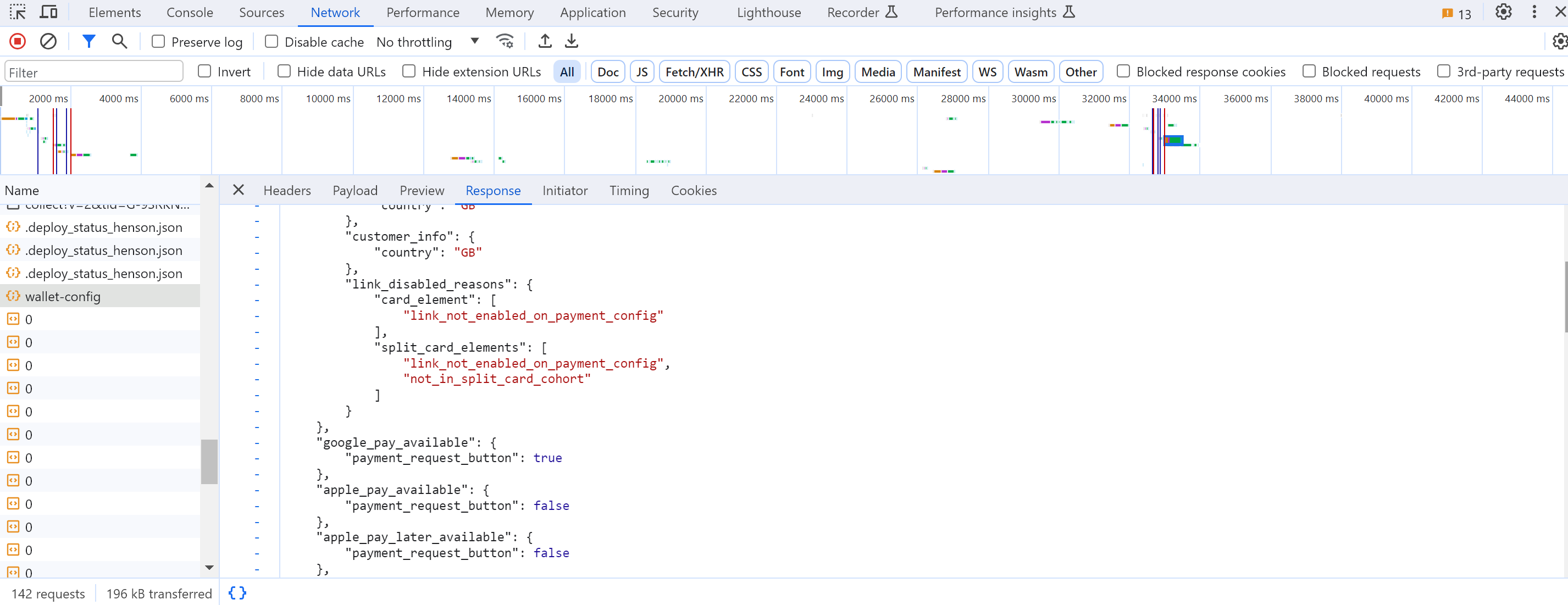
in response from wallet-config , "link_disabled_reasons": { "card_element": [ "link_not_enabled_on_payment_config" ], "split_card_elements": [ "link_not_enabled_on_payment_config", "not_in_split_card_cohort" ] }
maiden meadow
Can you share the PaymentIntent ID (pi_xxx), or relevant request ID (req_xxx)?
heavy birch
there is none, i haven't made a payment. I'm testing if "link" payment method appears in stripe js card element
maiden meadow
Are you following a specific Stripe documentation page? Can you share it here?
heavy birch
https://stripe.com/docs/payments/link/card-element-link says "link" should show automatically
Enable one-click checkout using Link with the Card Element.
maiden meadow
Do you have a link where I could reproduce the issue?
heavy birch
no, i currently do not. Can you point to me on dashboard where i can edit payment config for link?
maiden meadow
You mean this? https://dashboard.stripe.com/settings/link
heavy birch
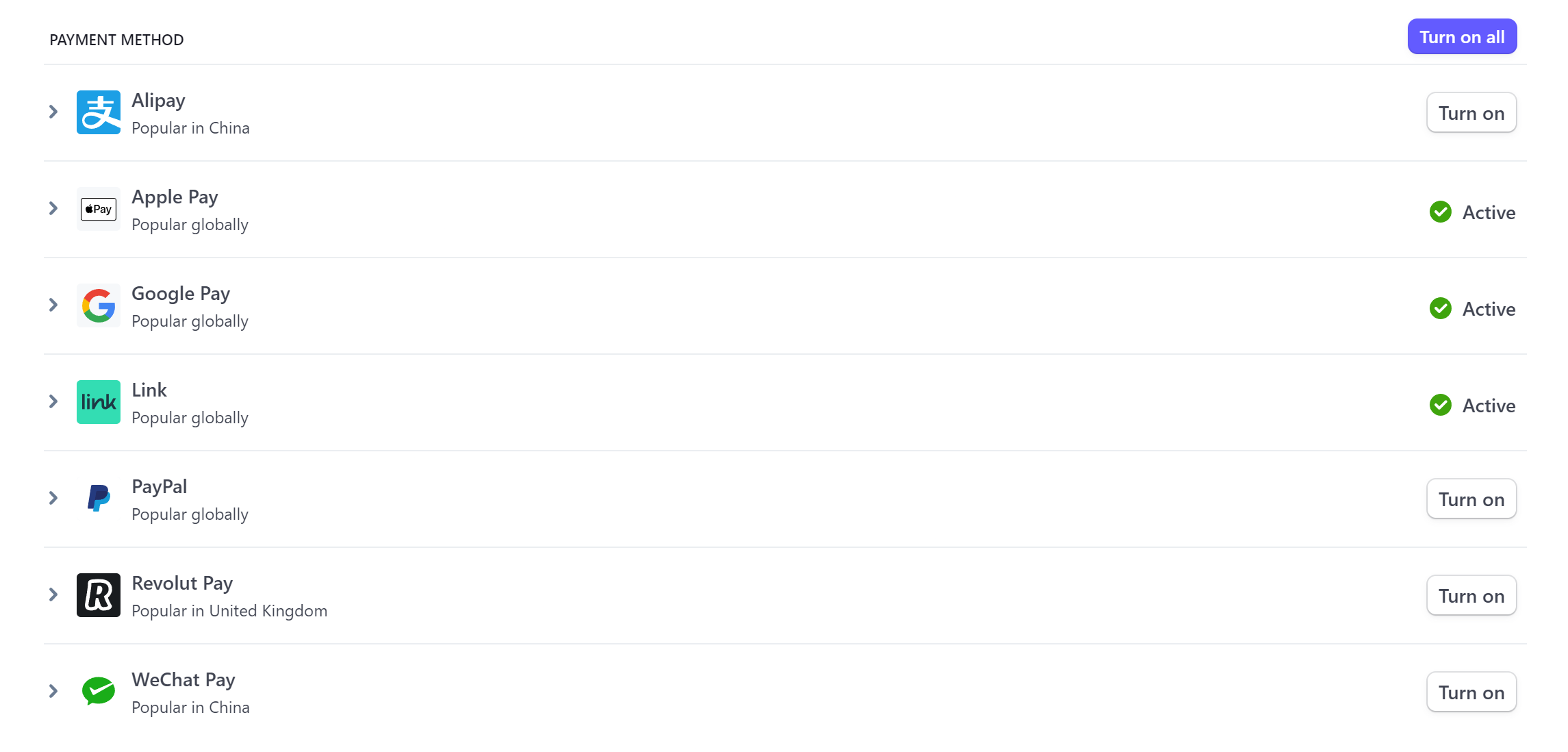
i've already enabled on this page and the payment method is enabled https://snipboard.io/hHQJGS.jpg

Easy and free screenshot and image sharing - upload images online with print screen and paste, or drag and drop.
Is there a section for wallet config?
 vagrant glacier
👋 taking over for my colleague. Let me catch up.
heavy birch
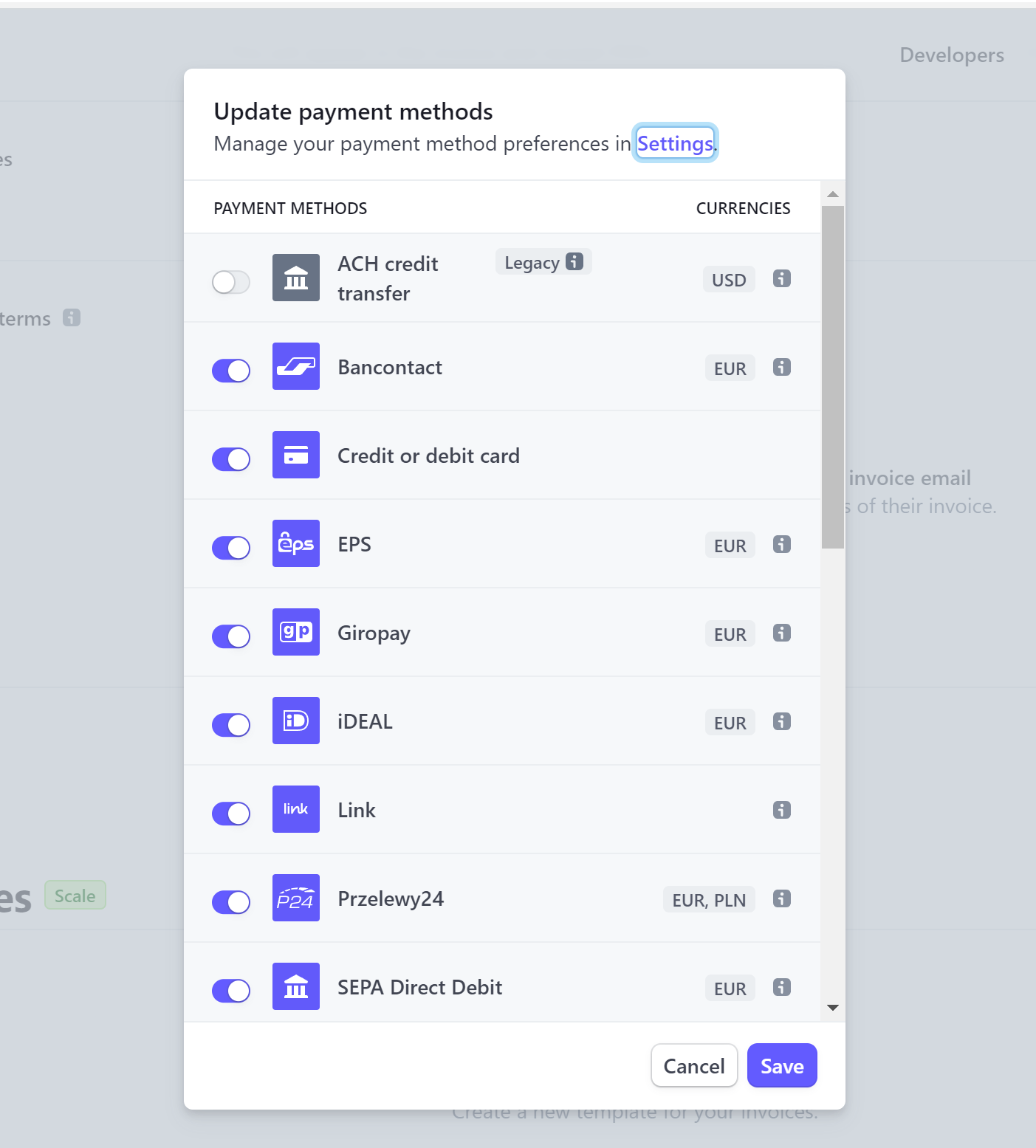
I think i've found something in settings to enable "link" https://snipboard.io/POhGUv.jpg , i'll try and see if works

Easy and free screenshot and image sharing - upload images online with print screen and paste, or drag and drop.
vagrant glacier
let me know if you need any more help
heavy birch
yes, didn't work. https://snipboard.io/wRxdyW.jpg says link not enabled but i've enabled on the dashboard?

Easy and free screenshot and image sharing - upload images online with print screen and paste, or drag and drop.
vagrant glacier
would you mind sharing your account ID?
heavy birch
acct_1LChARHdPey4WSeA
vagrant glacier
taking a look
heavy birch
thanks
https://snipboard.io/5MwGX8.jpg this possibly is reason? says not automatic payments


Easy and free screenshot and image sharing - upload images online with print screen and paste, or drag and drop.
"We've detected that you are not using Automatic Payment Methods. To manage payment methods from this page get the latest version of Checkout, Payment Element or Payment Links." how do i get latest version?
i'm completing the platform profile, see if that makes automayic payment method available
vagrant glacier
I'm really unsure, I'm trying to understand what's really going on with your settings
heavy birch
completed profile but this error message remains: https://snipboard.io/xv3ryO.jpg


Easy and free screenshot and image sharing - upload images online with print screen and paste, or drag and drop.
how to get latest version?
 smoky gate
Stripe js elements /split elements
automatic payment methods are for when you're using the PaymentElement or Checkout.
let's step back. Share your exact frontend code please.
heavy birch
` await this.$stripe!.createPaymentMethod({
type: 'card',
card: this.cardNumber,
billing_details: {
name: this.firstName + ' ' + this.lastName,
},
}).then(async (response: any) => {
await this.$apiRequest(async () => {
await this.$services.payment.addCard(response.paymentMethod.id);
this.$snackbar({
type: SnackbarType.Success,
text: this.$tc('dashboard.cardSaveSuccess'),
});
          this.complete = true;
          this.$emit('saveSuccess', response.paymentMethod, [this.firstName,this.lastName]);
          this.cardNumber.clear();
          this.cardExpiration.clear();
          this.cardCVC.clear();
          this.firstName = '';
          this.lastName = '';
      }).then(() => {
        if(this.complete === false) {
          this.syncedLoading = false;
        }
      });

    });`
`const elements = this.$stripe.elements();
  this.cardNumber = elements.create('cardNumber', {
    placeholder: this.$i18n.tc('general.cardNumber'),
    style,
    showIcon: true,
  });
  this.cardExpiration = elements.create('cardExpiry', { style });
  this.cardCVC = elements.create('cardCvc', { style });


  this.cardExpiration.mount('#card-expiration');
  this.cardNumber.mount('#card-number');
  this.cardCVC.mount('#card-cvc');`
ok well that will generally only support Cards since it's the CardElement.
We might enable Link in it but as mentioned in https://stripe.com/docs/payments/link/card-element-link#enable-link there are reasons why it might not, or it might not have been rolled out to your account yet.
in your case since you don't see any options for "Link in Card Element" at https://dashboard.stripe.com/settings/payment_methods?platform_id=pmc_1NkppqHdPey4WSeASeUtoC2P I think that means it's not rolled out to you yet. Also since you're using Invoices then I'm not even sure if it's supported there or if we only do this for raw PaymentIntents.
Anyway if you want to use the latest versions of things and have Link show up more consistently, use PaymentElement instead — https://stripe.com/docs/billing/subscriptions/build-subscriptions?ui=elements