#genelim123
1 messages · Page 1 of 1 (latest)
 frail hedgeBOT
Hello! We'll be with you shortly. Below are links to other discussions we've had with you in the past week in case you want to review that information. If your question is related to one of these previous discussions, please provide a comprehensive summary of the current state and what you need help with now. We help many users simultaneously, so a summary allows us to resolve your issue as soon as possible.
- genelim123, 1 day ago, 47 messages
 west whale
API key can be found in the Dashboard: https://dashboard.stripe.com/apikeys
Sign in to the Stripe Dashboard to manage business payments and operations in your account. Manage payments and refunds, respond to disputes and more.
 cursive moon
Hi would like to know if the API key would differ based on its region
The mobile application was developed in China. One of the failed test cases was that Stripe payment does not pass for Android-based devices while it passes for iOS-based devices.
west whale
Location doesn't have any impact in the API key access
cursive moon
Ah I see
west whale
What is your test scenario?
cursive moon
There are 2 test scenarios that i conducted for Android-based devices
Test mode and Live mode.
Was redirected to the white screen every time i attempt to purchase a product through the app.
west whale
How does it relate to stripe integration?
cursive moon
Because it passed for iOS-based devices
Sorry because i do not have direct access to the source code
So I am not able to provide that much clarity
But I was told that the payment function does work for both Android & iOS devices when it is being tested in China.
west whale
If Stripe integration is correctly done and setup, payment should be supported in China
It'll be helpful to share following information if you manage to get them:
- SDK used: Native iOS, native Android or React Native
- Any error trace or logs
- Example payment intent (pi_xxx)
cursive moon
I think i am able to provide you these information
One moment
Not sure if i am retrieving the right information since the documentation provided to me was in Chinese.
So do correct me if i got it wrong.
SDK used: JDK 1.8(Backend), Flutter(Mobile Application)
Error trace or logs: White Screen after clicking the buy button as seen below.
Example payment intent: "id": "pi_3O7vjrGnzNQmdAGH18KrAJoV"
 west whale
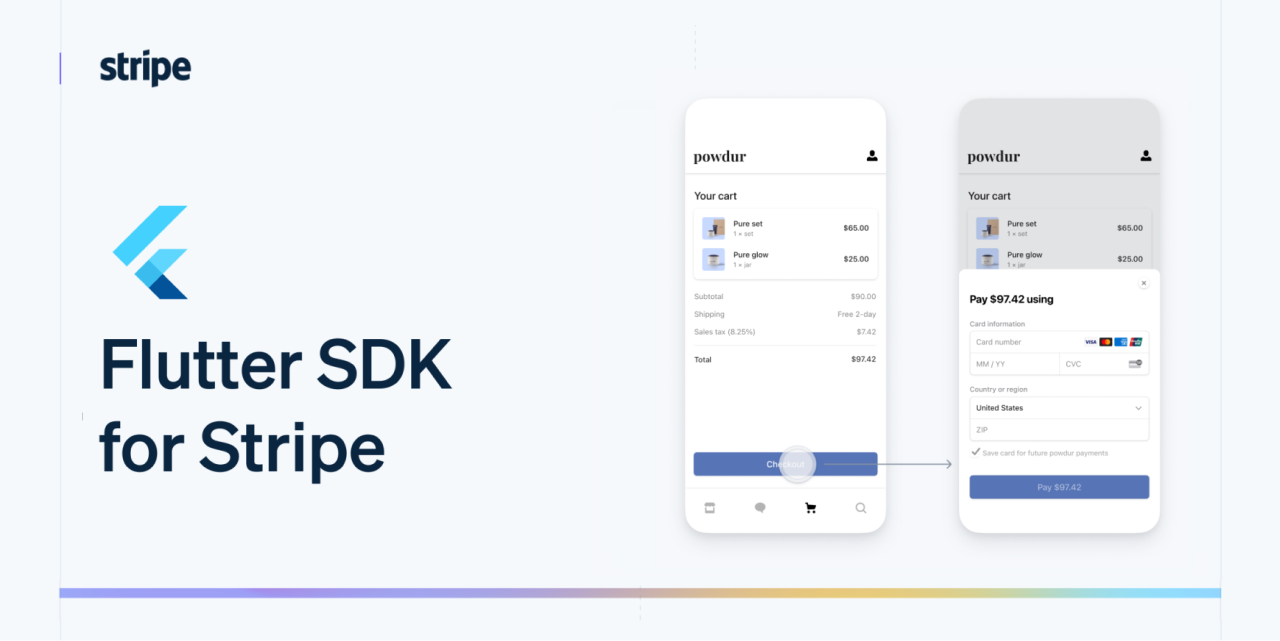
Thanks for sharing the information. Stripe doesn't support Flutter SDK officially. If you use flutter_stripe (community library) in your integration, I'd recommend checking with its developer/maintainer at https://github.com/flutter-stripe/flutter_stripe
GitHub
Flutter SDK for Stripe. Contribute to flutter-stripe/flutter_stripe development by creating an account on GitHub.