#BidBird®
1 messages · Page 1 of 1 (latest)
 idle plover
 mint geyser
Hi 👋 were you running into specific errors when trying to use fetch?
 grizzled otter
hello, let me grab one !
mint geyser
👍 thank you!
grizzled otter
so what's happening is pm_1MlHvXKT8fxib8XBNyrnVxJO a successful charge. However, it's not correct. I'm not updating in that instance 3 job credits. The charge should be for $15, not the default $5 for one.
I may be going about it incorrectly, but I'm trying to post the quantity and price so the payment intent may be updated.
prior to charging
mint geyser
Looking at the fetch line that you shared (pasted below for clarity) I'm not seeing the inclusion of the parameters that you want to provide to your backend. I'm only seeing the URL that you intend to make the request to.
I believe to use fetch you will need to also include the parameters that you want to provide there, either as query params or via the request's body.
grizzled otter
ok, does fetch allow POST requests with params?
I thought it was a GET method
just gave this a go and it's still a $5.
pi_3MlI4gKT8fxib8XB0JdCHsCK
mint geyser
My understanding is that using query params will result in fetch making GET requests, but that including a body makes POST requests instead:
https://developer.mozilla.org/en-US/docs/Web/API/Fetch_API/Using_Fetch#uploading_json_data
grizzled otter
const response = await fetch('https://bidbird.test/auctions/jobs/create/job-credits/update', {
params: {
paymentIntent: paymentIntent,
quantity: quantity,
price: price
}});
interesting
mint geyser
grizzled otter
just gave this a go and it's still a $5.
What are you seeing? Are you logging on the server-side to see what values your server is receiving?
I'm not finding any requests to update the Payment Intent that you referenced, is your code throwing an error before trying to make the update request?
grizzled otter
yea, so it's not posting. Just tried dumping the request. Let me have a look at the link you shared...
"params": {"paymentIntent": "pi_3MlIBAKT8fxib8XB0tVUMKSs",
"quantity": {"_value": "0"},
"price": {"_value": "500"}
ok, so got a post request which is good! however, it's not updating quantity.
mint geyser
Sweet, that's one step closer. Are there any errors being thrown from the line trying to make the request to Stripe?
grizzled otter
const quantity = document.getElementById('quantity') shouldn't that get the updated quantity?
mint geyser
That looks like it would get an element, do you have an element with that ID that is holding the quantity you want? If so, what type of element is that?
grizzled otter
mint geyser
Sweet, that's one step closer. Are there any errors being thrown from the line t...
I'm not getting any specific error, but it does say page expired on the fetch. Which is strange, I do have a csrf token on the form.
Let me grab that element
<div class="form-group">
    <label for="quantity">Quantity of Credits:</label>

    <input class="form-control" size="5" type="number"     value="0" id="quantity" name="quantity" min="1" style="                                    max-width:130px">

    <input type="hidden" name="price" id="price" value="500"/> </div>
that seems right to me..
 final oriole
Hi there 👋 taking over, as my colleague needs to step away
Give me a few minutes to get caught up.
grizzled otter
hey no prob! thank you, and thank @mint geyser
mint geyser
Any time, I'm always happy to help.
I think the line that you currently have only retrieves the actual element from your dom, and I think you'll need to add .value to get the value of that element instead.
Something like:
const quantity = document.getElementById('quantity').value
You're in good hands with my teammate, best of luck with the rest of your project!
grizzled otter
sweet!
grizzled otter
keep getting a 419 from this fetch method. Seems like a csrf error. Is that common?
final oriole
Not in my experience, no.
grizzled otter
ok , just found a middleware, that suggests in laravel to remove csrf protection. I think that'd be safe as this is the stripeIntent update method. Does that seem correct?
Meaning stripe will have it's own csrf with the stripe php code?
final oriole
I mean, this is just for your server's back-end communicating with the client, right? Stripe isn't really involved in that 415 error?
grizzled otter
Sure, When it hits the route with this function:
public function updatePaymentIntent(Request $request)
{
$amount = $request->quantity * $request->price;

$intent = \Stripe\PaymentIntent::update(            $request['params']['paymentIntent'],
['amount' => $amount]
);

echo json_encode(['status' => $intent]);
 }
this is where I found that: https://laravel.com/docs/10.x/csrf#csrf-excluding-uris
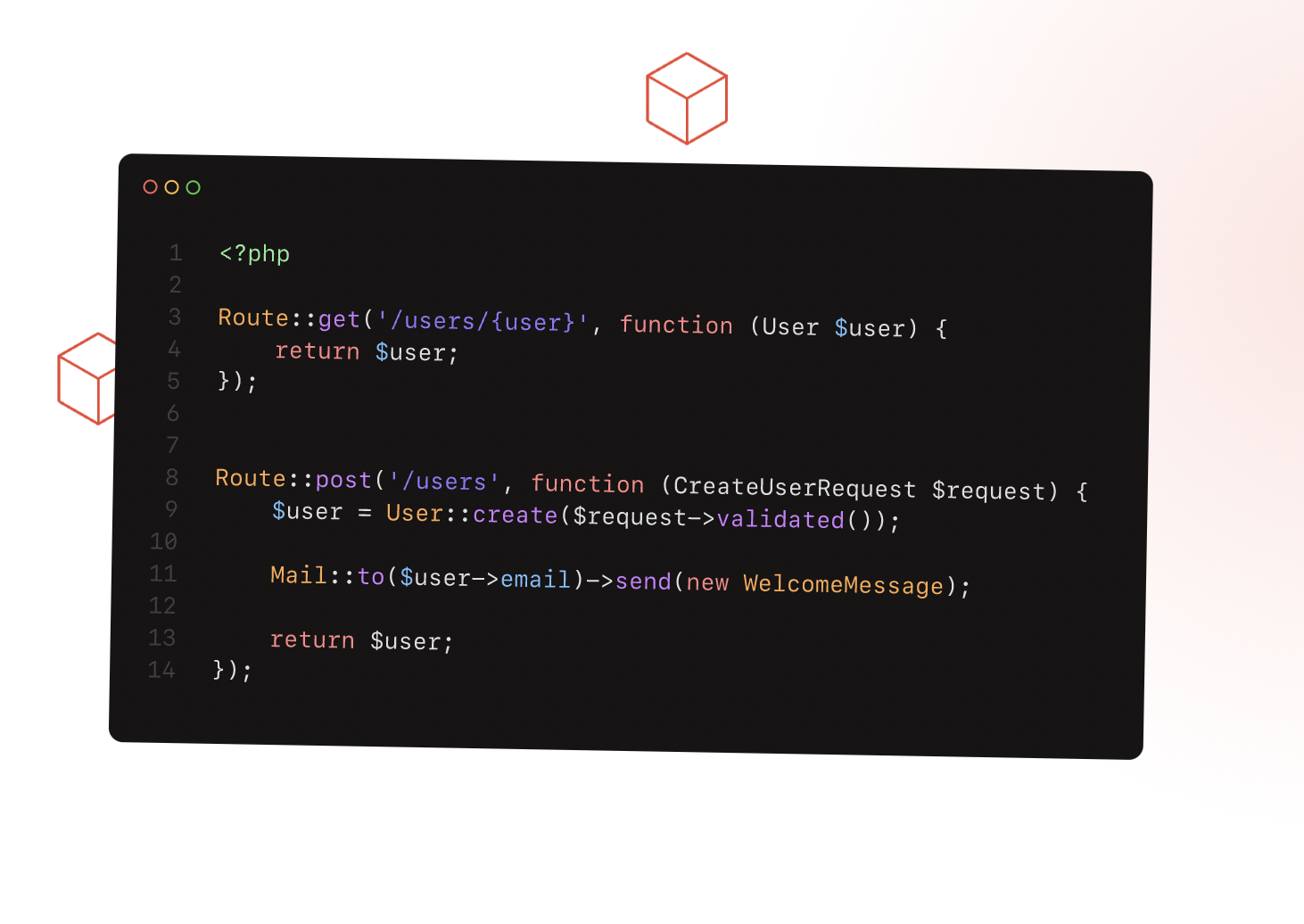
Laravel is a PHP web application framework with expressive, elegant syntax. We’ve already laid the foundation — freeing you to create without sweating the small things.
final oriole
Does it work now?
grizzled otter
not quite: pm_1MlJ94KT8fxib8XBOCpzEBhV
it's not updating the quantity. and just got a weird stripe error I've never seen before:
Stripe\Exception\InvalidRequestExceptionThis value must be greater than or equal to 1.
Sounds like it's not actually getting a value for amount. Are you able to step through the code and do a console log for each step to see where the data is getting lost?
grizzled otter
yes, for the most part.
On this route: Path: /auctions/jobs/create/job-credits/update
I receive:
{"params": {"paymentIntent":
"pi_3MlJHUKT8fxib8XB1pV8PxsP",
"quantity": "4",
"price": "500"
}}
all that is correct. After I return json is when the error seems to occur
final oriole
I don't follow. What JSON is being returned?
grizzled otter
from a few posts above that method updatePaymentIntent
in laravel, this seems to be the correct way to return:
return response()->json(['status' => $intent]);
here's the js
final oriole
Yeah, but what's actually being returned?
grizzled otter
await (async () => {
const response = await fetch('https://bidbird.test/auctions/jobs/create/job-credits/update',
{
method: "POST",
headers: {
"Content-Type": "application/json",
},
body: JSON.stringify({
params: {
paymentIntent: paymentIntent,
quantity: quantity,
price: price
}    })});

console.log(response)

if (response.status === 'requires_payment_method') {        const {error} = await elements.fetchUpdates();
}})();

const {error} = await stripe.confirmPayment({

   //`Elements` instance that was used to create the Payment Element process.env.APP_URL +    elements,    confirmParams: {        return_url: 'https://bidbird.test/auctions/jobs/create',    },});
I don't seem to be able to get that to print. I tried die and dumping the json but it does not seem to do that with a fetch.
You can see in the js above I"m trying to log the response but it never reaches the console?
final oriole
Hmmm, that's odd. Neither the server console nor the browser console?
grizzled otter
for certain the browser console.
how do you find the server console? Never heard of that
final oriole
You server is running somewhere presumably and sending output, yes?
grizzled otter
ha! ok, I thought you meant some special js server console. I'm much stronger on the laravel / php side.
So, actually, it seems I had to access the array differently as shown here:
$amount = $request['params']['quantity'] * $request['params']['price'];
The PI succeeded with $20 for 4 credits at $5!
pm_1MlJcTKT8fxib8XBncaTh36w
thank you ~
ok so it seems I've successfully done a charge with the proper amount. This was a big overhaul from the 2018 api.
Now, I'll try and hook it up with the proprietary orders, etc. Will be back.
Thank you thank you!