#Edi
1 messages · Page 1 of 1 (latest)
 fathom swift
 static otter
hello! can you share the PaymentIntent id?
 thorny linden
hi, sure
pi_3MW8MJI0zIE36YO908mlA9Zp
So, I'm trying to test some cards, to see if the flow is fine, as I did implement the same system before as well.
Everything works when setting up the test card 3220 (including the 3ds2 auth step)
I'm adding it as you can see.

I'm successfully going through the 3ds2 auth

card gets properly attached to customer's profile.
I trigger the first payment, right after linking, 3ds auth goes through

But as soon as the app is closed for example
I get a "requires_action" every single time I try to confirm a new paymentintent
with an error saying "card details not complete"

I do think this is a bug in the stripe-react-native sdk
So for example, in between these two payment ids, nothing is different, code or implementation wise, they are both made with the same payment method, with the latest Stripe API, and with the latest stripe-react-native SDK.
pi_3MW8YcI0zIE36YO91QK9bN73 3DS triggers just fine
pi_3MW8ZEI0zIE36YO91Yyo8EAm 3DS does not trigger, returning a "card details not complete with requires_action status"
static otter
gimme a while to go through what you just wrote
thorny linden
No probs.
I did go ahead and "manually completed" the billing details for the attached payment method .. hoping that is what "card details not complete" was about. But the result is the same.

Alright I think I know what's happening 🙂
I've thought ... let's just add the CardField element back in the component, since the error literally says "card details not complete" after i'm creating a paymentintent which I want to confirm via useConfirmPayment
So my customer cus_NG72C78MolRW4D has only one payment method attached, which is pm_1MW8psI0zIE36YO98nH1gj8J
i can successfully create a paymentintent, with that payment method, but when it comes back with "requires_action" and I attempt "useConfirmPayment" on, via:
const {paymentIntent, error} = await confirmPayment(intent.secret, {paymentMethodId: intent.method, paymentMethodType: 'Card'})
this seems to "ignore" the paymentMethodId parameter, and simply tries pulling data from the CardField
Check this out.

So I fill the CardField wih 4242, even though my paymentintent request was created with pm_1MW8psI0zIE36YO98nH1gj8J (which is card 3220)
The SDK seems to send the CardField details instead, so my assumption is that somehow, the SDK is not "finding" my provided paymentMethodId?
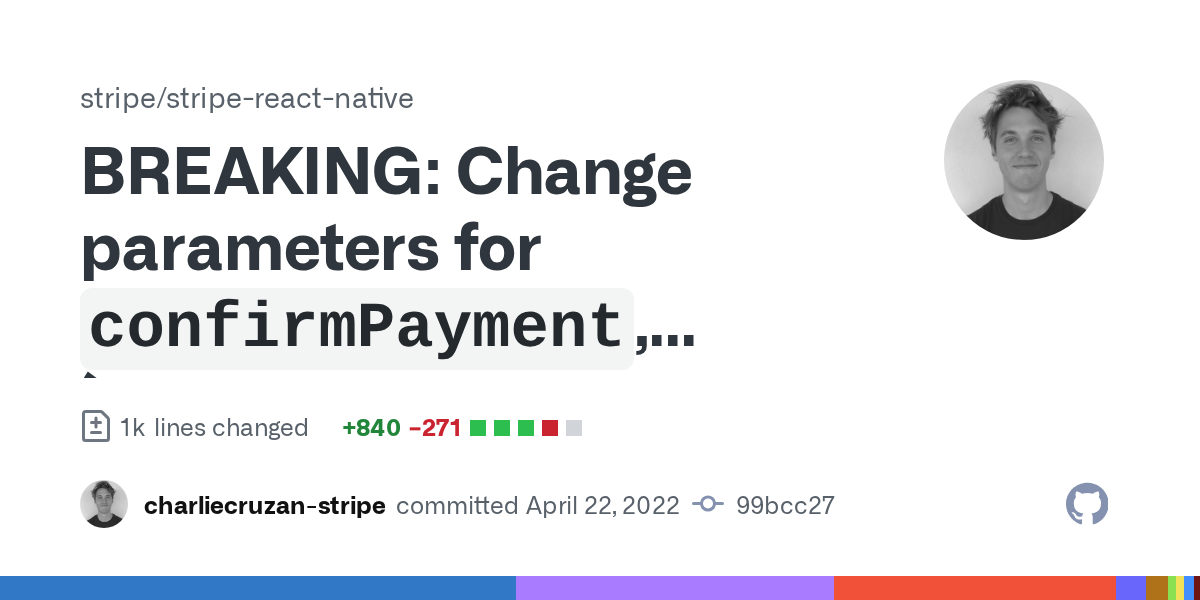
After some digging in the stripe-react-native github, I found a test case, with a changed param structure

Alright, seems like there was a breaking change I did not notice
https://github.com/stripe/stripe-react-native/commit/99bcc2722d8234e991529e4fbc867e220e90f863
GitHub
…, and createPaymentMethod` (#890)
static otter
sorry, got tied up with something else. Looks like you manage to figure things out?