#My Space is FROZEN. (Solved)

3 messages · Page 1 of 1 (latest)

fresh flame
#

if anyone knows how to deal with my Space crashing/ Freezing, after I uploaded 3D glb. file. I had previously created this space via Spatial SDK ( has lots of visits, few likes)..all published correctly. I recently tried to add 3D content via Upload. Then Crash!!! Now it Always Freezes. I went into my Content folder and Deleted that raw 3D GLB file, that was making it crash. But, unfort the space must still be loading it, since it still Freezes. This has been stuck for Days. I opened a ticket, no reply. Can anyone tell me a work around? Here is the space Cadets. https://www.spatial.io/s/CADETS-64196e3043e17c7d39f23a3e?share=2599548603591578055

Spatial

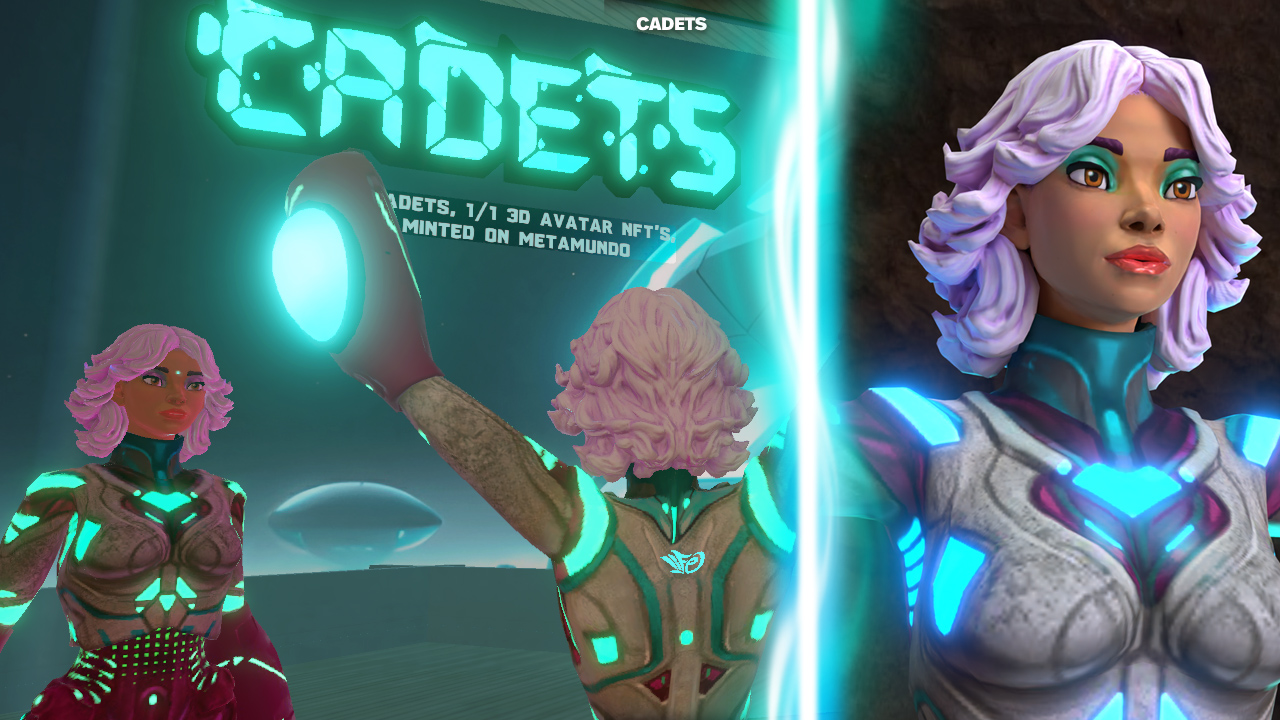
Try on a Cadet: Clicking prompt "Become a Cadet" .
1/1 3D avatar NFT. One of 8 CADETS available on MetaMundo. Collect your own! https://www.metamundo.co/BrianLiFe/ #cadets #brianlife #life #metamundo #custom #nft-artist #cadet

delicate pivot
#

Having the same problem today Brian, investigating

fresh flame
#

Solved: well. @neon vale ( thank you 🙏🏼) found the issue. It was a huge GLB file that was intended to be an environment. And it was not optimized at all. It was just a decimated Zbrush file with lots of roots in big mountains and trees and weird things almost like avatar is like roots, coming out of the ocean similar to that kind of stuff.

But it was Not re- topologized, ( Way to dense ) adjust and not optimized. So that one GLB, model, on top of my whole environment published for Spatial SDK. Made it crash. Just too much to load. Thanks all who helped. Sorry for the Kick up Dust.