

1 messages · Page 1 of 1 (latest)
 pine verge
I've developed a Recipe website using HTML, CSS, and JavaScript with Vite. During development, everything was working fine. However, after building the project for production, the application has stopped functioning correctly. Specifically, the issue arises when navigating to different pages. For example, on the blog page, the CSS doesn't seem to apply, and the same problem occurs on the displayRecipe.html page where both CSS and JavaScript are not functioning as expected.
Specific Issues:
CSS not applying on certain pages
JavaScript not functioning on certain pages
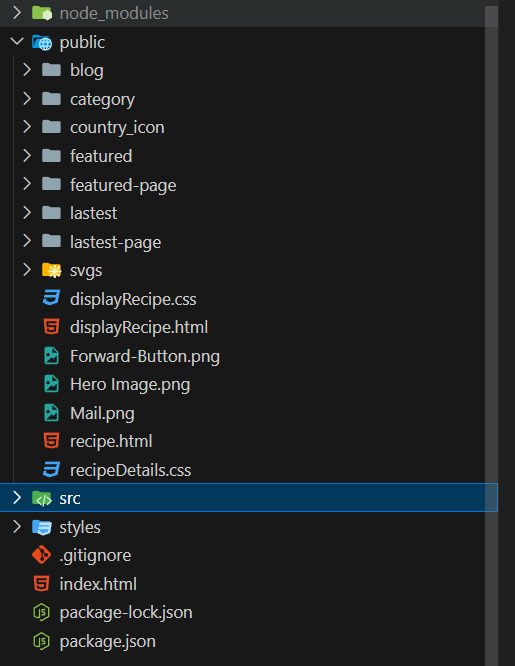
Project Structure: https://i.sstatic.net/mdzgtzmD.png
Project Link: https://github.com/jfmartinz/FindRecipe
After building the project for production, CSS styles are not applying correctly on certain pages, and JavaScript functionality is not working as expected.
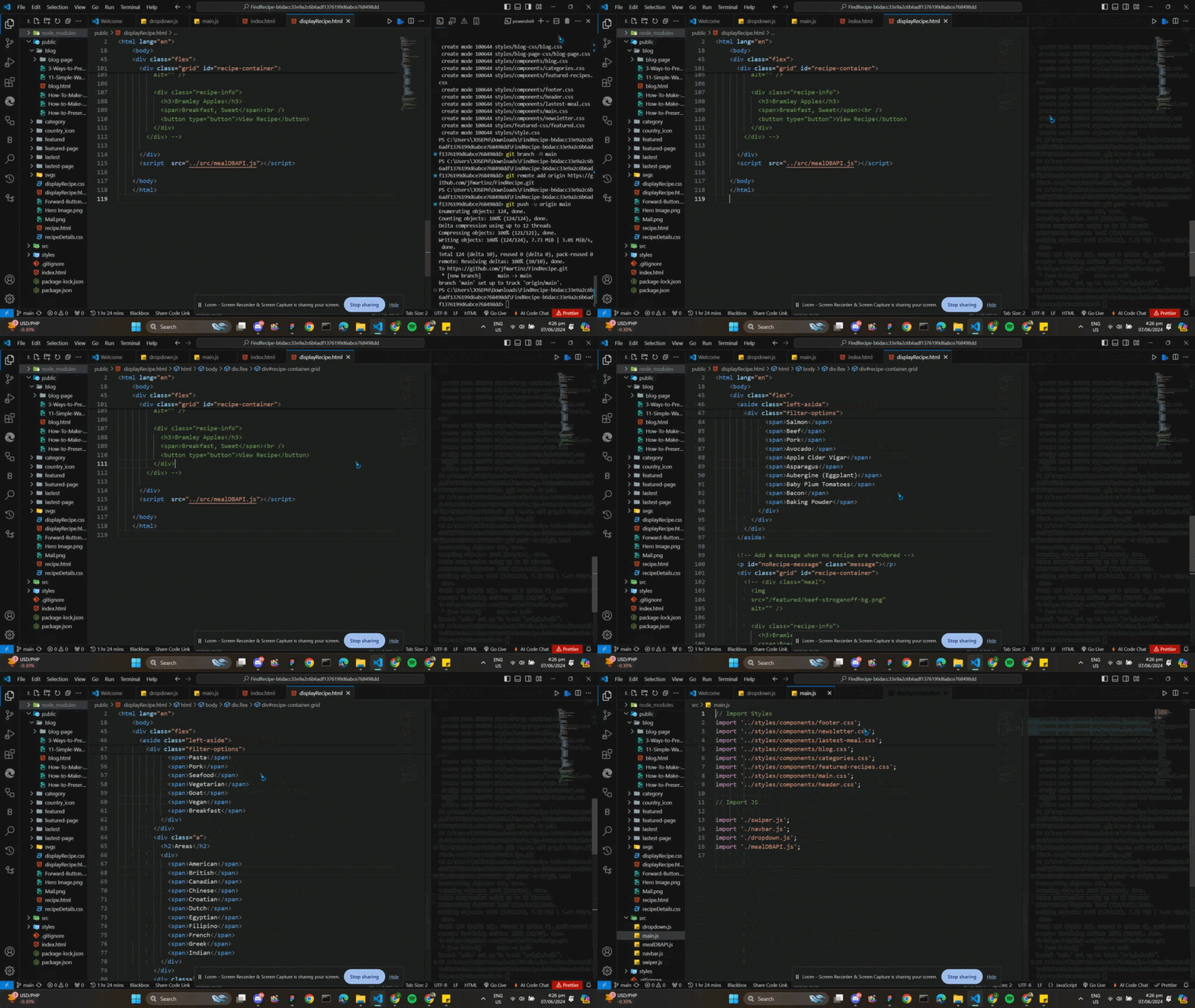
You can watch this video in Loom for better understanding: https://www.loom.com/share/bd472bc40b834faba4e9c956eb483bb8
Additional Information: I Suspect that the issue may be related to the website's structure or the absence of a vite.config.js file.
P.S. I just want to know if the problem is becacuse of the structure or not, or something else, please I need some idea.
Contribute to jfmartinz/FindRecipe development by creating an account on GitHub.
Please help me
 native beacon
Hi, when you build the project, you want files to be in one directory usually "dist" or "public" is usual. Then links to css and js can be included from this root path, maybe inside /assets folder. For example
{
  build: {
    outDir: 'dist/',
    assetsDir: 'assets'
  }
}
in vite.config.js
Here is example config, just some parts you don't need