#Cel Shading Modular Character Lighting
1 messages · Page 1 of 1 (latest)
 merry mauve
merry mauve
merry mauve
Can you apply the body material to the hands to test that
Or apply the hand material to the body
Just to see if the problem followed the material or the slot
merry mauve
You got subsurface profile maybe that's causing issue?
merry mauve
In a realistic game yea
Subsurface is not required for a cartoony stylized game
I'm not sure you'd even notice
Regardless you shouldn't dismiss this just because you want sss
Because that would tell you that's the issue
How are you going to debug if it you won't verify that's the issue?
There are 3 subsurface methods used in unreal, maybe one works and one doesn't?
Give it a shot
merry mauve
So you're saying it's the materials which is bugging and not the model itself?
And the model and normals look fine otherwise?
merry mauve
I'm not really able to look at it I'm just saying you need to narrow down what's causing it
merry mauve
why is your character mesh two sided BTW?
merry mauve
ah
merry mauve
I mean even if you buy an asset you should try to understand the material and what everything is doing
 sturdy tapir
Charlie's cel shader is a post-process material
try this one https://youtu.be/eBS3BOI5KnM
you could at least learn from it, it's very explanatory
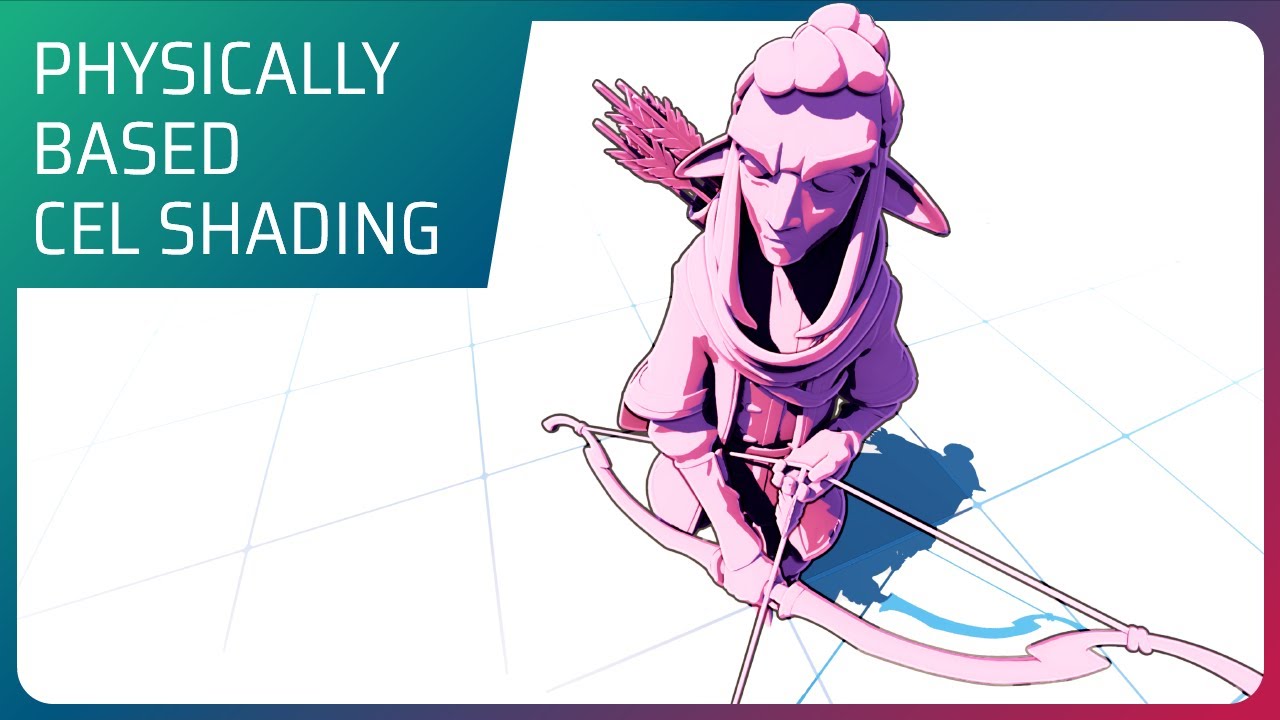
In this video we go through the break-down of the most common approach to create toon looking images in Unreal Engine, we'll see what works and what doesn't.
Then we'll build up to a new Cel Shading approach that doesn't break physically based rules. Following with few sample tricks to improve the image and re-purposing elements as the outlines ...